
 Counter service and retail
One-screen countertop POS
Clover Station Solo
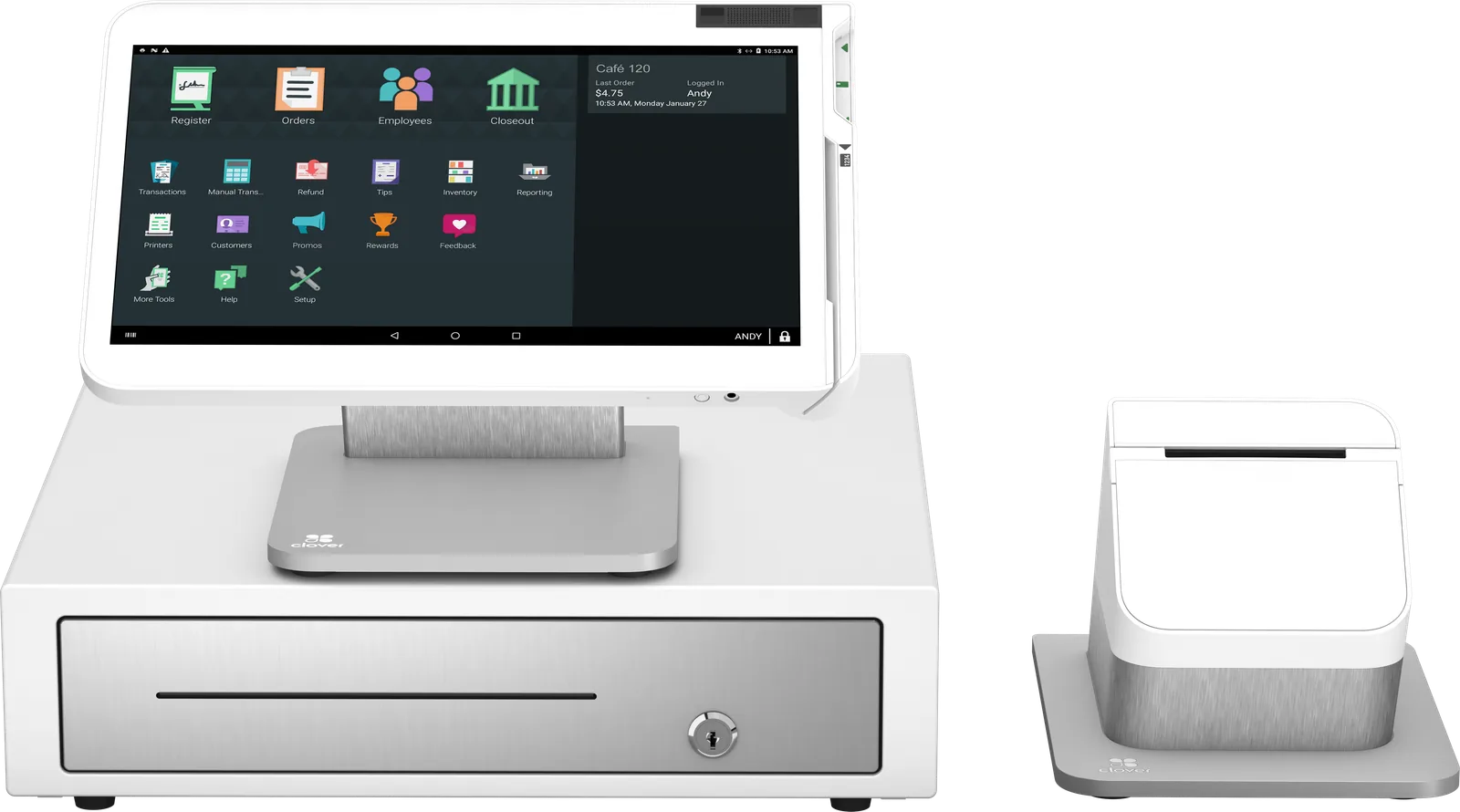
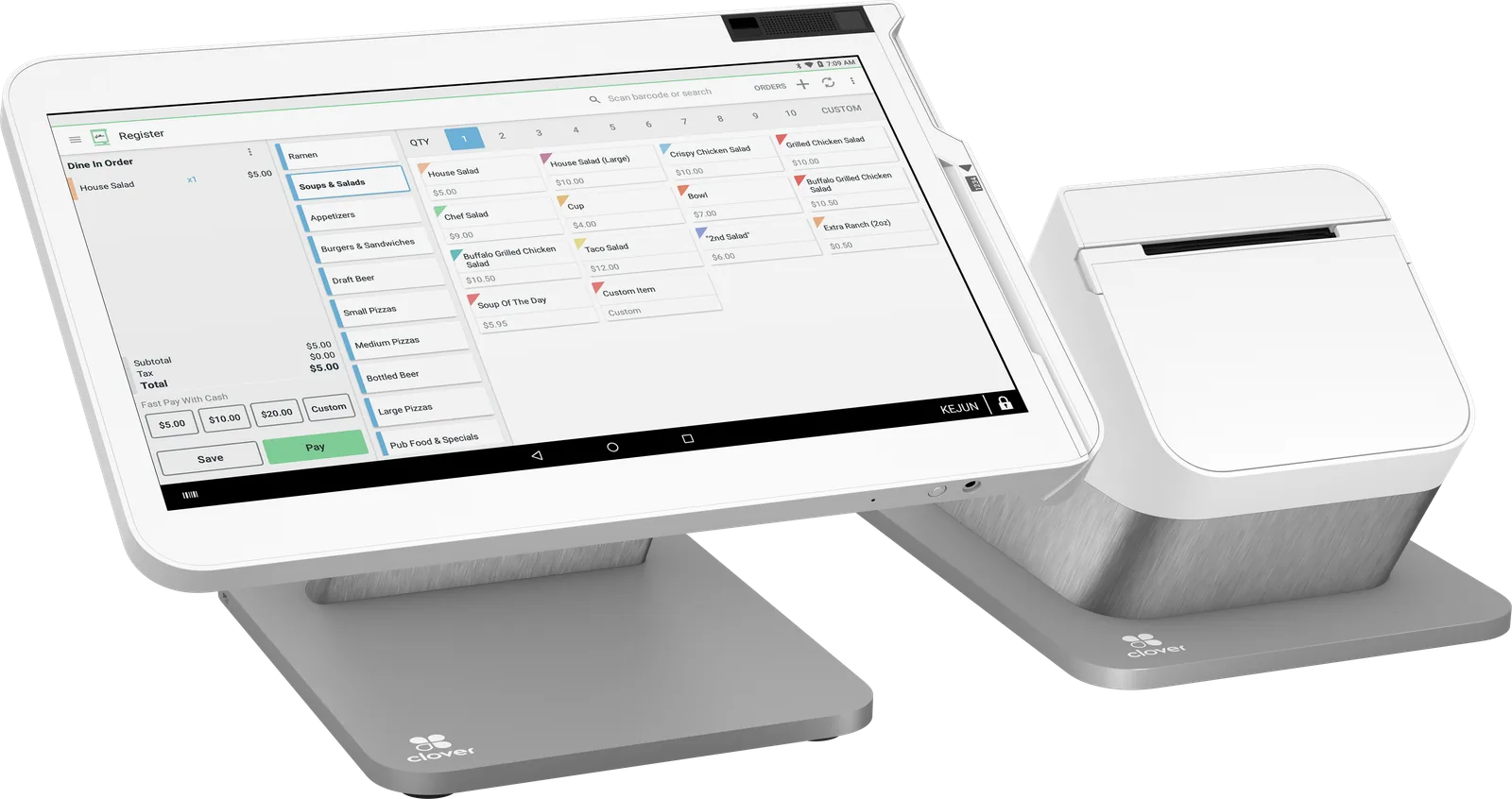
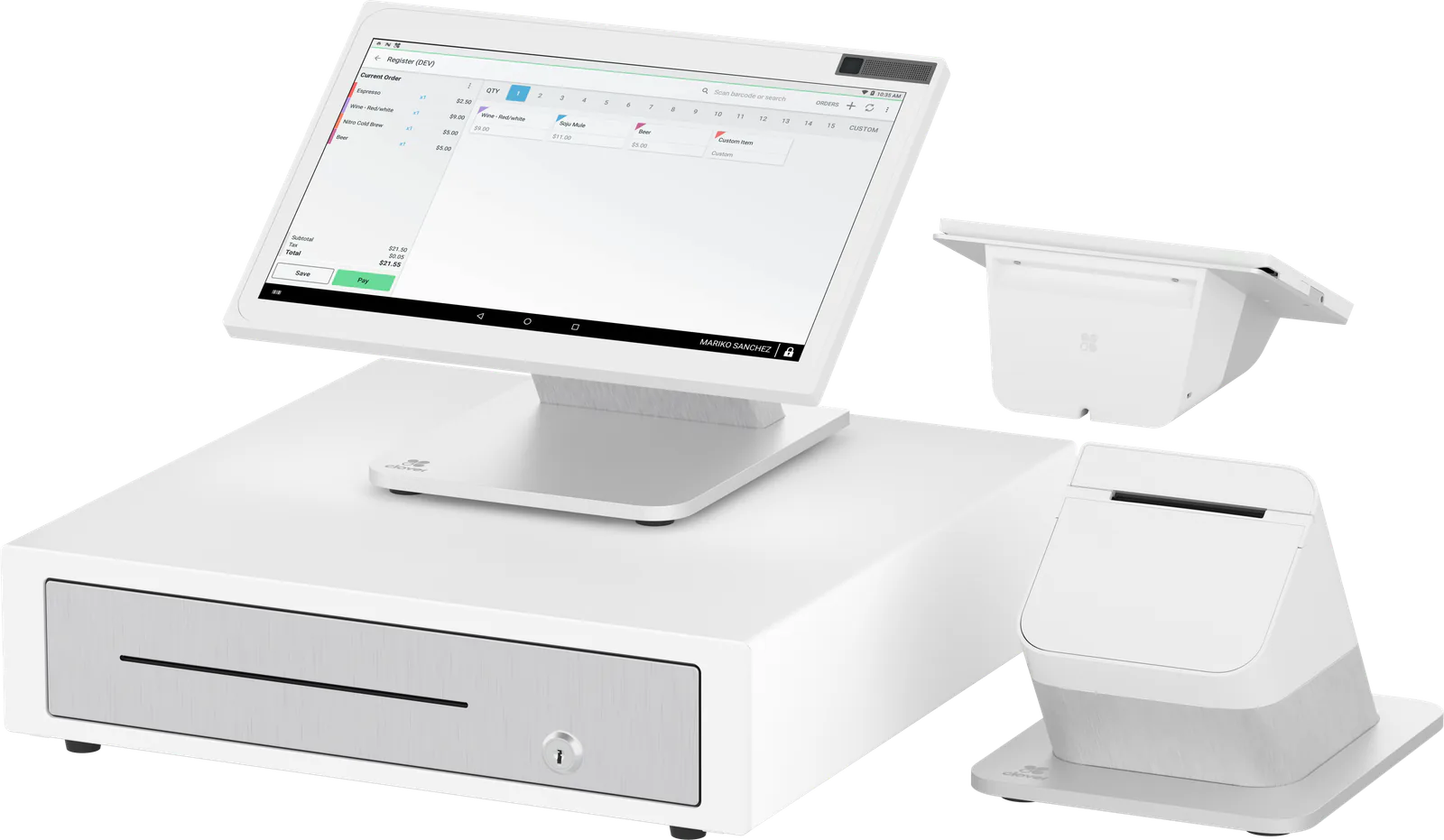
A one-screen register for restaurants, bars and shops where your staff run the checkout. A 14‑inch touch screen, a receipt printer and room to add a Clover Flex for the table.
- 14" HD touch screen
- Receipt printer
- Chip and swipe
- Ethernet, Wi-Fi or LTE
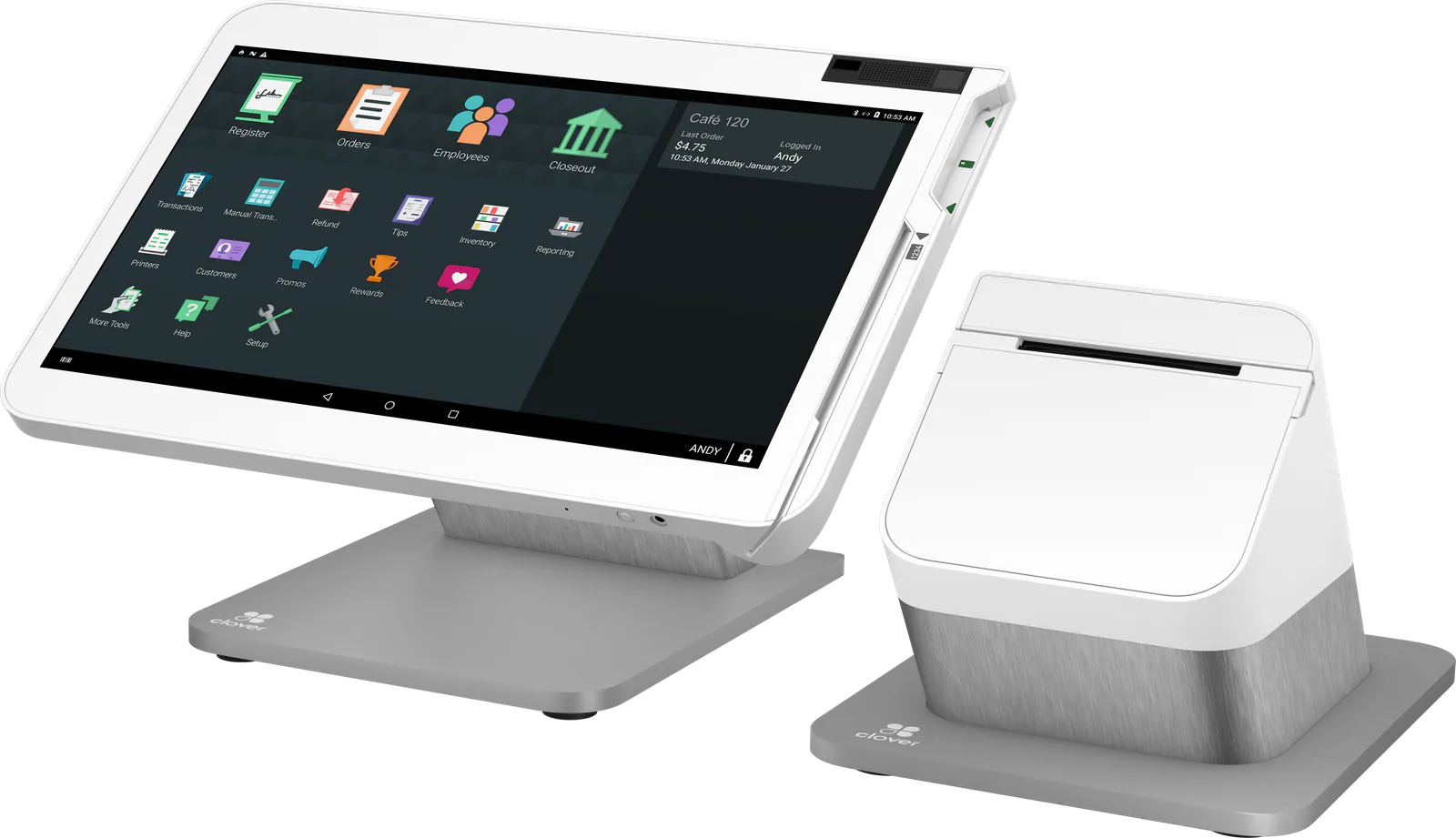
Looking for the Clover Station (2018)? That model, also called Station 2, is no longer sold. The one-screen Station in today’s lineup is the Station Solo. If you liked the 2018 printer with its small customer screen, look at the Station Duo 2, which has a full 8‑inch customer screen.
Features
What you get with the Station Solo
A big screen your team can work on
The 14‑inch high-definition touch screen tilts to suit your counter, with room for menus, open orders, inventory, staff and reports.
Ready for the counter
The Station comes with a high-speed thermal receipt printer and Clover’s matching cash drawer, which has 5 bill and 5 coin slots and opens on its own when you ring up a cash sale.
Set up for table service
With Clover’s Restaurant Growth plan you can map tables, open tabs and split bills. Add a Clover Flex 4 and servers take payment at the table.
Room to grow
The Solo works alongside your other Clover devices on one account. Its hub has four USB ports, two cash drawer ports and a charging port for a Clover Flex, so accessories plug straight in.
Chip and swipe, run by your staff
The Solo is made for restaurants where your server takes the card and runs the payment, so it reads chip and swipe cards from all major brands and has no tap reader. For tap and phone wallets, add a Flex 4 or Mini 3, or choose the Station Duo 2.
Online at the counter and the table
The Station connects over Ethernet, Wi‑Fi or 4G LTE, and a Clover Flex 4 runs on Wi‑Fi or LTE. When a server takes payment at the table, it shows up on the Station right away.
Up close
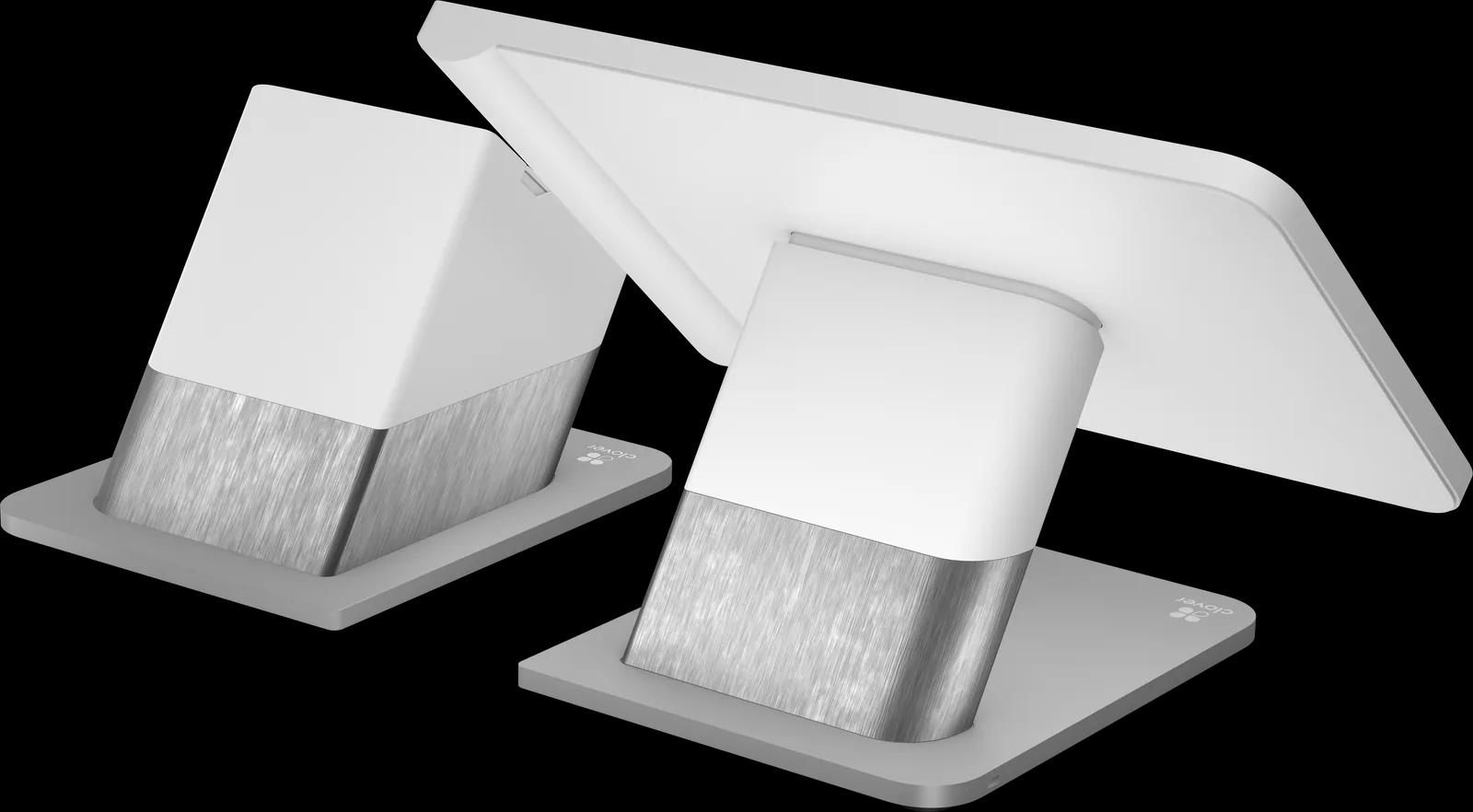
A closer look at the Station Solo
Fit
Is the Station Solo right for you?
A good fit for
- Table-service restaurants and bars, with servers taking payment at the table on a Clover Flex 4
- Service businesses and shops where staff run the checkout
- Counters that need a large screen, a receipt printer and a cash drawer in one setup
- Owners who want room to add devices and accessories later
Specs
Clover Station Solo specs
Specs from Clover and our partner catalog. Check with us before you order.
| Display | 14" high-definition touch screen, tiltable |
|---|
| Card reader | Chip and swipe |
|---|---|
| Card brands | All major credit cards |
| EBT | EBT food (SNAP) and cash benefits, once your business is approved for EBT |
| Receipt printer | High-speed thermal receipt printer |
|---|---|
| Printer paper | 3 1/8 in (80 mm) wide rolls, 3.25 in (83 mm) roll diameter |
| Cash drawer | Included: matching Clover drawer, 5 bill and 5 coin slots; opens automatically on cash sales |
| Camera | 5 MP camera with scanning software |
| Ports | Hub with four USB ports and two cash drawer ports; 12 V charging port for a Clover Flex |
| Audio | Internal speaker and microphone |
| Network | Ethernet, Wi‑Fi and 4G LTE |
|---|---|
| Data plan | Optional; we can turn it on or off at any time |
| Offline payments | Yes; sent for approval once you’re back online |
| Offline exceptions | EBT and gift cards need a connection |
| Encryption | Clover Security encryption and tokenization |
|---|---|
| Employee login | Fingerprint reader |
| Login cards | Swipe employee login cards available |
| Processor | Qualcomm Snapdragon 660, octa-core |
|---|---|
| Memory | 2 GB RAM, 16 GB storage |
| Operating system | Clover’s hardened version of Android 10 |
Accessories
Works with the Station Solo
Ask about any of these when you get a quote.
- Clover cash drawerThe Solo’s hub has two cash drawer ports, so a second drawer can run from the same Station. A 5‑coin tray and a locking lid for the drawer are available too.
- Employee login cardsServers and bartenders swipe their own card to log in to the Station instead of typing a passcode.
- Clover Kitchen PrinterTwo-color and built for heat and humidity. Orders from the Station, and from servers’ Flex 4s in the same system, print on the line.
- Star TSP143IV printerA quiet order printer for the bar or a cold kitchen. It connects over Ethernet, and a server’s Flex 4 can send to it too.
- Clover Kitchen DisplayA 14‑inch or 24‑inch screen on the line in place of paper tickets, for orders from the Station and the floor. Add a bump bar to clear them.
- Epson TM-L90 label printerPrints 2¼ × 1¼-inch sticky labels with order and item details, so takeout orders leave labeled.
- CAS weight scaleWeighs up to 20 lb in grams or ounces and passes the weight straight into the sale.
- Barcode scannersThe hands-free Zebra DS9308, which reads 1D and 2D barcodes, or Clover’s 2D handheld scanner.
FAQ
Questions about the Station Solo
Have a question we didn’t cover? Ask us and we’ll answer by phone or email.
Ask a questionDoes the Station Solo take tap to pay or Apple Pay?
No. The Station Solo is made for restaurants where the server takes the card and runs the payment, so it reads chip and swipe cards and has no tap reader. For tap and phone wallets like Apple Pay, add a Clover Flex 4 for payments at the table or a Clover Mini 3 at the counter; both take contactless payments. If your customers pay at the counter, the Station Duo 2 takes tap payments on its customer screen.
Station Solo or Station Duo 2: which one do I need?
Both have a 14‑inch staff screen and a receipt printer, work with Clover’s cash drawer, and connect over Ethernet, Wi‑Fi or 4G LTE. Choose the Solo when your staff run the checkout or take payment at the table, as in full-service restaurants and bars. Choose the Duo 2 when customers pay at your counter: its 8‑inch customer screen lets them check the order, tip and tap to pay.
Is the Station Solo good for restaurants and retail?
Yes. Clover offers the same Station Solo for any business or for full-service restaurants; the difference is the software plan. Clover’s Restaurant Growth plan adds table maps, open tabs and split bills. In a shop or service business, the Solo handles checkout, inventory and staff, and works with barcode scanners and a weight scale.
Can I connect a Clover Mini or Flex to the Station Solo?
They work together on one Clover account, but the Solo can’t tether a Mini or Flex. Each runs as its own device: servers can take payment at the table on a Clover Flex 4, and the sale shows up on the Station right away. The Solo’s hub has a charging port for a Clover Flex cradle (the Flex and charging cable are sold separately), and the Flex 4 comes with its own wireless charging cradle. If you want a screen facing customers at the register, the Station Duo 2 has one built in.
Does it come with a receipt printer and cash drawer?
Yes. The receipt printer and Clover’s matching cash drawer both come with the Station Solo. The drawer has 5 bill and 5 coin slots and opens on its own when you ring up a cash sale. If you don’t take cash, we can quote it without the drawer.
How much does a Clover Station Solo cost?
It depends on the setup: how many devices you need (a restaurant might pair the Solo with one or more Flex 4s), which accessories, your Clover software plan and how you want to handle card fees. We price the whole system as one quote, so you see everything before you decide. Ask for a quote and we’ll follow up by phone or email.
My Clover Station won’t power on. Who do I call?
If you signed up with us, call or text your rep: they handle anything on your account. Otherwise, Clover Support answers 24/7, 365 days a year at (855) 853-8340, and CardConnect Merchant Support is at (877) 828-0720; if another agent signed you up, contact that agent’s office. If it’s time to replace an older Station, we can quote a Station Solo or Duo 2.
Other devices
Other Clover devices
- Counter service and retail
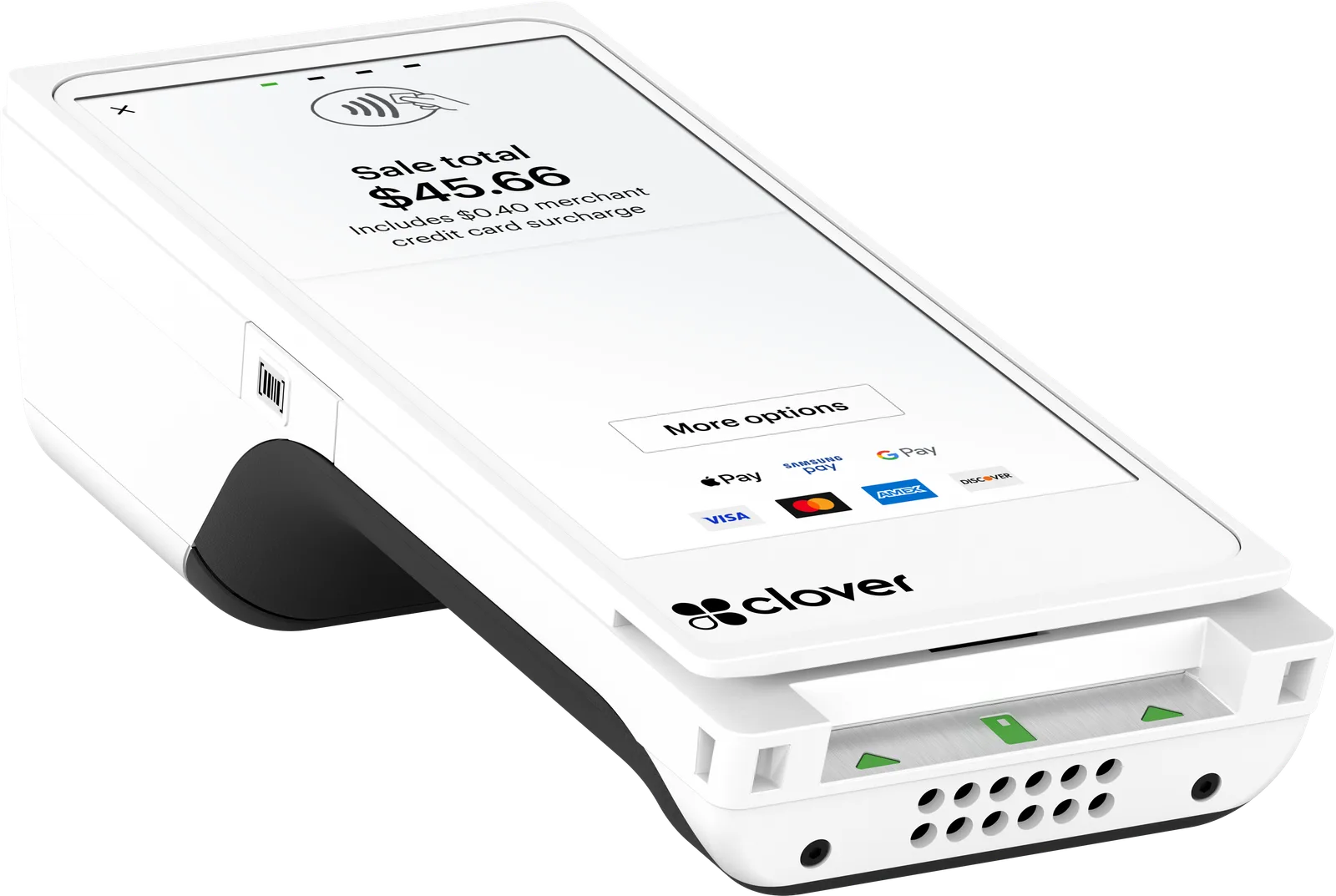 Tableside and on the go
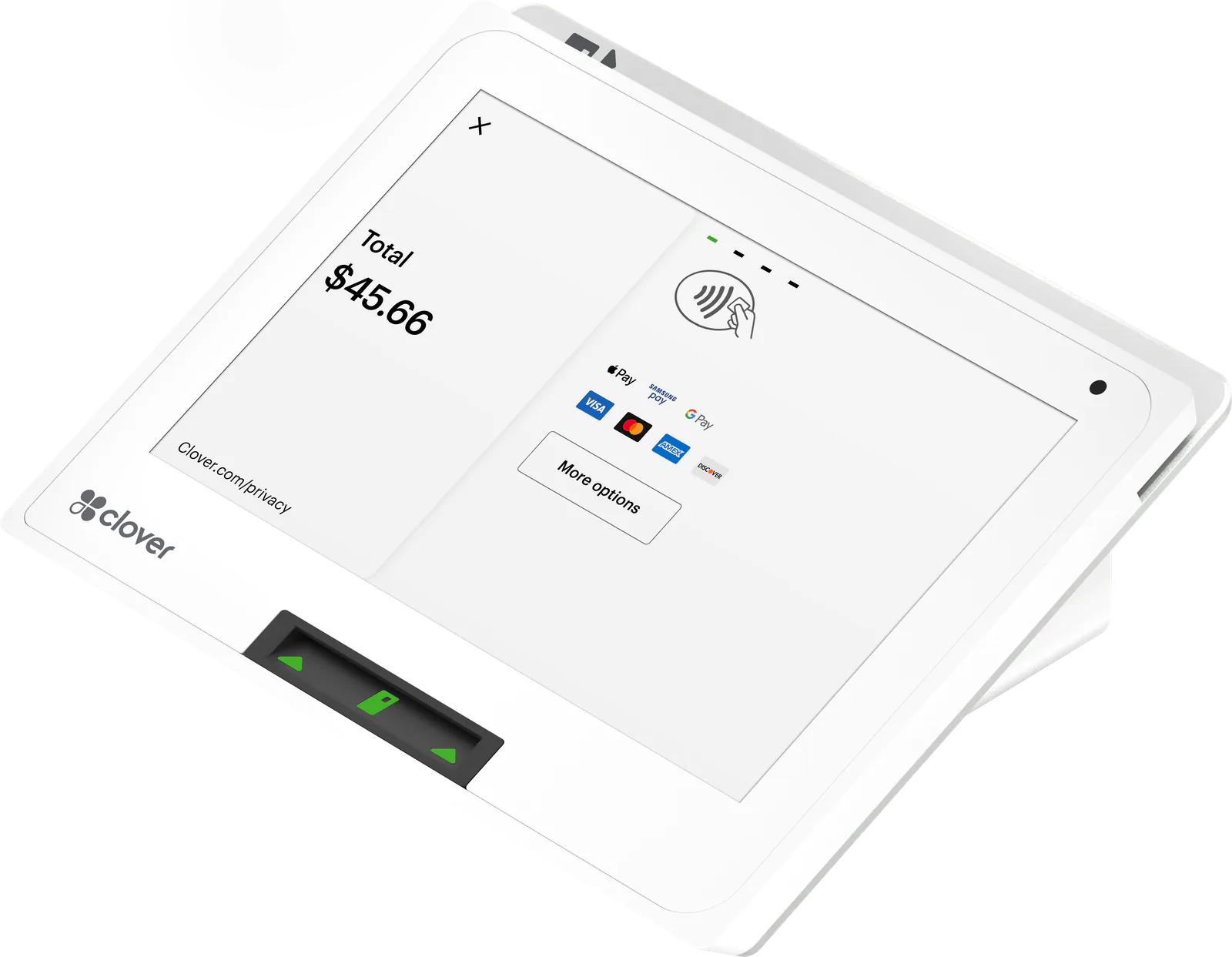 Small counters
Ready for the Clover Station Solo?
Tell us how you sell. We’ll quote the device and a processing plan, set them up, and stay a phone call away.