
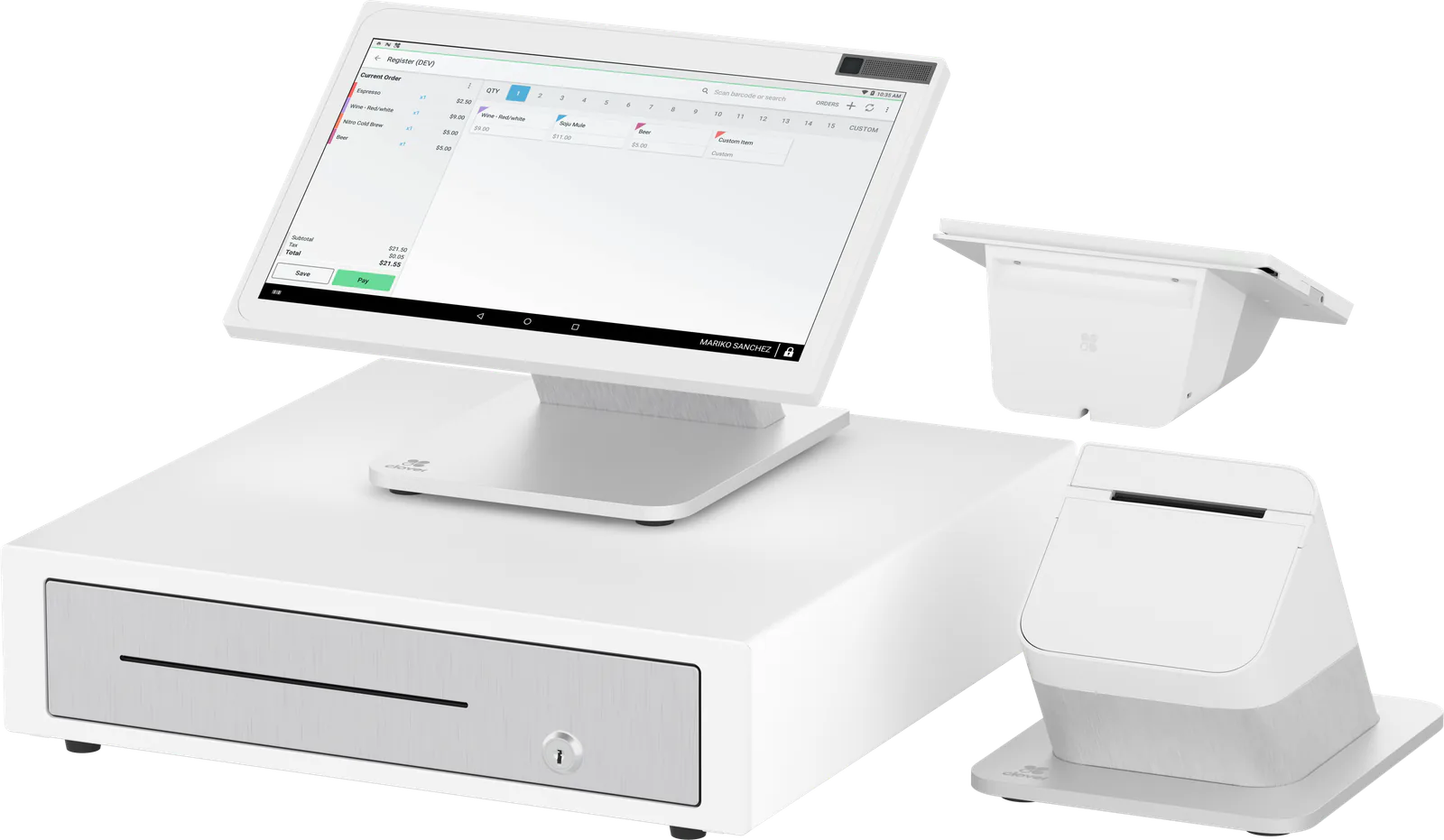
 Counter service and retail
Point-of-sale hardware
Compare Clover devices
Clover’s current lineup, from a two-screen register to a card reader for your phone. See them side by side, then ask us which one fits how you sell.
Lineup
Today’s Clover devices
Eight current models. Open one for its features, full specs and the questions owners ask about it.
- Counter service and retail
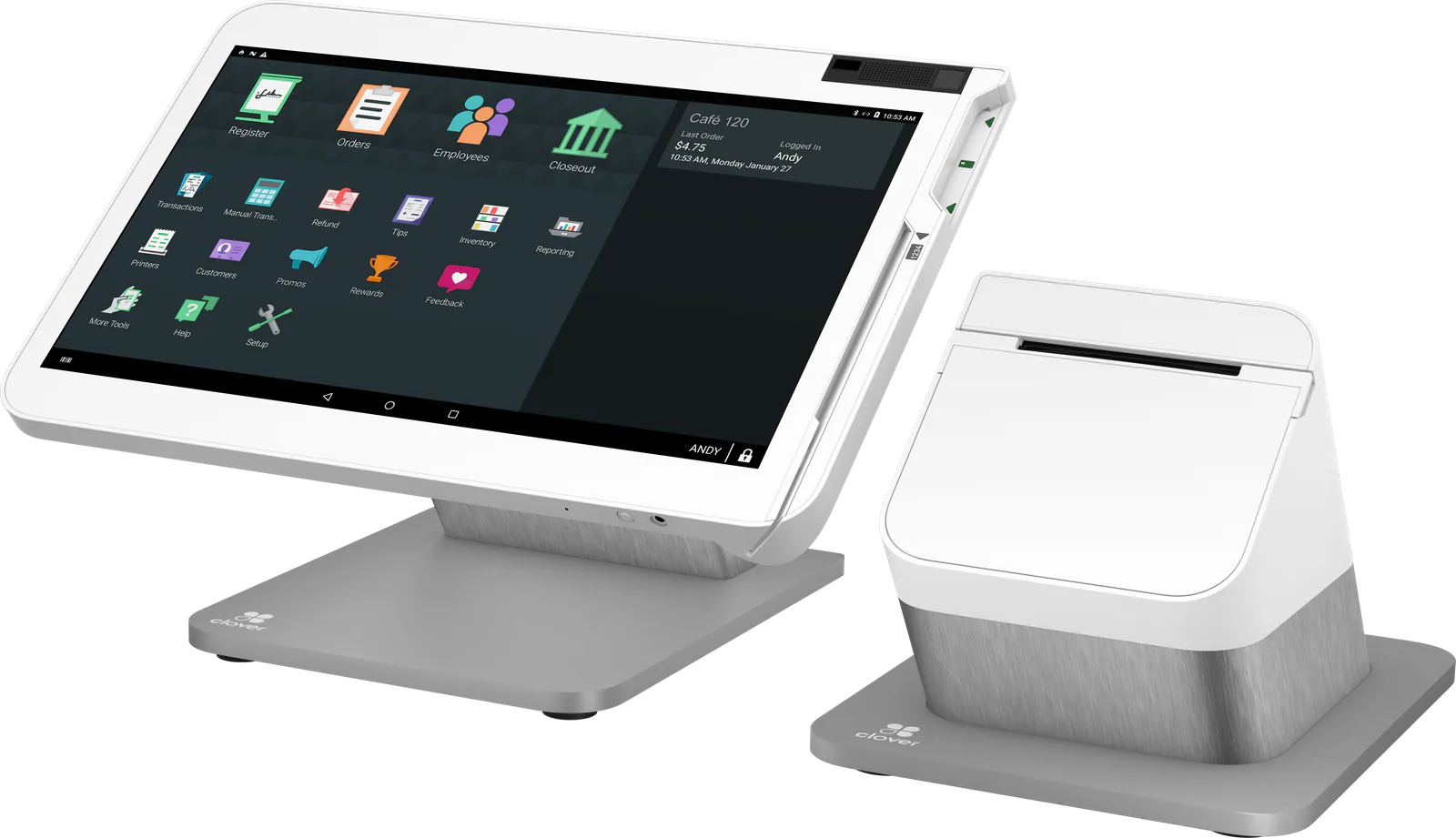 Table service restaurants and bars
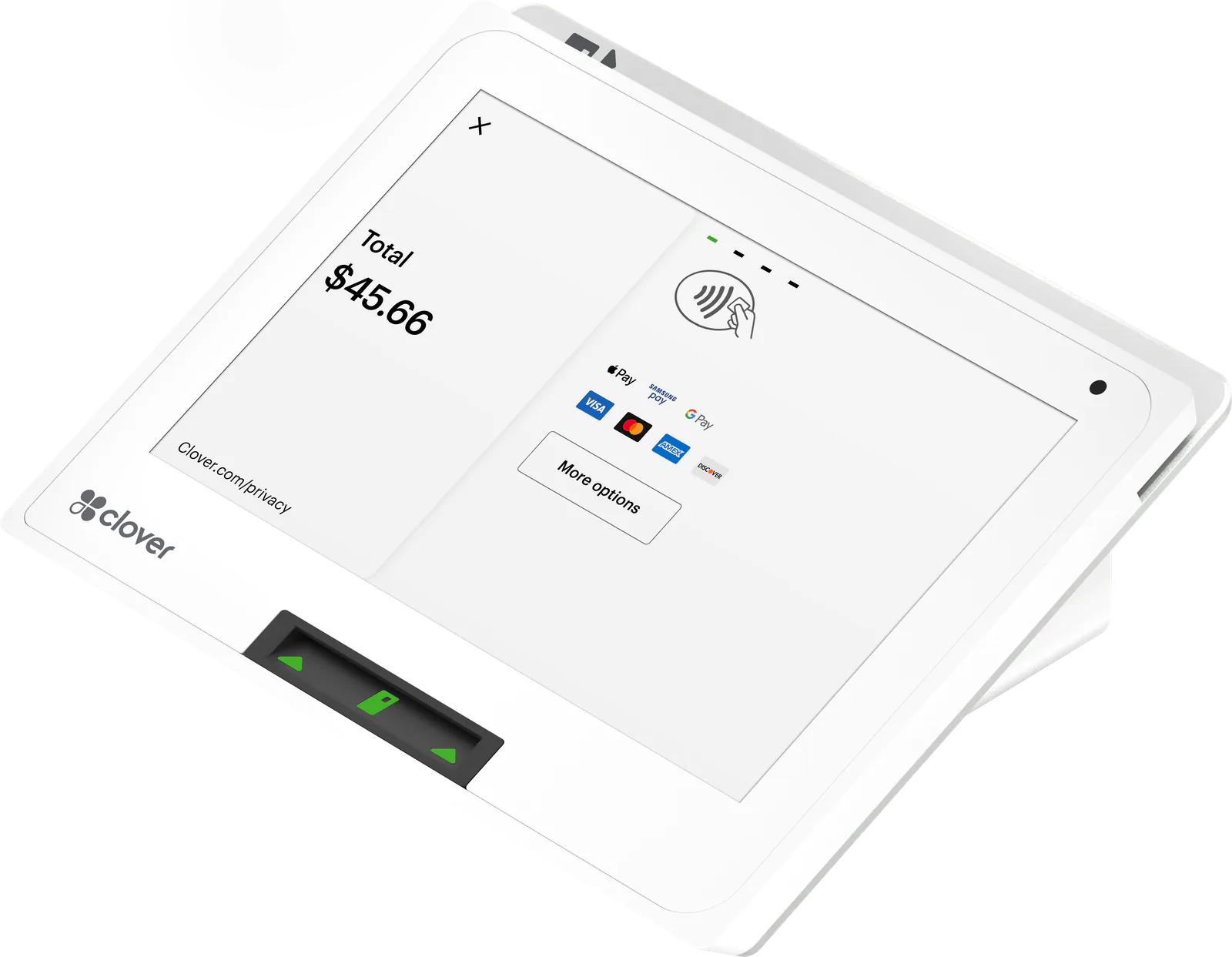 Small counters
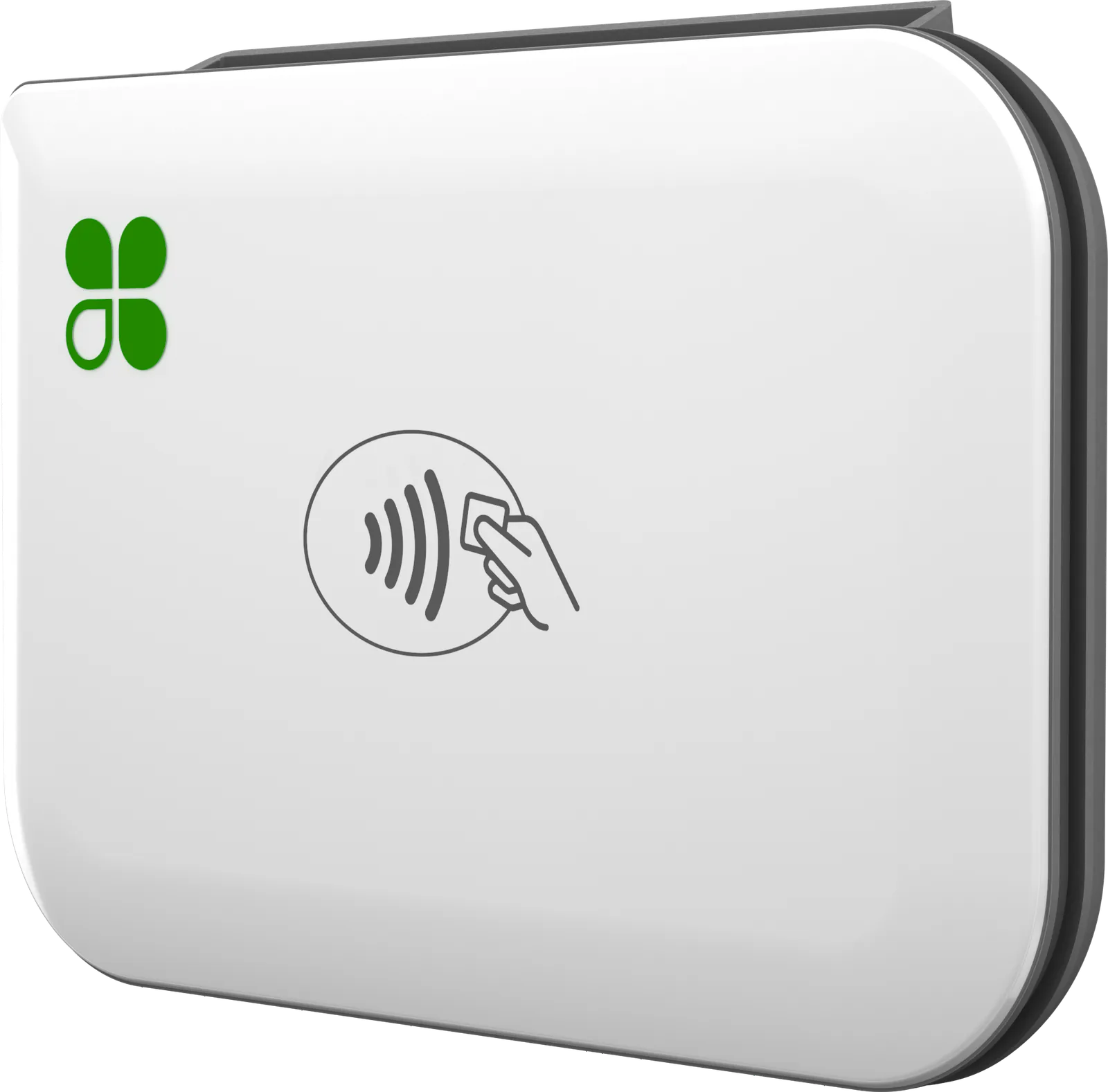
 Counters that just take cards
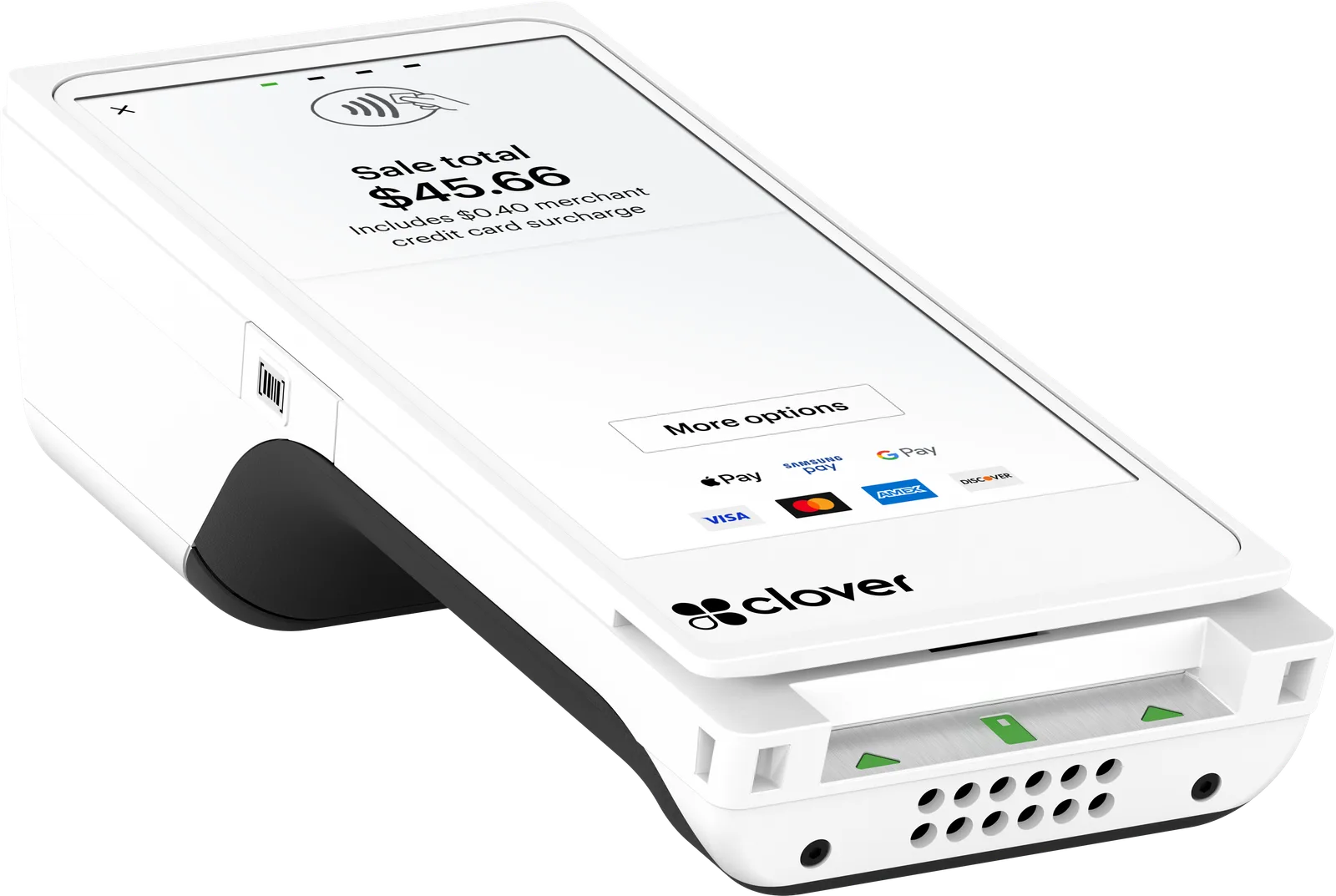 Tableside and on the go
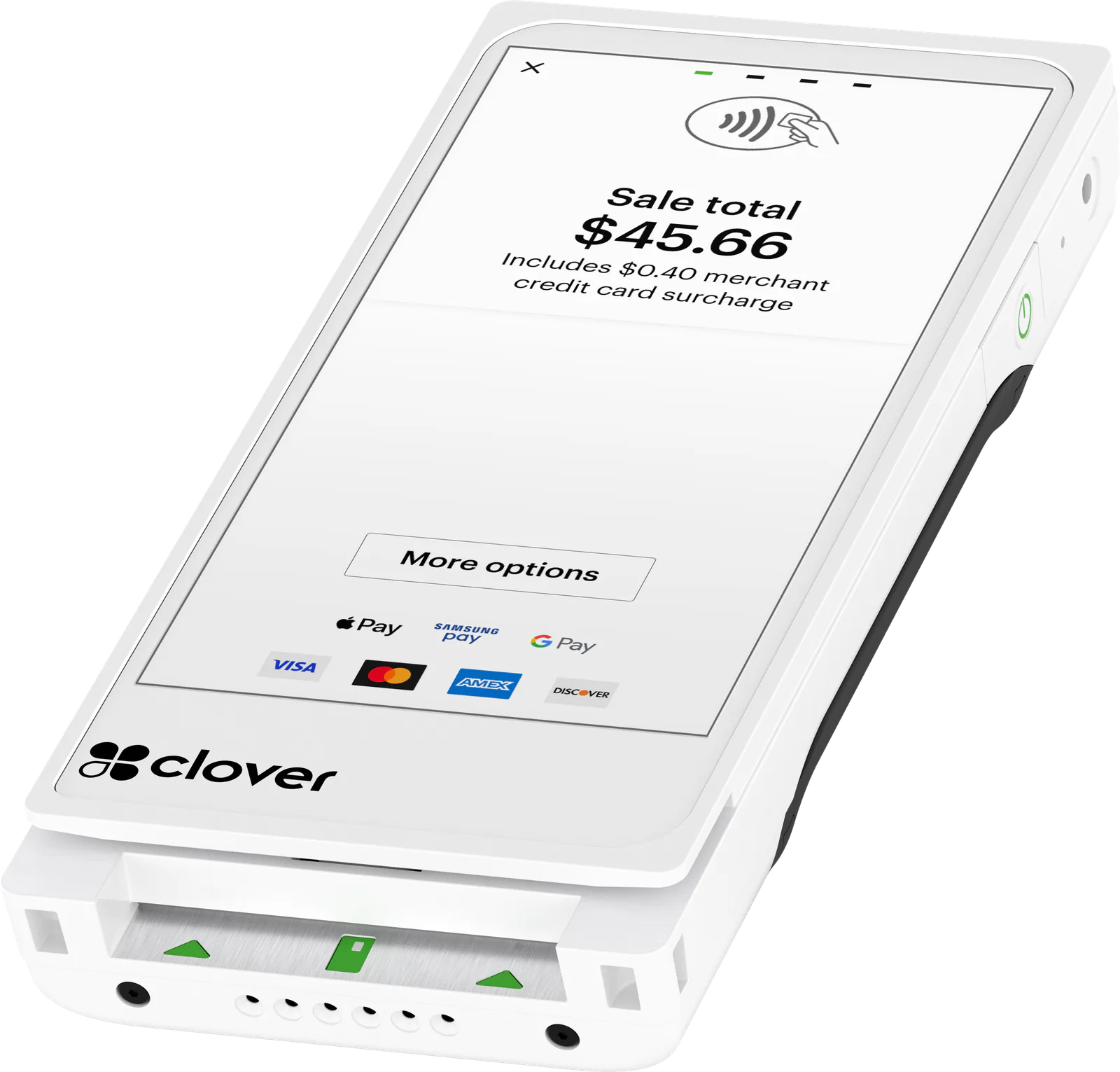 Payments that fit an apron pocket
 Food trucks, markets and pop-ups
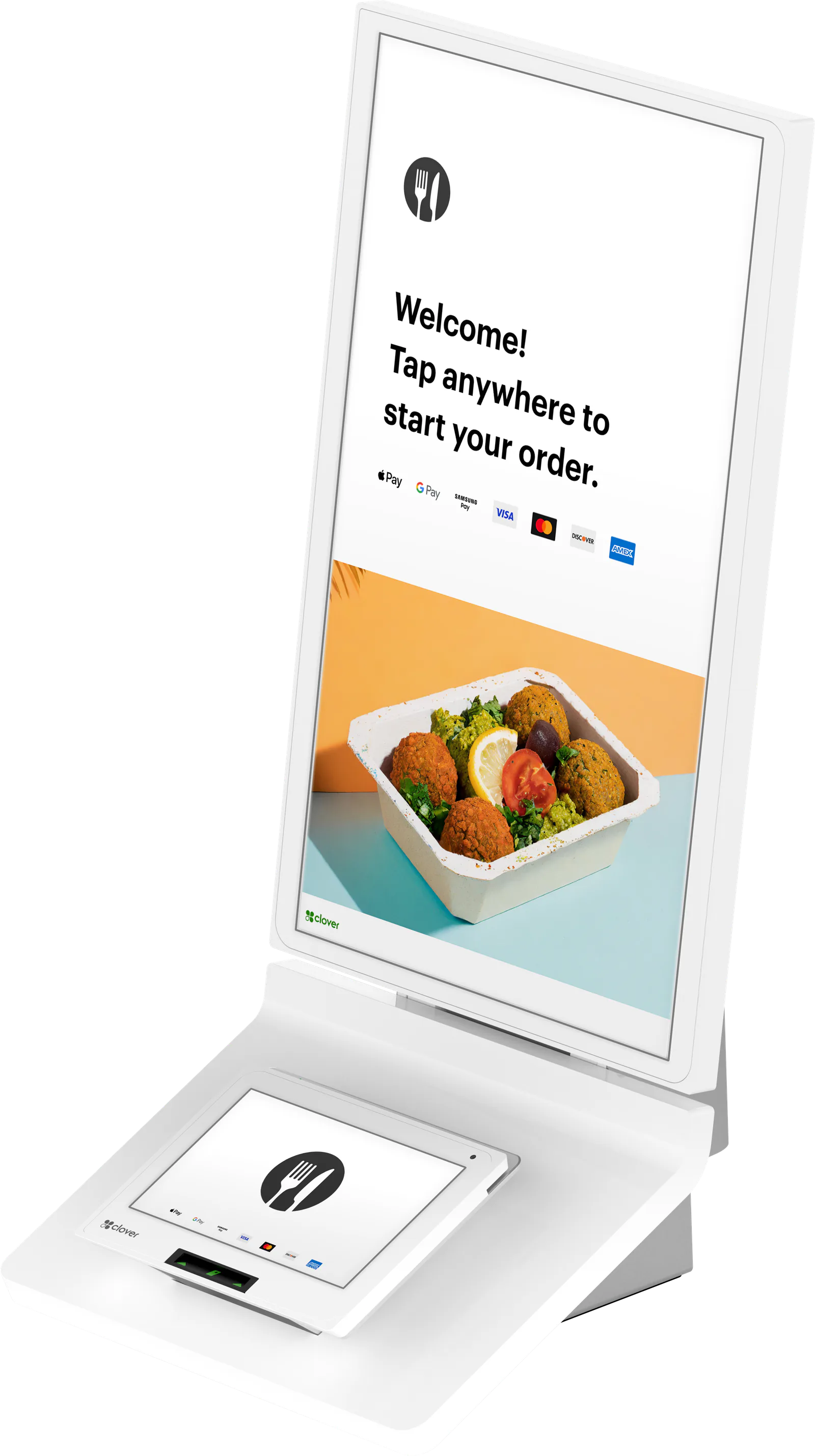 Self-service ordering
Compare
Side by side
Grouped by where you take payment. Specs come from Clover and our partner catalog, and we’ll confirm the details for your setup before you order.
At the counter
Registers and terminals that stay in one place, plus the Kiosk for self-ordering.
| Feature | |||||
|---|---|---|---|---|---|
| At a glance | |||||
| Best for | Counter service and retail | Table service restaurants and bars | Small counters | Counters that just take cards | Self-service ordering |
| Form | Two-screen countertop POS | One-screen countertop POS | All-in-one countertop POS | Countertop card terminal, not a full POS | Self-service kiosk for the counter, wall or floor |
| Hardware | |||||
| Screen | 14" high-definition touch screen | 14" high-definition touch screen that tilts | 8" color touch screen | 3.62" touch screen and a physical PIN pad | 24" portrait order screen |
| Customer-facing display | 8" customer touch screen | No | Customers pay on the front; a second Mini can face them | Turns to the customer on a swivel stand, or add a second Compact | 8" payment screen; customers order on the 24" screen |
| Printer | Included | Included | Built in | Built in | Built in |
| Cash drawer | Included | Included | Optional add-on | Not listed | Not listed |
| Payments and connection | |||||
| Cards | Chip, tap and swipe | Chip and swipe; no tap | Chip, tap and swipe | Chip, tap and swipe; PIN debit | Chip, tap and swipe; PIN debit |
| Mobile wallets | Apple Pay, Google Pay, Samsung Pay; PayPal and Venmo QR codes | No | Apple Pay, Google Pay, PayPal and Venmo | Apple Pay and Google Wallet | Not listed |
| EBT | Yes | Yes | Yes | Yes | Yes |
| Connectivity | Ethernet, Wi‑Fi and 4G LTE | Ethernet, Wi‑Fi and 4G LTE | Ethernet, Wi‑Fi and 4G LTE | Ethernet, Wi‑Fi and 4G LTE | Ethernet, Wi‑Fi and LTE |
| Offline payments | Yes | Yes | Yes | Yes | Yes |
- Included or supported
- Not listed for this device yet. Ask us and we’ll confirm.
At the table or on the go
Handhelds and a card reader that take the payment to your customer.
| Feature | |||
|---|---|---|---|
| At a glance | |||
| Best for | Tableside and on the go | Payments that fit an apron pocket | Food trucks, markets and pop-ups |
| Form | Handheld POS | Lightweight handheld POS, just over 12 oz | Card reader that pairs with your phone or tablet |
| Hardware | |||
| Screen | 5.99" touch screen | 5.99" touch screen | Your phone or tablet, in the Clover Go app |
| Printer | Built in | None; receipts by email or text | None; receipts by email or text |
| Battery | At least 8 hours of use for a typical small business | At least 8 hours of use on average; replaceable | Not listed |
| Payments and connection | |||
| Cards | Chip, tap and swipe | Chip, tap and swipe | Chip and tap; no swipe |
| Mobile wallets | Apple Pay, Google Pay, Samsung Pay | Apple Pay, Google Pay, Samsung Pay | Apple Pay, Google Pay, Samsung Pay |
| EBT | Yes | Yes | No |
| Connectivity | Wi‑Fi, 4G LTE and Bluetooth | Wi‑Fi, 4G LTE and Bluetooth | Bluetooth to your phone or tablet, which uses its Wi‑Fi or cellular |
| Offline payments | Yes | Yes | Yes |
- Included or supported
- Not listed for this device yet. Ask us and we’ll confirm.
FAQ
Choosing a Clover device
Have a question we didn’t cover? Ask us and we’ll answer by phone or email.
Ask a questionWhich Clover device is right for my business?
Start with where you take payment. At a counter, the Station Duo 2 gives customers their own screen to check the order, tip and pay; the Mini 3 fits a full point of sale on a small counter; and the Compact just takes cards, with a physical PIN pad. If your staff run the checkout and take payment at the table, the Station Solo pairs with a Clover Flex 4. Away from the counter, the Flex 4 prints receipts, the Flex Pocket is the lightest handheld, and the Go 3 turns your own phone into the register. For self-ordering there’s the Kiosk. Tell us how you sell and we’ll suggest the right mix.
Clover Mini or Clover Flex: which one do I need?
It comes down to where you take payment. The Mini 3 stays on the counter: it has the bigger screen (8 inches), connects by Ethernet as well as Wi‑Fi and LTE, and has a hub for a cash drawer, scanner or scale. The Clover Flex 4 is a handheld with its own printer and barcode scanner, so staff can take the payment to the table, the line or the curb. You can run both on one account: a Mini at the counter and a Flex on the floor.
Should I get a Clover Mini or a Clover Station?
Both sit on the counter. The Mini 3 is the all-in-one option: one 8‑inch screen with the card reader and printer built in, and customers pay right on the front of it. The Clover Station Duo 2 is the bigger setup: a 14‑inch screen for staff, a separate 8‑inch screen facing customers, a receipt printer and a cash drawer, which suits busy counters. The Clover Station Solo has a single 14‑inch staff screen and suits table-service restaurants and bars. If you like the Mini but want a screen facing customers, the Mini 3 can pair with a second Mini that faces them.
Station Solo or Station Duo 2: which one do I need?
Both have a 14‑inch staff screen and a receipt printer, work with Clover’s cash drawer, and connect over Ethernet, Wi‑Fi or 4G LTE. Choose the Solo when your staff run the checkout or take payment at the table, as in full-service restaurants and bars. Choose the Duo 2 when customers pay at your counter: its 8‑inch customer screen lets them check the order, tip and tap to pay.
Which Clover devices take tap to pay and Apple Pay?
Every current Clover device except the Station Solo takes contactless cards: the Station Duo 2, Mini 3, Flex 4, Flex Pocket, Go 3, Compact and Kiosk. Clover lists Apple Pay and Google Pay on the Station Duo 2, Mini 3, Flex 4, Flex Pocket and Go 3, and Apple Pay and Google Wallet on the Compact. The Station Solo reads chip and swipe cards; for tap and phone wallets, add a Clover Flex 4 or Mini 3 alongside it.
Which Clover devices take EBT?
Every Clover device we sell takes EBT except the Go 3: the Station Duo 2, Station Solo, Mini 3, Compact, Kiosk, Flex 4 and Flex Pocket, for food (SNAP) and cash benefits. We can set it up on your account once your business is approved by the USDA’s Food and Nutrition Service. EBT needs a live connection: offline payments don’t cover EBT or gift cards.
What replaced the Clover Flex 3, Mini 2 and Station Pro?
Clover replaced the Flex 3 with the Flex 4 and the Mini 2 with the Mini 3. The Station Pro was renamed Station Duo, and that first-generation Duo is no longer sold; the Station Duo 2 is the current two-screen Station. The Clover Station (2018) has been retired too, and the one-screen Station today is the Station Solo. If you run one of these older models, we can quote its current replacement and set it up for you.
How much do Clover devices cost?
It depends on the setup: which devices and how many, any accessories, your Clover software plan (Starter, Essentials, or a Restaurant, Retail or Services Growth plan) and how you want to handle card fees (traditional pricing, cash discount or surcharging). We price the whole system as one quote, so you see everything before you decide. Ask for a quote or call us at (212) 804-7140, and we’ll follow up by phone or email.
Not sure which one fits?
Tell us how you sell. We’ll suggest the devices, quote them with a processing plan, set them up and stay a phone call away.