Skip to content
Get a quote

Gift card program

Clover Gift Cards

Sell plastic gift cards with your own design and digital cards sent by text or email, right from your Clover. Customers buy them at the counter, over the phone or online. We set up your Clover and stay a call or text away.

  • Physical and digital
  • Your own design
  • Store credit
  • Reloadable

Card types

Plastic cards and digital cards

Offer both and let customers choose. Both run on the same Gift Cards app on your Clover.

  • Plastic cards with your design

    Order cards from your Clover Dashboard in one of three packages, from a ready-made template to artwork that’s entirely yours.

    Standard
    A pre-designed template with your business name, font and colors
    Deluxe
    Upload your own artwork
    Hire-a-Designer
    A Clover designer creates the art
    • Order as few as 100 or as many as 5,000 cards at a time
    • Generally delivered within 14 days of approving the design
    • Reorder a design from the Gift Cards dashboard when you run low
    • Activated at the sale by swipe or card number; sell up to 20 cards of the same value at once from the Gift Cards app
  • Digital cards sent by text or email

    Sell a digital gift card on your Clover device: enter the recipient’s mobile number or email, take the payment, and the card is on its way. A receipt prints for the buyer.

    Email
    Straight to the recipient’s inbox
    Text message
    A link the customer saves to use later
    Gyft app
    Keep the card and check its balance
    • Sold from the Gift Cards app or the Register app
    • Ready to sell as soon as you accept the terms in the Gift Cards app
    • Works on any smartphone: customers show it from the Gyft app, the email or the text
    • One digital card per sale

Sell online

A gift card page that sells while you’re closed

Customers visit your digital gift card page, pick an amount and pay. The card goes straight to the recipient’s email, and they can redeem it in person, online or over the phone.

  • Share the page with a link or a QR code, and post it on social media
  • Customers buy a card for themselves or send it as a gift
  • If you use Clover Online Ordering, a gift card option appears on your online menu automatically
  • Digital cards can be redeemed through Clover Online Ordering too

To sell online, online gift card sales need to be turned on for your account: if you signed up with us, ask your rep; otherwise, ask Clover Support. Then start selling from the settings in your Clover Dashboard.

At checkout

Sell, redeem and reload at the counter

Sales, redemptions and reloads run through the Gift Cards app and the Register app you already use to ring up sales.

  1. Sell

    Ring up a gift card

    Start the sale in the Gift Cards app or add the Gift Card item in the Register app. Swipe a plastic card or key in its number to activate it, and the card details and balance print on the customer’s receipt.

  2. Redeem

    Take it as payment

    At checkout, choose gift card as the payment and swipe, scan or key in the card. Digital cards scan from the customer’s phone or the printed receipt, and a total can be split between a gift card and another payment.

  3. Reload

    Add value to a card

    Reload a card the customer already has. A new balance receipt prints, and the balance updates in the Gyft app if they saved the card there.

  4. Balance

    Check what’s left

    Look up any card in the Gift Cards app and print its balance for the customer. Customers can check digital cards, and plastic cards they’ve saved, in the Gyft app.

  5. Cash out

    Cash out a card

    State rules on gift card balances vary. To cash out a card, you hand the customer what’s left in cash, and the Gift Cards app sets the balance to zero and records it in the Cash Log app. A cashed-out card can’t be reused.

Your business

How a sale prints


Gift card sale

  1. 01Gift cardPlastic

    Your design, sold at the counter.

  2. 02ActivationSwiped

    Or key in the card number.

  3. 03Card detailsPrinted

    The card and its balance print right here.

  4. 04Next visitRedeem

    Swipe, scan or key it in at checkout.

Card statusActive

Digital cards print a receipt for the buyer too.

Back office

Run the program from your Clover Dashboard

Order cards, follow every sale and redemption, and handle the exceptions without a separate gift card system.

  • Order and reorder cards

    Design and order plastic cards from the Gift Cards dashboard, follow each order’s status in Order History, and reorder a design when stock runs low.

  • Store credit on a gift card

    Refund a return to a gift card, or issue store credit from the Gift Cards app, on a plastic or digital card. Handy for returns past your policy or a customer-service credit.

  • Reports and liability

    See gift card sales and redemptions for any date range, with daily and monthly transaction reports, and download every outstanding balance as a liability report.

  • Prizes and rewards

    Load cards to give away in a contest or as a reward. The gift card report keeps them apart from cards customers paid for.

  • Staff and locations

    Choose which employees can sell and reload gift cards, and track and report on your cards across all your business locations.

  • Switch from another program

    Already sell gift cards? Cards you’ve issued through another program that still carry a balance can be converted to Clover Gift Cards, so customers keep using them.

Clover Gift Cards come with Clover’s Essentials, Restaurant Growth, Retail Growth and Services Growth plans, but not Starter. We confirm which plan fits your business with your quote.

Gift cards need an internet connection: Clover’s offline payments don’t cover them.

Ideas

Ways to put gift cards to work

Pick your kind of business for a few ideas to start with.

Restaurants, cafés and bars

Gift cards make an easy present for birthdays, holidays and thank-yous, and a reloadable card suits your regulars.

  • Sell digital cards from your online ordering menu, where customers can redeem them too
  • Reloadable cards for regulars
  • Gift card campaigns around the holidays
  • A gift card offer to fill slower nights
  • Split a check between a gift card and another payment
Clover for restaurants and bars

Devices

Sell and redeem on your Clover

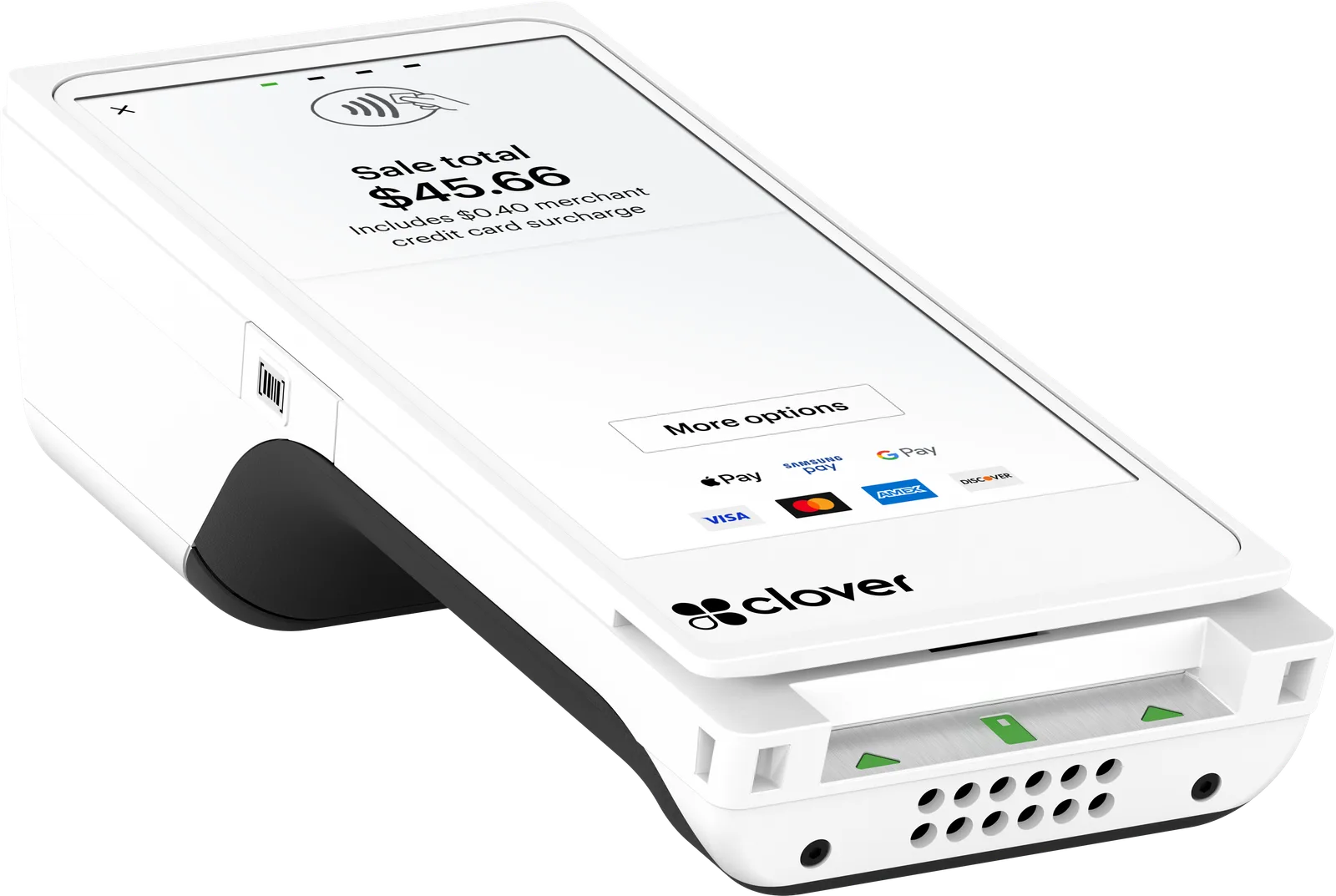
Gift cards run in the Gift Cards app on your Clover device, including the Clover Compact, Flex 4 and Station Solo. We match the device to your counter with your quote.

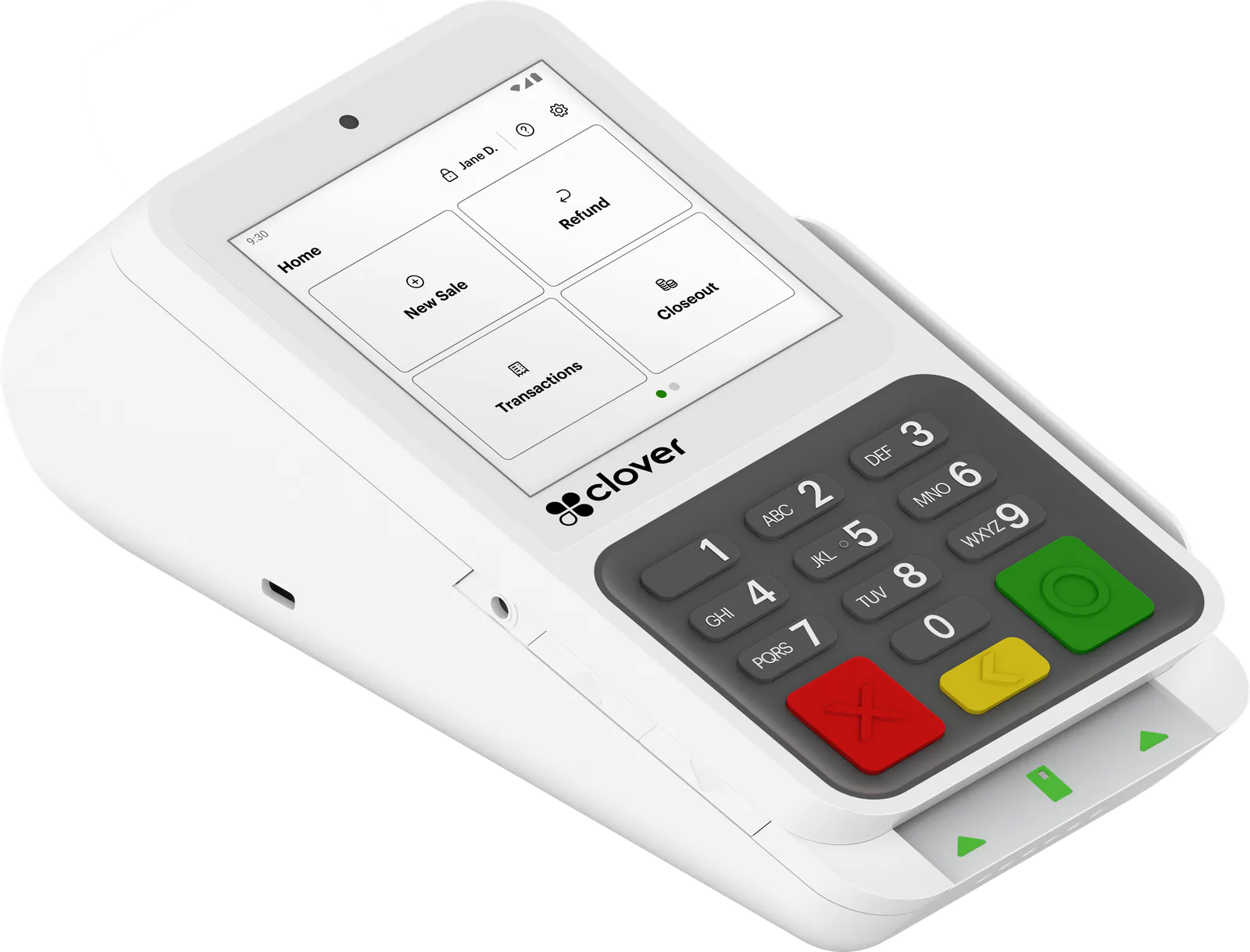
  • Clover Compact with touch screen and PIN padCounters that just take cards

    Clover Compact

    • Physical PIN pad
    • Touch screen
    • Swivel stand option

    See Clover Compact

  • Clover Flex 4 handheldTableside and on the go

    Clover Flex 4

    • Wi-Fi + 4G LTE
    • Built-in printer
    • Barcode scanner

    See Clover Flex 4

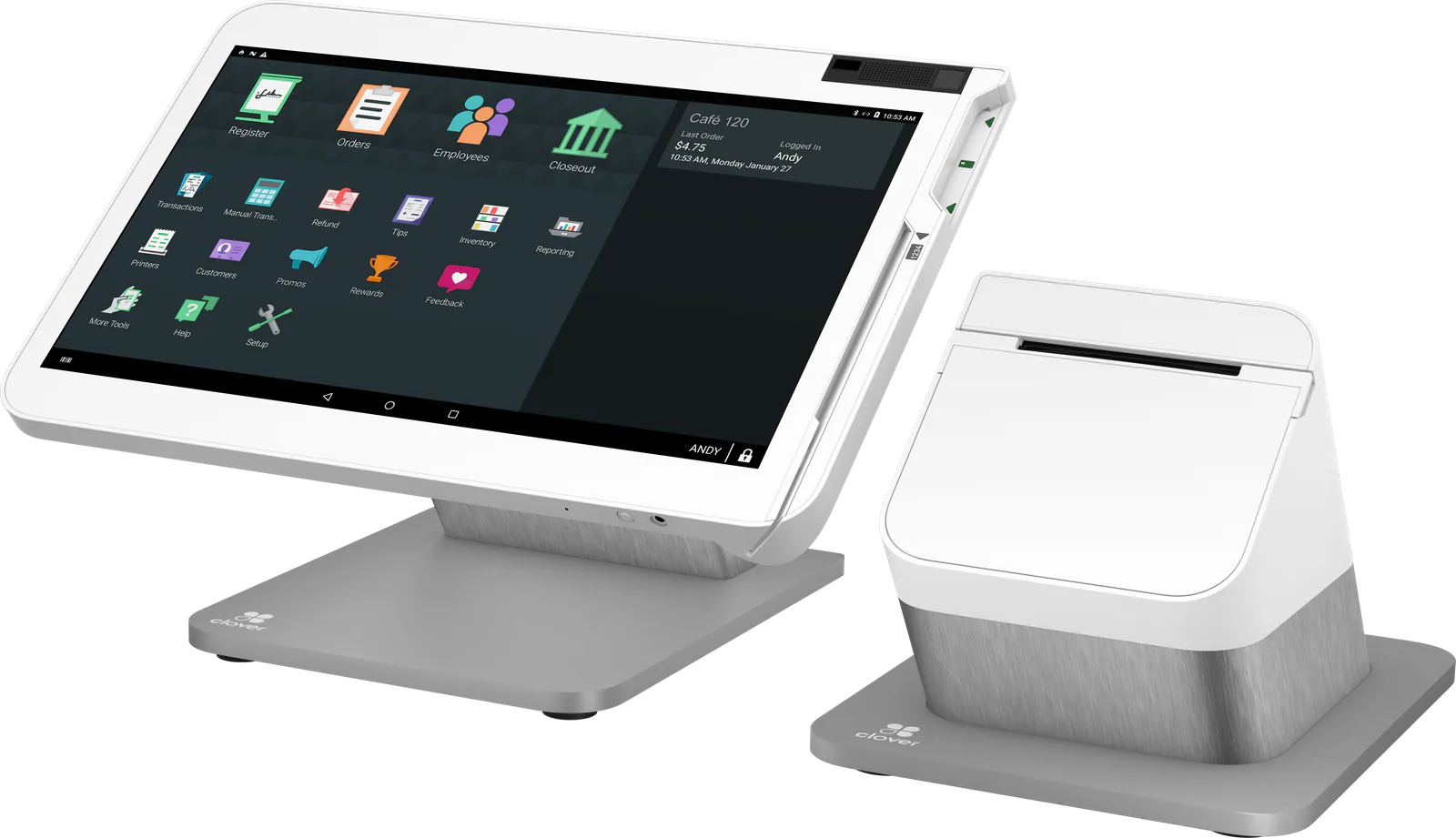
  • Clover Station Solo with receipt printerTable service restaurants and bars

    Clover Station Solo

    • One staff screen
    • Receipt printer
    • Ethernet, Wi-Fi or LTE

    See Clover Station Solo

How we set it up

Your Clover, set up by our team

We sell, set up and support Clover. Tell us you want to sell gift cards and we’ll build the quote around it.

  1. Tell us how you sell

    Call us or ask for a quote. We follow up by phone or email.

  2. Get a Clover quote

    The devices and a Clover plan that includes gift cards, with no long-term contract.

  3. We set it up

    We get your Clover ready to take payments and walk your staff through it.

  4. We stay on call

    Your own rep on a direct line, by call or text.

FAQ

Questions about Clover Gift Cards

Have a question we didn’t cover? Ask us and we’ll answer by phone or email.

Ask a question
What are Clover Gift Cards?

Clover Gift Cards are Clover’s own gift card program: plastic gift cards with your own design, and digital gift cards sent by text or email. You sell, redeem and reload them on your Clover device and track them from your Clover Dashboard, and customers can buy them in your store, online or over the phone.

How do I start selling Clover Gift Cards?

Open the Gift Cards app on your Clover device; if you don’t see it, connect it from the App Market on your Clover Dashboard. Accept the terms and you can sell digital gift cards right away. For plastic cards, order your design from the Gift Cards section of the dashboard first. Online sales are turned on separately: if you signed up with us, ask your rep; otherwise, ask Clover Support. Then start selling from your dashboard settings.

How do I order plastic gift cards, and how long do they take?

You order them from the Gift Cards section of your Clover Dashboard. Pick a package: Standard, a pre-designed template with your business name, font and colors; Deluxe, where you upload your own artwork; or Hire-a-Designer, where a Clover designer creates it. Order as few as 100 or as many as 5,000 cards. Cards are generally delivered within 14 days of approving the design, and you can reorder the same design later.

Can customers buy Clover Gift Cards online?

Yes, digital ones. Your digital gift card page lets customers pick an amount, pay and send the card straight to the recipient’s email, for themselves or as a gift. Share it with a link or a QR code, and if you use Clover Online Ordering, a gift card option appears on your online menu automatically. To start, online gift card sales need to be turned on for your account: if you signed up with us, ask your rep; otherwise, ask Clover Support. Then start selling from the settings in your Clover Dashboard.

I have a Clover gift card. How do I check the balance?

Ask the business that sold it: they can look the card up on their Clover device and print the balance for you. The balance also prints on your receipt when the card is sold, used or reloaded. Digital cards, and plastic cards you’ve saved to the Gyft app, show their balance in Gyft.

Physical cards are activated by the business when they’re sold. If a card shows no balance, ask the business that sold it. We can’t look up balances for cardholders.

Do Clover Gift Cards expire?

Clover says its gift cards don’t expire. State rules on gift card balances vary. If a customer asks, you can cash out what’s left on a card at any time from the Gift Cards app.

Can I give store credit or refunds on a gift card?

Yes. You can refund a return to a gift card, or issue store credit straight from the Gift Cards app, on a plastic or digital card. It’s useful for returns past your return policy or a credit for a customer-service issue, and the customer gets a receipt with the new balance.

I already sell gift cards. Can I switch to Clover?

Yes. Cards issued through another gift card program can be converted to Clover Gift Cards from a .csv file listing each card’s number, original value and current balance. Only cards that were issued and still have a balance convert, and it takes up to seven business days. Converted cards can’t be reloaded or refunded, and they’re discarded once used up. Most are keyed in at checkout; cards from Mercury or FD Gift Cards, also called ValueLink, still swipe.

Which Clover plans and devices work with gift cards?

Clover Gift Cards come with Clover’s Essentials, Restaurant Growth, Retail Growth and Services Growth plans, but not Starter, and run in the Gift Cards app on Clover devices including the Clover Compact, Flex 4 and Station Solo. They need an internet connection: Clover’s offline payments don’t cover gift cards. We confirm the plan and devices that fit your business with your quote.

I’m already a Clover merchant. Who do I call about gift cards?

If you signed up with us, call or text your rep: they handle anything on your account, gift cards included. If you signed up directly with CardConnect, call CardConnect Merchant Support at (877) 828-0720; if another agent signed you up, contact that agent’s office. For help with your device, Clover Support is at (855) 853-8340. Both support lines answer around the clock. More support options are listed on our contact page. Using Clover with another processor? We’ve helped Clover merchants switch to us: ask for a quote.

Ready to sell gift cards?

Tell us how you sell. We’ll quote the Clover devices and plan, set them up, and stay a phone call away.