
 Payments that fit an apron pocket
Mobile card reader
Clover Go 3
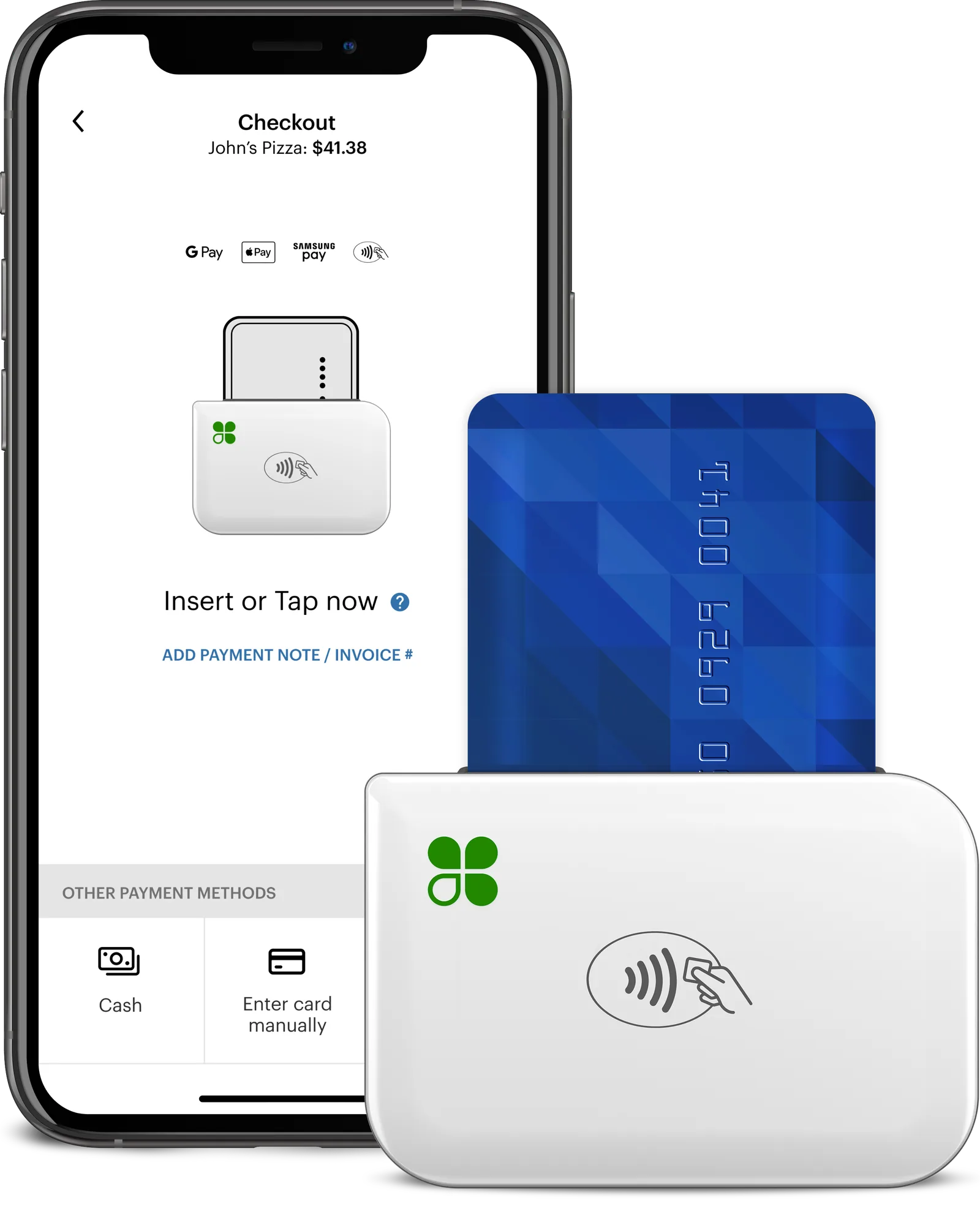
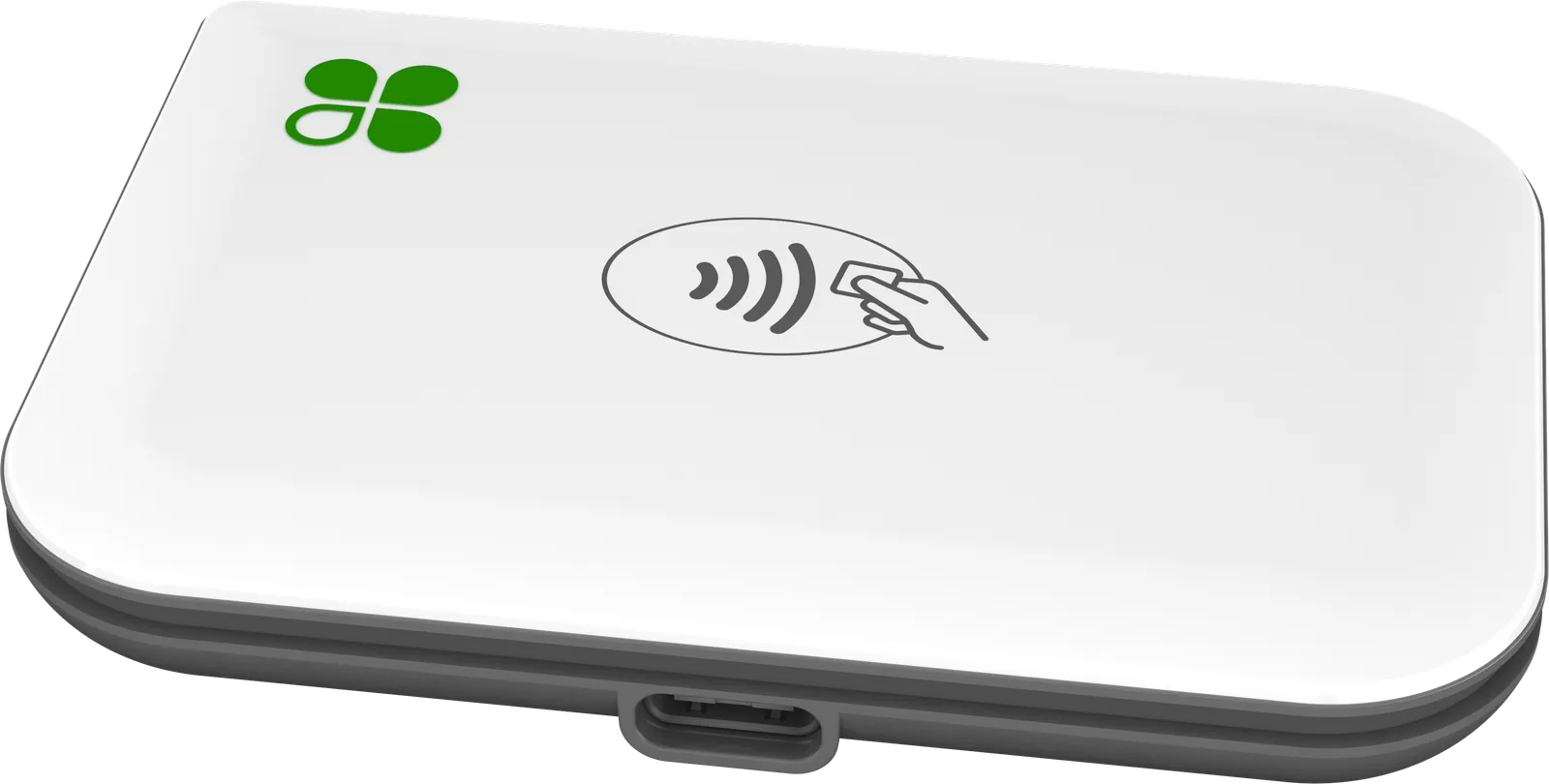
Take card payments wherever the sale happens. The Clover Go 3 reader pairs with your phone or tablet, takes chip and tap payments, and syncs every sale to your Clover account.
- Pairs with your phone
- Chip and tap
- Takes payments offline
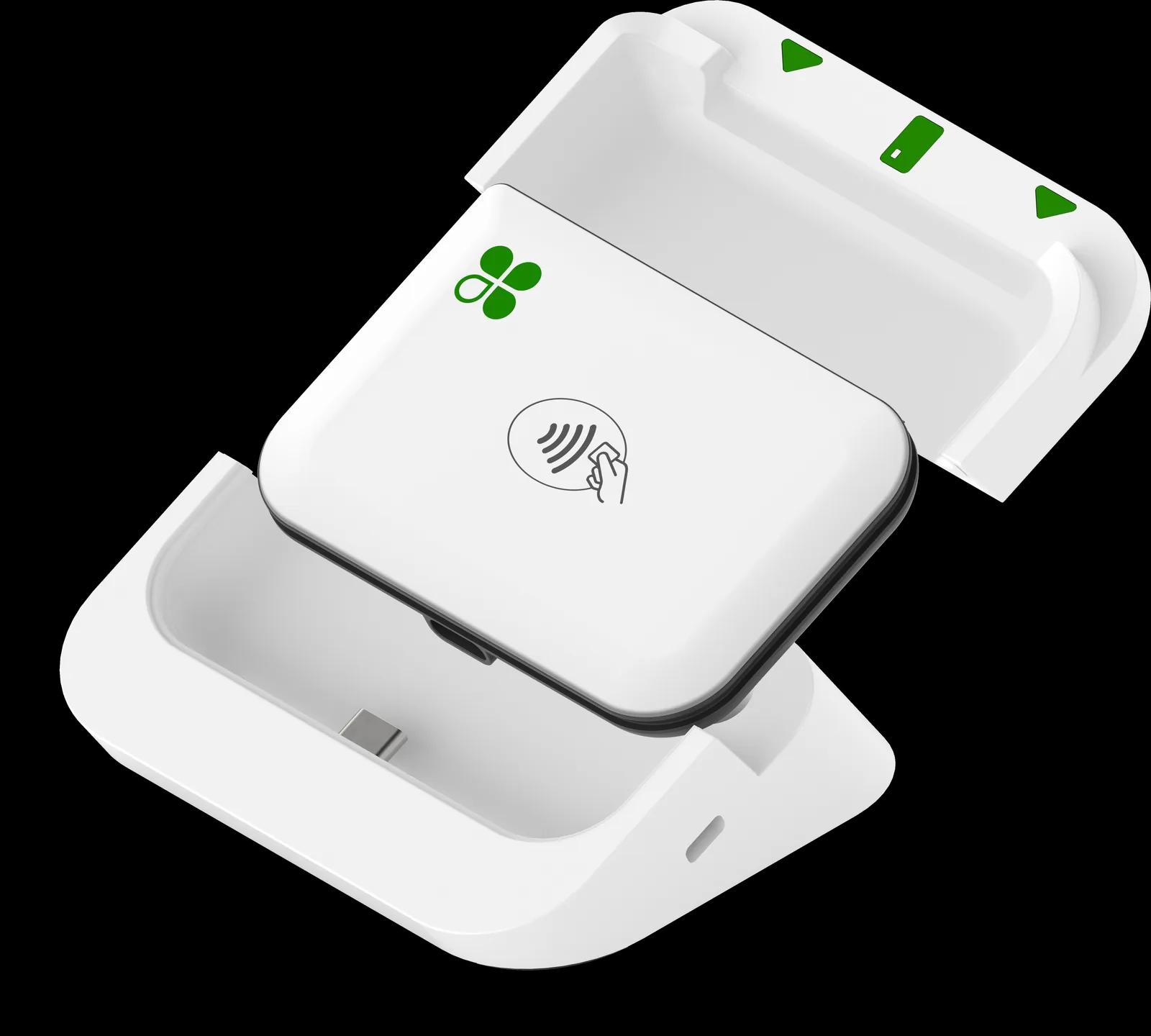
- Optional dock
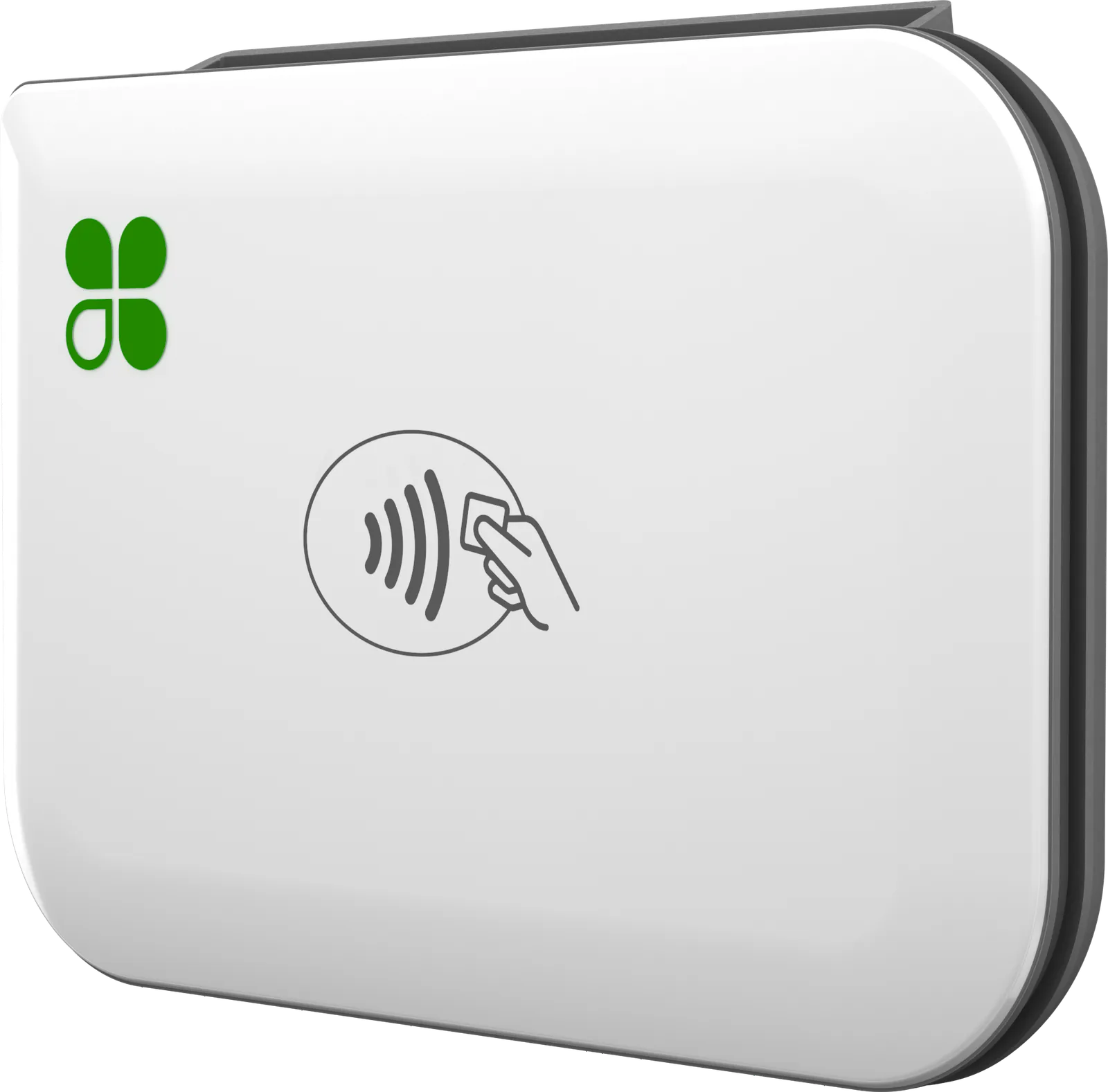
Looking for the older Clover Go reader? The Go 3 is the Clover Go reader sold today. It pairs with the Clover Go app on your phone or tablet, takes chip and tap payments, and it holds a charge longer than earlier Go readers.
Features
What you get with the Go 3
Your phone becomes the register
Install the Clover Go app on an iPhone, iPad or Android phone or tablet, then pair the Go 3 over Bluetooth. It runs on the phone and carrier you already have.
Chip, tap and mobile wallets
Customers insert a chip card or tap a card, phone or watch, including Apple Pay, Google Pay and Samsung Pay. On an iPhone, the app can also take Tap to Pay on iPhone without the reader.
Keeps selling when the signal drops
At a market with weak service or a job site with no Wi‑Fi, you can keep taking chip and tap payments offline. They’re sent for approval once you’re connected again.
Receipts by text or email
Send each receipt to the customer’s phone or inbox, and keep track of open and outstanding balances in the app.
Every sale in one place
Sales from the Go sync to your Clover Dashboard, alongside any other Clover devices you run, so open, pending and completed payments all show up together.
Dock it at the counter
The optional Go Dock holds the reader at the counter and charges it over USB while you sell. It has a slot for a security lock and can be stuck down or screwed in place.
Up close
A closer look at the Go 3
Fit
Is the Go 3 right for you?
A good fit for
- Food trucks, farmers markets, fairs and pop-ups
- Movers, contractors and other pros who get paid on site
- A second way to take payments at events, alongside your counter POS
- Owners who’d rather use the phone they already carry than buy a separate handheld
Specs
Clover Go 3 specs
Specs from Clover and our partner catalog. Check with us before you order.
| Cards | Chip and tap (contactless) |
|---|---|
| Swipe | Not supported; chip and tap only |
| Card types | Major credit and debit cards |
| Mobile wallets | Apple Pay, Google Pay and Samsung Pay |
| EBT | Not available on the Go 3 |
| Encryption | Clover Security encryption and tokenization |
| Without the reader | Tap to Pay on iPhone in the Clover Go app (iPhone XS or later, iOS 16 or later) |
| Connects to | Your phone or tablet, over Bluetooth |
|---|---|
| Internet | Your phone or tablet’s Wi‑Fi or cellular, on any carrier |
| Offline payments | Chip and tap without a connection; approved once you reconnect |
| App | Clover Go app; one app for phones and tablets |
|---|---|
| iPhone and iPad | iOS 15 or later (Bluetooth LE required) |
| Android | Android 9.0 or later |
| Not supported | Jailbroken or rooted devices |
| Battery | Lasts longer than earlier Go readers |
|---|---|
| Status lights | Show battery, pairing and payment status |
| Receipts | Digital, by email or text |
| Included | Go 3 reader, USB charging cable, lanyard |
|---|---|
| Model number | C600 |
| Availability | Sold on its own, or in a bundle with the Go 3 reader |
|---|---|
| Charging | USB port charges the reader while it’s docked |
| Security | Slot for a Kensington cable lock |
| Mounting | Non-slip rubber foot; adhesive sheet included; screw holes |
| Size | 3.5 × 3.2 × 1.5 in (88.4 × 80.4 × 38.3 mm) |
Accessories
Works with the Go 3
Ask about any of these when you get a quote.
- Clover Go 3 dockHolds the reader at the counter at a good angle for chip and tap, charges it over USB, and takes an optional Kensington cable lock. Comes on its own or in a bundle with the reader.
- Go 3 snap caseA protective case that snaps onto the Go 3 reader.
FAQ
Questions about the Go 3
Have a question we didn’t cover? Ask us and we’ll answer by phone or email.
Ask a questionWhat do I need to use Clover Go?
Your own phone or tablet with the Clover Go app (iOS 15 or later, or Android 9.0 or later) and, for chip and tap cards, the Go 3 reader. You don’t need a particular phone or wireless carrier. On an iPhone XS or later with iOS 16 or later, the app can also take Tap to Pay on iPhone with no reader at all.
Does Clover Go work offline?
Yes. If you’re somewhere with weak service or no Wi‑Fi, you can keep taking chip and tap payments, and they’re sent for approval once you’re connected again. Because approval comes later, a card that’s declined shows up after the customer has left, so reconnect as soon as you can.
Does Clover Go take Apple Pay and tap to pay?
Yes. The Go 3 reader takes chip cards and contactless payments: tap cards and phone or watch wallets, including Apple Pay, Google Pay and Samsung Pay. It doesn’t take swipe. With Tap to Pay on iPhone, customers can also tap their card or phone right on your iPhone in the Clover Go app. Tap to Pay on iPhone isn’t available on accounts that use surcharging.
How long does the Clover Go battery last?
The Go 3 holds a charge longer than earlier Go readers. Status lights on the reader show when it’s charging, fully charged or critically low, and the optional Go Dock charges it over USB so it can stay powered at a counter.
Clover Go or Clover Flex: which one do I need?
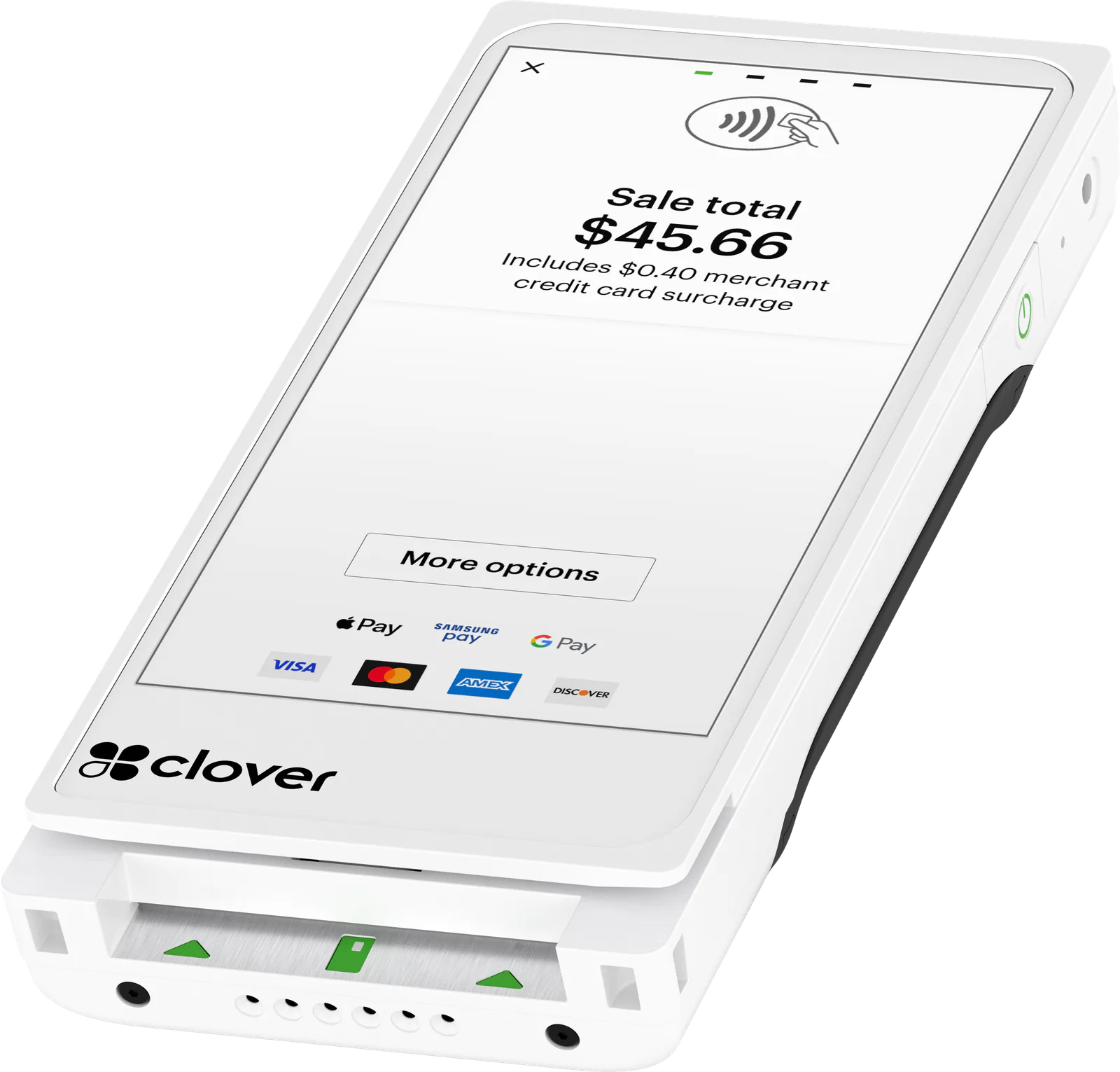
Clover Go turns the phone or tablet you already have into the register, and receipts go by text or email. The Clover Flex 4 is a dedicated handheld with its own screen, receipt printer, barcode scanner and 4G LTE. If you want a dedicated device but don’t need paper receipts, the Clover Flex Pocket is smaller and fits an apron pocket.
I already use Clover Go. Where do I log in or get help?
Sign in through the Clover Go app, or on the web through the Clover Dashboard at clover.com. In the app, open the menu and tap Help. If you signed up with us, call or text your rep: they handle anything on your account. If you signed up directly with CardConnect, call CardConnect Merchant Support at (877) 828-0720; if another agent signed you up, contact that agent’s office. For device help, Clover Support answers 24/7, 365 days a year at (855) 853-8340.
How much does Clover Go cost?
It depends on the setup: how many readers you need, the optional dock, your Clover software plan and how you want to handle card fees. We price the whole setup as one quote, so you see everything before you decide. Ask for a quote or call us at (212) 804-7140, and we’ll follow up by phone or email.
Other devices
Other Clover devices
- Payments that fit an apron pocket
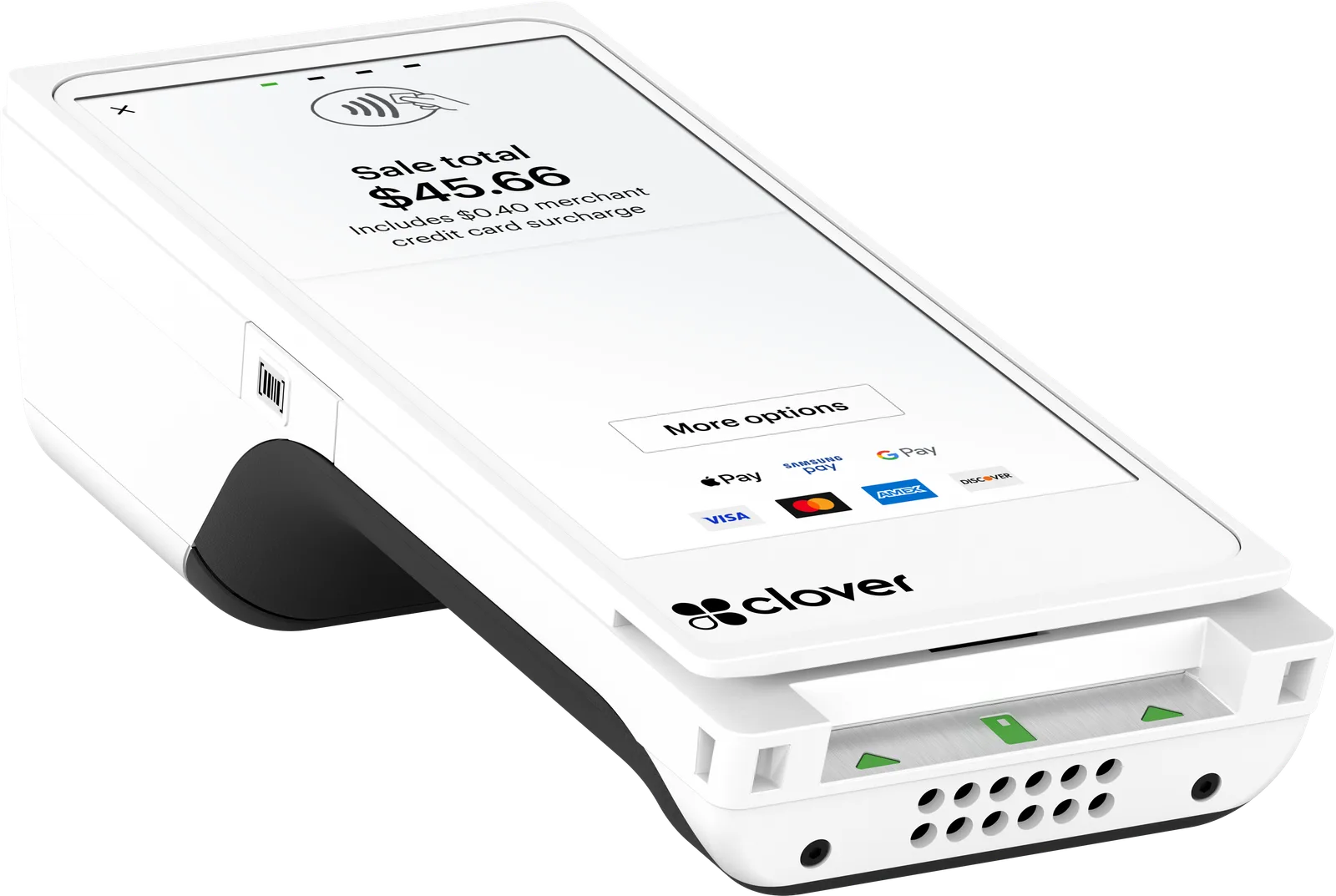 Tableside and on the go
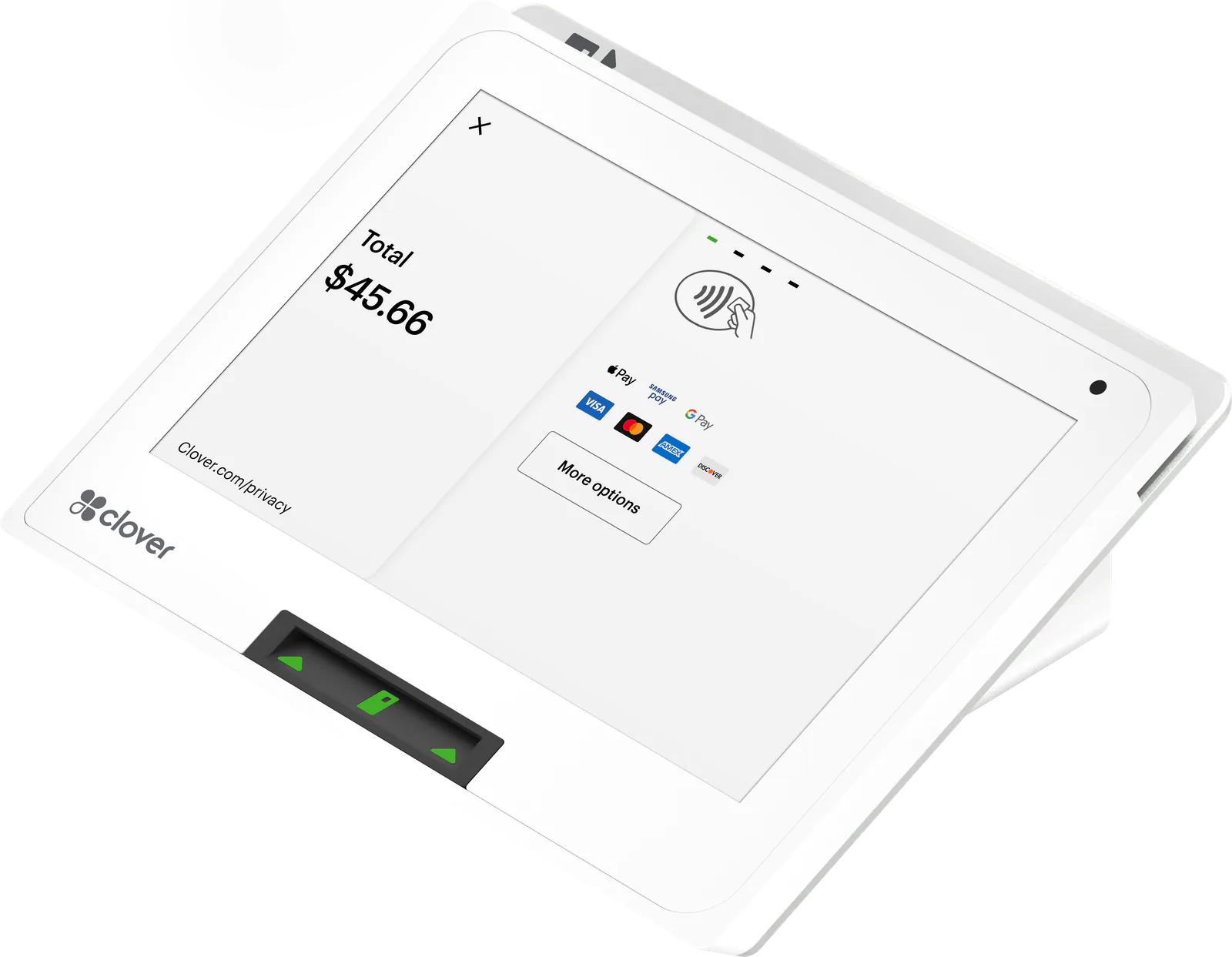 Small counters
Ready for the Clover Go 3?
Tell us how you sell. We’ll quote the device and a processing plan, set them up, and stay a phone call away.