
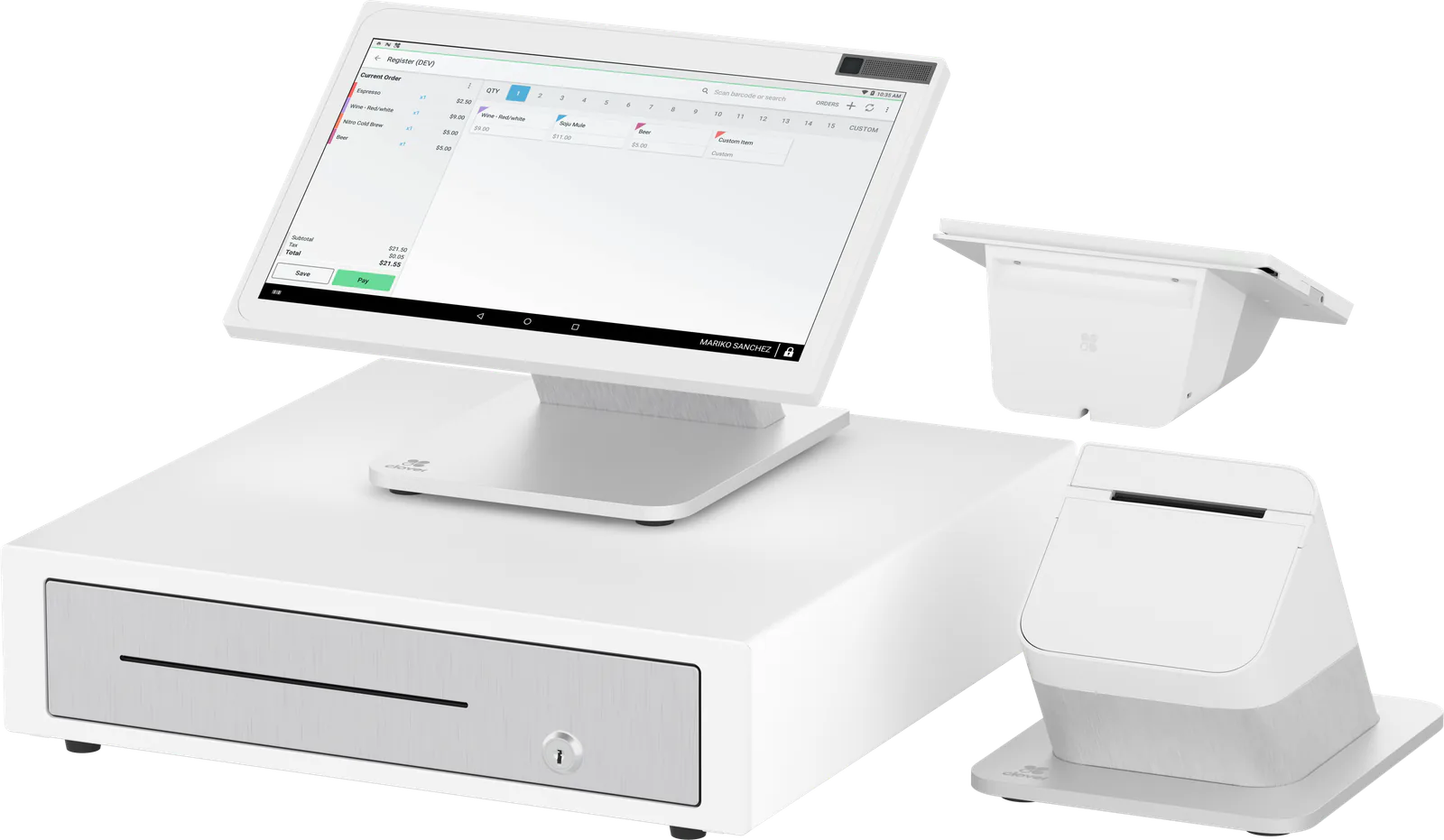
 Counter service and retail
POS for small business
Keep more of every sale.
Pick the Clover that fits your counter and a processing plan that fits how you sell. Your own rep sets it up, then stays a call or text away.
 Clover devices sold, set up and supported by CardConnect MSP
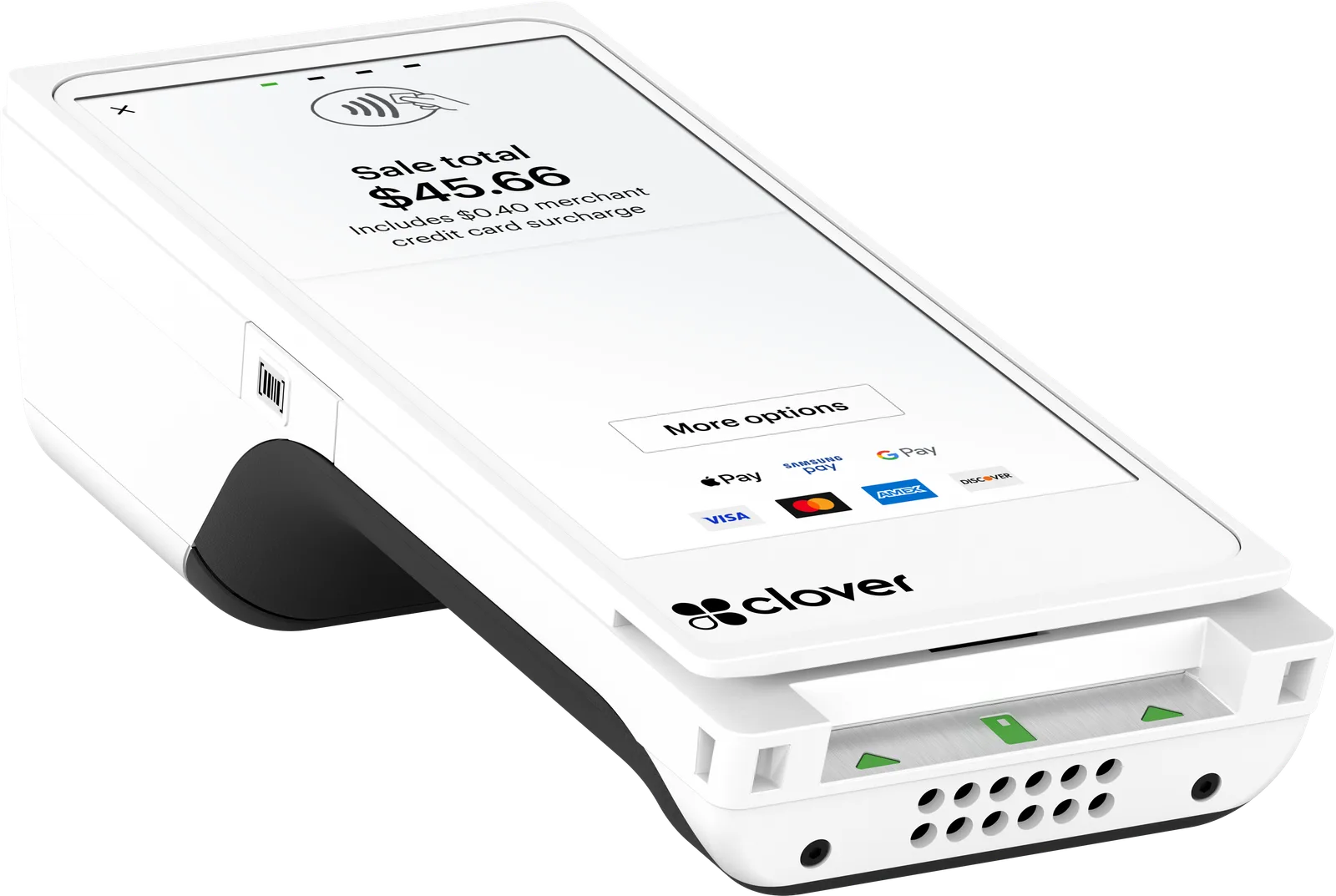
Devices
Find the Clover that fits how you sell
Counter or on the move, restaurant or retail, there is one built for the job.
- Counter service and retail
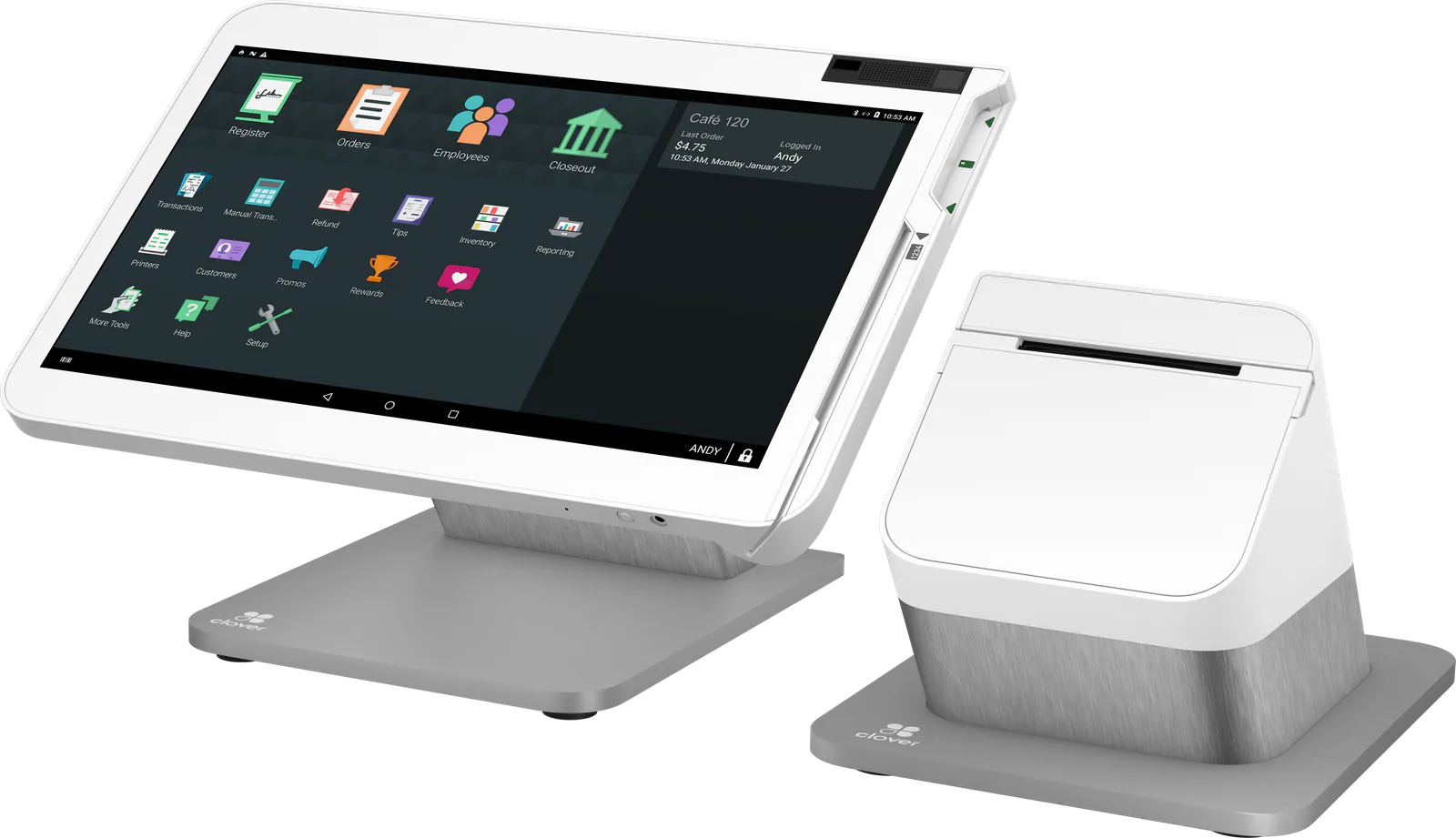 Table service restaurants and bars
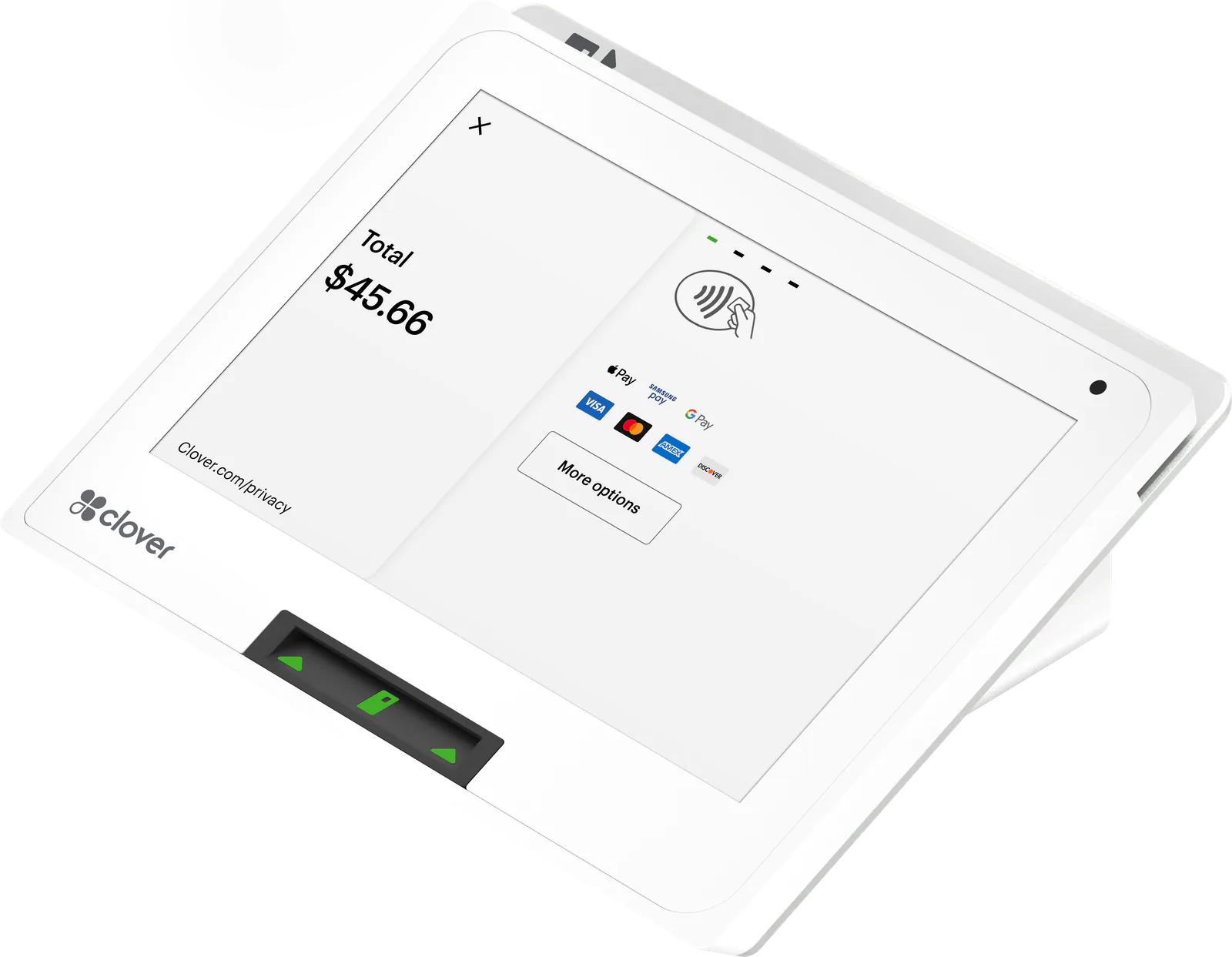 Small counters
- Tableside and on the go
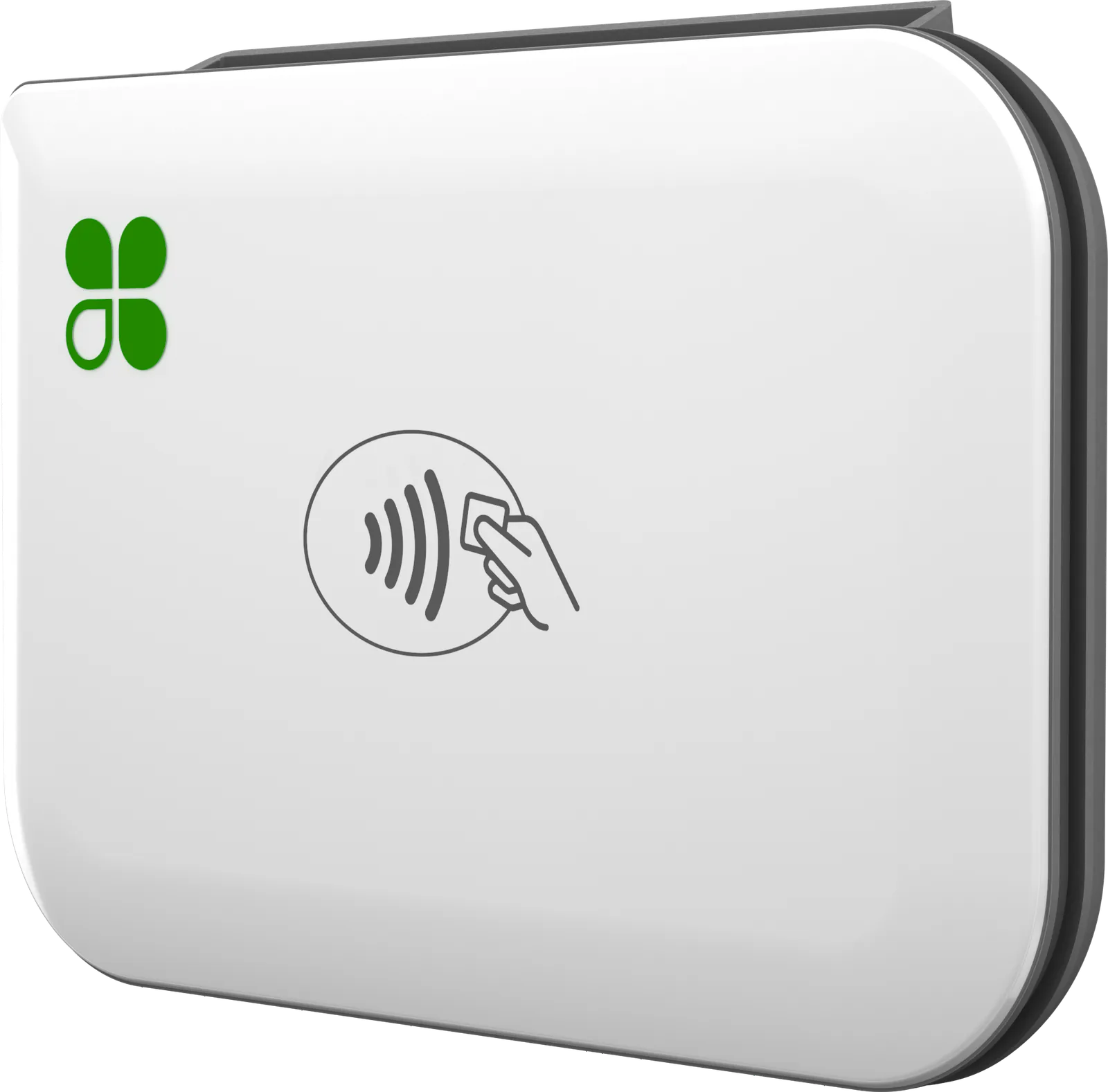 Food trucks, markets and pop-ups
 Counters that just take cards
Who it’s for
A Clover for every kind of business
Restaurants, retail shops and service businesses each sell differently. Pick yours to see how Clover fits and the device we recommend.
For restaurants
One system for the floor, the bar and the kitchen
Clover keeps your tables, tabs and kitchen tickets working from the same orders. Servers take the order and the payment at the table, and it goes straight to the kitchen.
- Floor plans that match your dining room, bar and patio
- Ordering and payment at the table with Clover Flex
- Pre-authorized bar tabs and split checks
RecommendedClover Station SoloFor retail
Know what’s on the shelf and what just sold
Clover tracks stock as you sell, down to size and color. Scan barcodes at checkout, and let customers check their order on a screen that faces them.
- Inventory with size and color variants
- Barcode scanning for fast, accurate checkout
- Low-stock alerts, returns and exchanges
RecommendedClover Station Duo 2For services
Get paid at the chair, the front desk or the job site
Salons, spas and service businesses take payment wherever the work happens. Clover Flex goes to your client and prints, emails or texts the receipt on the spot.
- Payments on Wi-Fi or 4G LTE, wherever you work
- A built-in barcode scanner for the products you sell
- Receipts printed, emailed or texted
RecommendedClover Flex 4Why buy from us
Set up right. Supported after.
Clover is the system. We’re the team that matches it to your business, gets it running and picks up when you call.
The right Clover for how you sell
From a countertop terminal to a full point-of-sale system, we match the Clover to how you sell, whether that’s one boutique or a restaurant with several locations.
- Tap
- Chip
- Swipe
- Apple Pay
- Google Pay
A direct line to your rep
You get a dedicated rep on a direct number, no extension. Call or text with questions or issues.
Three ways to price card payments
Surcharging, cash discount or traditional pricing. We help you pick the one that fits how you sell, then set it up for you.
Surcharging applies to credit cards only; debit cards are never surcharged. It isn’t allowed in Connecticut, Maine, Massachusetts, Oklahoma or Puerto Rico, and other states may have limits or disclosure rules; we confirm yours during onboarding. It can reduce card costs; it doesn’t eliminate them.
Card data encrypted end to end
Clover encrypts and tokenizes card data on every Clover device.
Inventory, staff and sales in sync
Most Clover devices work on their own or together, and update in real time.
No long-term contract
We don’t tie you to a long-term contract. We commit to serving you for the long term instead.
How it works
From first call to first sale
Four steps, one team. We help you choose, set everything up, and stay on call once you’re selling.
CardConnect MSP
How getting a Clover works
01Talk to usCall or email
Tell us how you sell. We explain surcharging, cash discount and traditional pricing, and which one fits.
02Pick your deviceYour pick
From a Clover Station on the counter to Clover Go on your phone. Every device works alone, and most sync with the rest.
03We set it upOur team
We get your Clover ready to take payments and walk your staff through it.
04We stay on callDirect line
Your own rep on a direct number, no extension. Call or text with questions or issues.
Long-term contractNone
A long-term commitment, not a long-term contract.
Questions
Straight answers before you buy
What owners ask us about Clover devices and payments. Don’t see yours? Ask us.
Ask a questionDo Clover devices work together?
Yes. Each Clover runs on its own or alongside the others, syncing in real time. Clover Compact is a payment terminal: its sales show up in your Clover Dashboard, and it tethers only to a second Compact.
Can I take orders and payments at the table?
Yes. With Clover Flex 4 your servers take payment at the table, and on Clover’s Restaurant Growth plan they take and fire the order there too.
Clover Station Solo or Clover Station Duo 2: which fits?
It depends on whether your customers need their own screen. The Solo suits businesses that don’t, like full-service restaurants and professional offices. The Duo 2 adds a customer-facing screen, which helps at busy counters.
Do Clover Station devices print receipts?
Yes. Clover Station Solo and Clover Station Duo 2 both come with a receipt printer.
What payments can Clover Compact take?
Credit and debit cards by tap, chip or swipe, PIN debit, and Apple Pay and Google Wallet. It also takes gift cards, and EBT once your business is approved, which we can set up for you.
Does Clover Compact work without internet?
Yes. It can take payments offline, though there may be limits on transaction amounts while it’s offline, for security. EBT and gift cards need a connection. It connects over Wi-Fi, Ethernet or 4G LTE with an optional data plan.
Ready for a Clover that fits your counter?
Tell us how you sell. We’ll recommend a device and a processing plan, set them up, and stay a phone call away.