
 Tableside and on the go
Countertop POS
Clover Mini 3
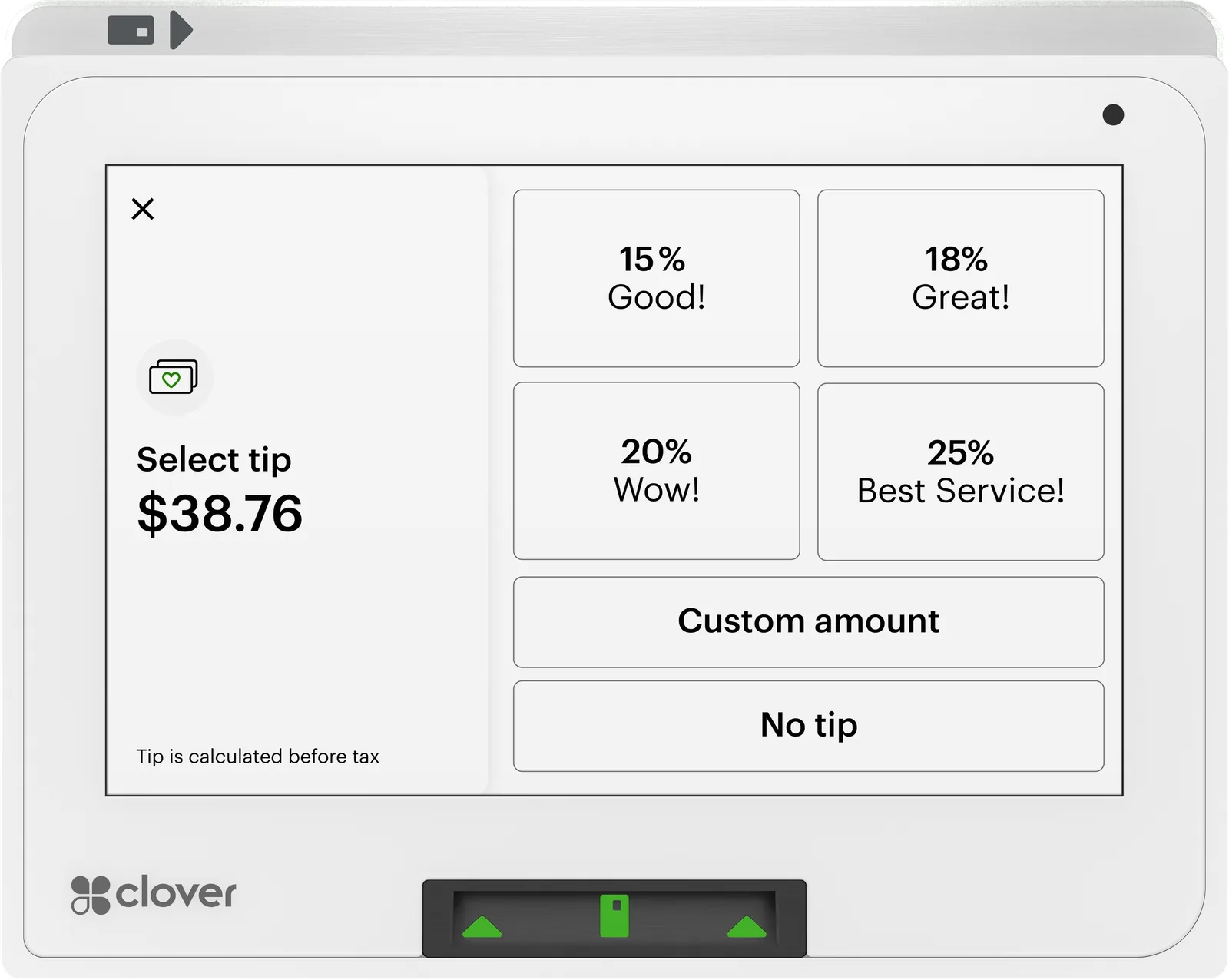
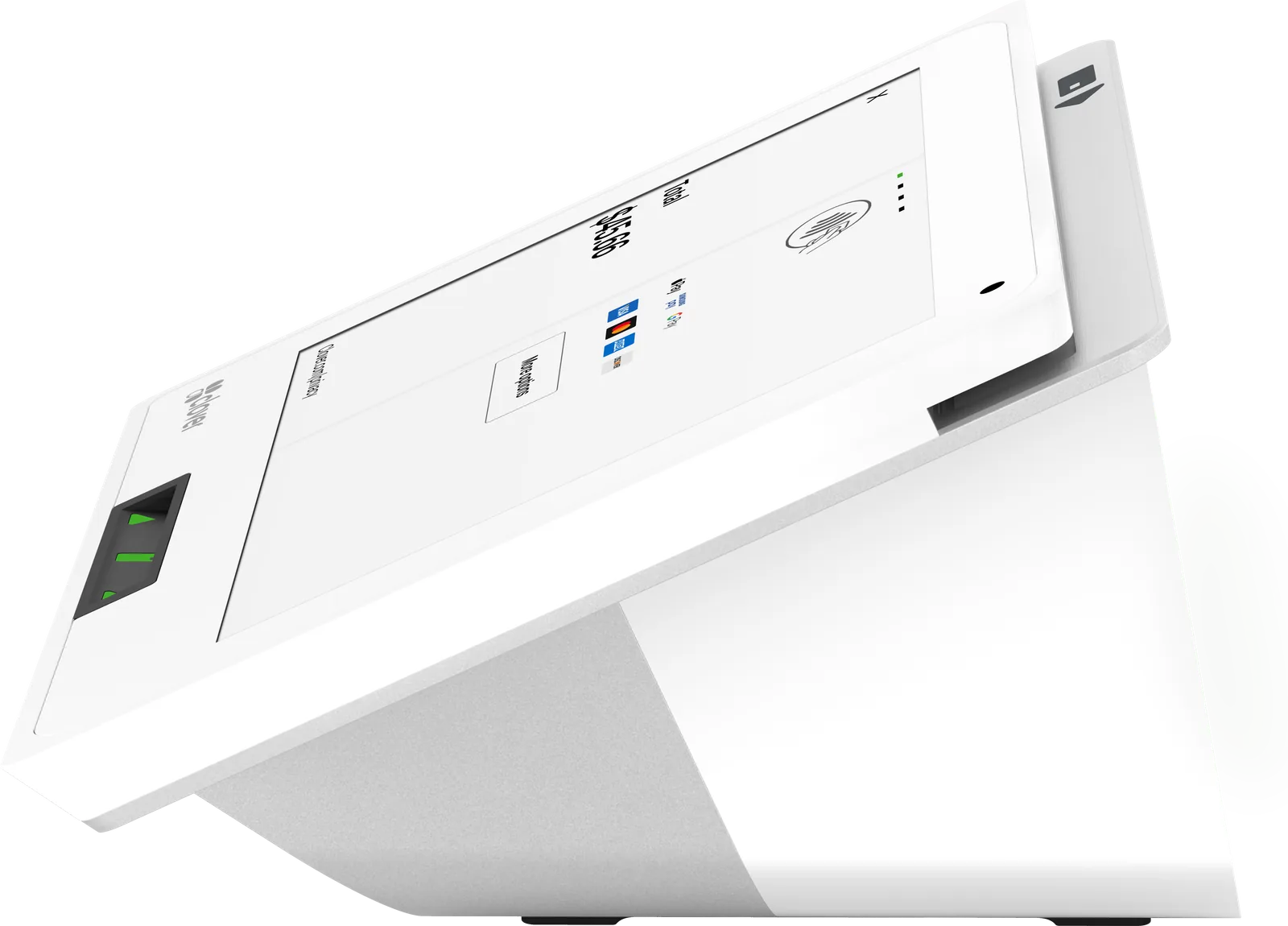
A full point of sale that fits a small counter. Run the day on an 8‑inch touch screen, let customers tap or insert their card right at the front, and print the receipt on the spot.
- 8" touch screen
- Built-in printer
- Tap, chip or swipe
- Ethernet, Wi-Fi or LTE
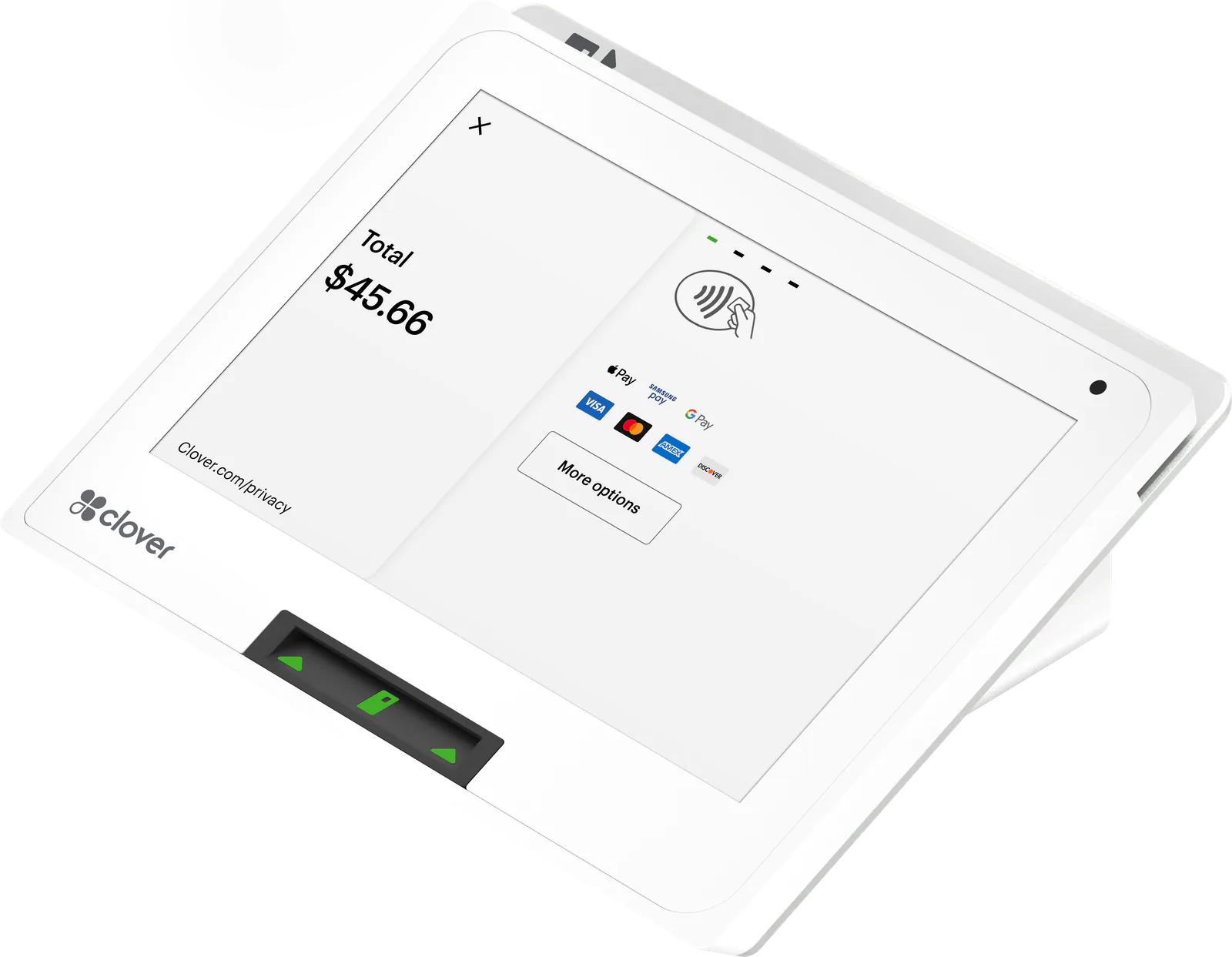
Looking for the Clover Mini 2? Clover replaced the Mini 2 with the Mini 3. It keeps the built-in printer, the camera that reads barcodes and the Ethernet, Wi‑Fi or LTE connection, and moves to a larger 8‑inch screen (the Mini 2’s is 7 inches). If you run a Mini 2 today, we can quote a Mini 3 in its place.
Features
What you get with the Mini 3
One screen runs the counter
Ring up sales, track inventory and watch sales come in on the 8‑inch touch screen. Which tools you get depends on the Clover software plan you choose.
Customers pay right at the front
The card slot and contactless reader sit on the front of the Mini, so customers tap or insert their own card. It takes credit and debit, Apple Pay, Google Pay, and PayPal or Venmo.
Receipts, printed or sent
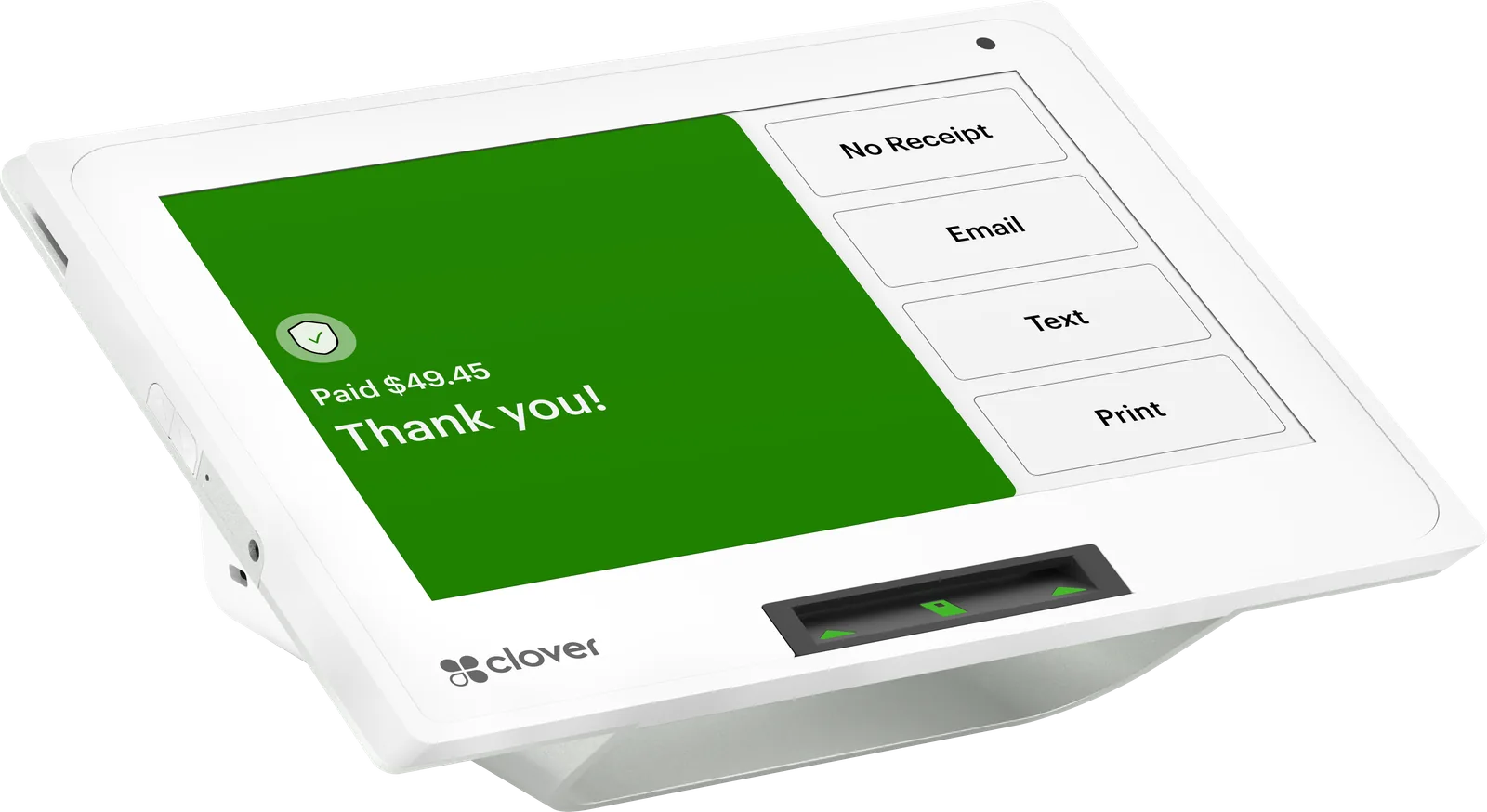
A thermal printer is built in, so there’s no separate receipt printer on your counter. Customers who’d rather skip paper can get their receipt by email or text.
Stays online when your internet doesn’t
Plug in Ethernet or use Wi‑Fi, and add LTE with a cellular plan as a backup. If every connection drops, offline payments keep the Mini taking cards for up to 7 days.
Grows into a full checkout
A cash drawer, barcode scanner or weight scale plugs into the Mini’s hub, and it works with kitchen and label printers. Add a Clover Flex or another Mini later on the same account.
Scans barcodes with its camera
The front-facing camera reads 1D and 2D barcodes and QR codes, so you can ring up packaged items before you ever add a separate scanner.
Up close
A closer look at the Mini 3
Fit
Is the Mini 3 right for you?
A good fit for
- Coffee shops, salons and small stores with one checkout counter
- Counter-service restaurants that want a full point of sale in a small space
- Retail shops that track inventory and scan barcodes
- Owners who want to start small and add a cash drawer, scanner or scale later
Specs
Clover Mini 3 specs
Specs from Clover and our partner catalog. Check with us before you order.
| Screen | 8" color LCD touch screen |
|---|---|
| Resolution | 1280 × 800 |
| Cards | Chip, tap (contactless) and swipe |
|---|---|
| Card types | Credit and debit |
| Mobile wallets | Apple Pay, Google Pay, PayPal and Venmo |
| EBT | EBT food (SNAP) and cash benefits, once your business is approved for EBT |
| Signatures | On-screen signature capture |
| Encryption | Clover Security encryption and tokenization |
| Printer | Built-in thermal receipt printer |
|---|---|
| Printer paper | 2 1/4 in × 85 ft thermal rolls |
| Digital receipts | Email or text |
| Camera | Front-facing camera that scans 1D and 2D barcodes |
|---|---|
| QR codes | Read with the front-facing camera |
| Network | Ethernet, Wi‑Fi and 4G LTE |
|---|---|
| Cellular | Optional data plan, which we can turn on or off at any time, or another LTE network |
| Offline payments | On by default; up to 7 days without a connection; not for EBT or gift cards |
| Accessory hub | Included; cash drawer, scanner and other accessories plug in here |
|---|---|
| Ports | Two USB‑A, one USB-B and one RJ12 cash drawer port |
| Power | Plugs into an outlet through the hub; backup battery |
| Cash drawer | Optional add-on |
| Operating system | Clover’s hardened version of Android 10 |
|---|---|
| Memory | 2 GB RAM, 16 GB storage |
| Audio | Speaker, microphone and 3.5 mm audio jack |
| Model number | C305 |
Accessories
Works with the Mini 3
Ask about any of these when you get a quote.
- Clover cash drawerA matching drawer for cash sales that connects to the Mini.
- Barcode scannersThe Zebra DS9308 hands-free scanner, which reads 1D and 2D barcodes, or Clover’s 2D handheld, for a busy register.
- CAS weight scaleWeighs up to 20 lb in grams or ounces, for shops that sell by weight, like frozen yogurt.
- Clover Kitchen PrinterTwo-color kitchen printer built to handle heat and humidity. A version also prints Simplified and Traditional Chinese and Japanese.
- Star TSP143IV printerNetwork thermal printer for bars and cold kitchens, on the same network as the Mini.
- Epson TM-L90 label printerPrints order labels over USB, for cafés, bars and restaurants.
- Clover Kitchen Display14‑inch or 24‑inch kitchen screen, on a wall mount or a countertop stand, that replaces paper tickets. Add a bump bar to clear orders.
- Swivel standTurns the Mini to face your customer so they can pay, tip and sign. Rubber feet keep it steady, or screw it to the counter.
- PIN shield and ADA padThe PIN shield covers the screen while a customer enters a debit PIN, and the ADA pad helps with accessibility. A silicone sleeve for the Mini 3 is available too.
FAQ
Questions about the Mini 3
Have a question we didn’t cover? Ask us and we’ll answer by phone or email.
Ask a questionWhat replaced the Clover Mini 2?
The Clover Mini 3. It keeps the built-in printer, the camera that reads barcodes and the Ethernet, Wi‑Fi or LTE connection, and moves to a larger 8‑inch screen (the Mini 2’s is 7 inches). Not sure which one you have? Look for the version name under the base of the display; the Mini 3’s model number is C305.
Clover Mini or Clover Flex: which one do I need?
It comes down to where you take payment. The Mini 3 stays on the counter: it has the bigger screen (8 inches), connects by Ethernet as well as Wi‑Fi and LTE, and has a hub for a cash drawer, scanner or scale. The Clover Flex 4 is a handheld with its own printer and barcode scanner, so staff can take the payment to the table, the line or the curb. You can run both on one account: a Mini at the counter and a Flex on the floor.
Should I get a Clover Mini or a Clover Station?
Both sit on the counter. The Mini 3 is the all-in-one option: one 8‑inch screen with the card reader and printer built in, and customers pay right on the front of it. The Clover Station Duo 2 is the bigger setup: a 14‑inch screen for staff, a separate 8‑inch screen facing customers, a receipt printer and a cash drawer, which suits busy counters. The Clover Station Solo has a single 14‑inch staff screen and suits table-service restaurants and bars. If you like the Mini but want a screen facing customers, the Mini 3 can pair with a second Mini that faces them.
Does the Clover Mini need Wi‑Fi? Can it work offline?
No, Wi‑Fi is one of three options. The Mini 3 connects by Ethernet, Wi‑Fi or 4G LTE, and Clover recommends Ethernet for countertop devices because it stays up when Wi‑Fi is spotty. LTE needs a cellular data plan, which we can add to your quote and turn on or off at any time, or you can use another LTE network. If every connection drops, Clover’s offline payments, on by default for the Mini, keep accepting cards for up to 7 days and send them for approval once you’re back online. The risk is yours: a card that turns out expired or canceled is declined later, and offline payments don’t cover EBT or gift cards.
Can I add a cash drawer, scanner, scale or swivel stand?
Yes. Accessories plug into the hub that comes with the Mini. Clover offers a matching cash drawer, barcode scanners and a weight scale that weighs up to 20 lb, and the Mini works with kitchen printers and the Epson TM-L90 label printer. We also supply the Mini 3 swivel stand, which turns the Mini to face your customer, a PIN shield for debit purchases, an ADA pad and a silicone sleeve. Ask about any of them and we’ll add them to your quote.
How much does a Clover Mini 3 cost?
It depends on the setup: how many devices you need, your Clover software plan, any accessories and how you want to handle card fees (traditional pricing, cash discount or surcharging). We price the whole system as one quote, so you see everything before you decide. Ask for a quote or call us at (212) 804-7140, and we’ll follow up by phone or email.
My Clover Mini won’t turn on. What should I try?
Clover’s steps for a Mini 3: leave it plugged in for at least 30 minutes so the backup battery charges, unplug every cable from the hub, then press and hold the power button (inside the receipt paper compartment at the back) for 20 seconds. Plug the black power cable back into the hub and wait for the Clover logo before reconnecting anything else. If it still won’t start and you signed up with us, call or text your rep. Otherwise, Clover Support answers 24/7, 365 days a year at (855) 853-8340, and CardConnect Merchant Support is at (877) 828-0720; if another agent signed you up, contact that agent’s office.
Other devices
Other Clover devices
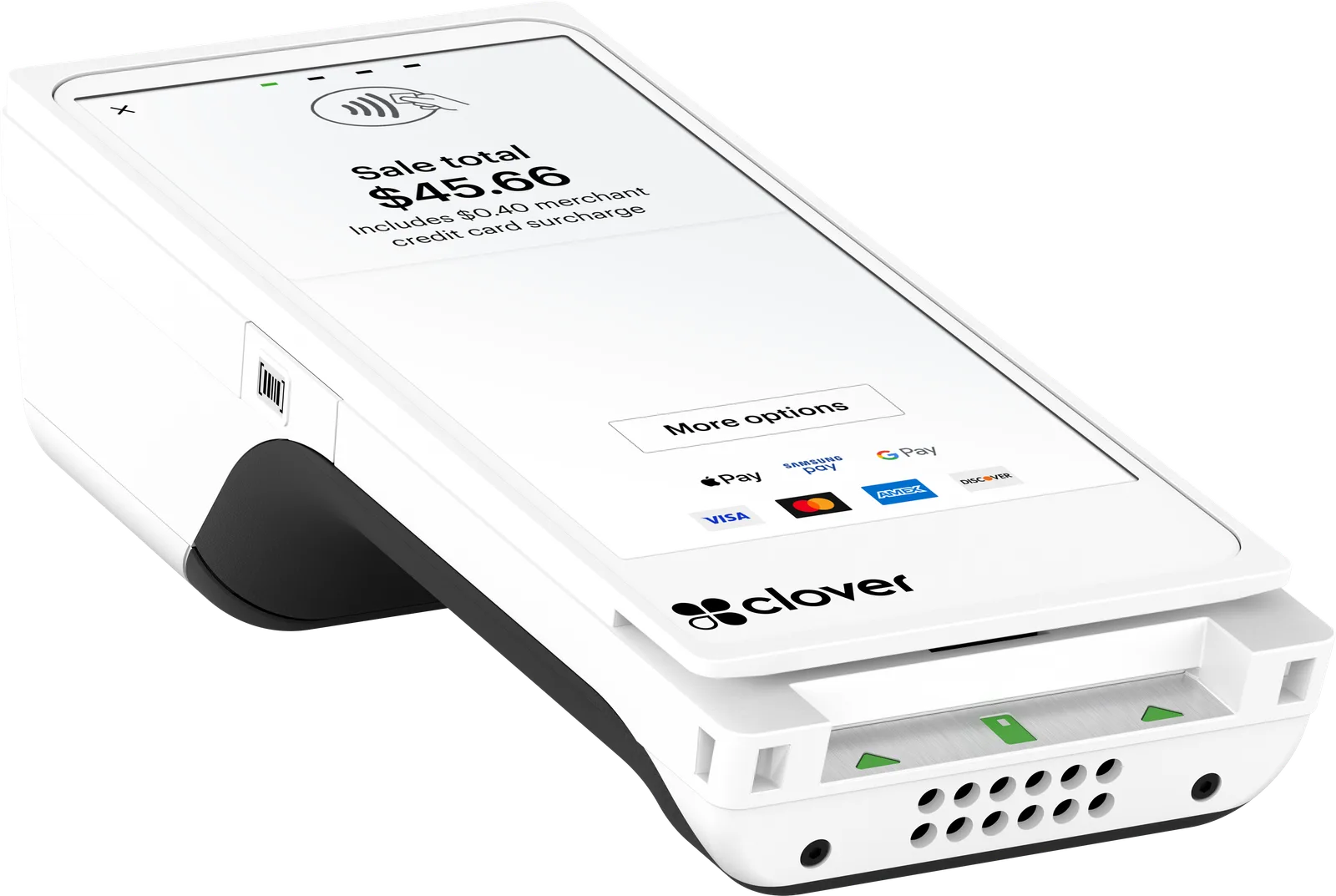
- Tableside and on the go
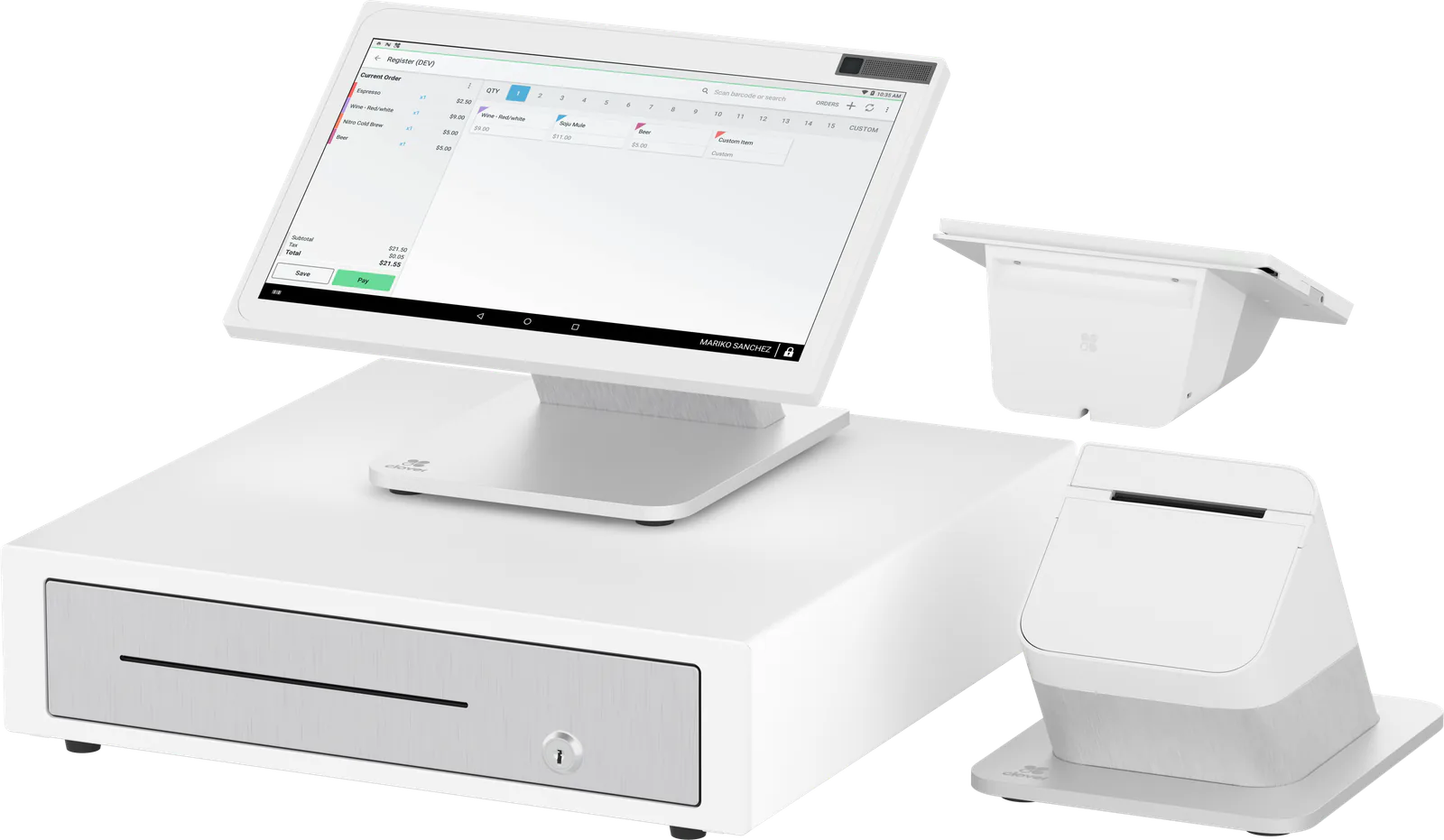 Counter service and retail
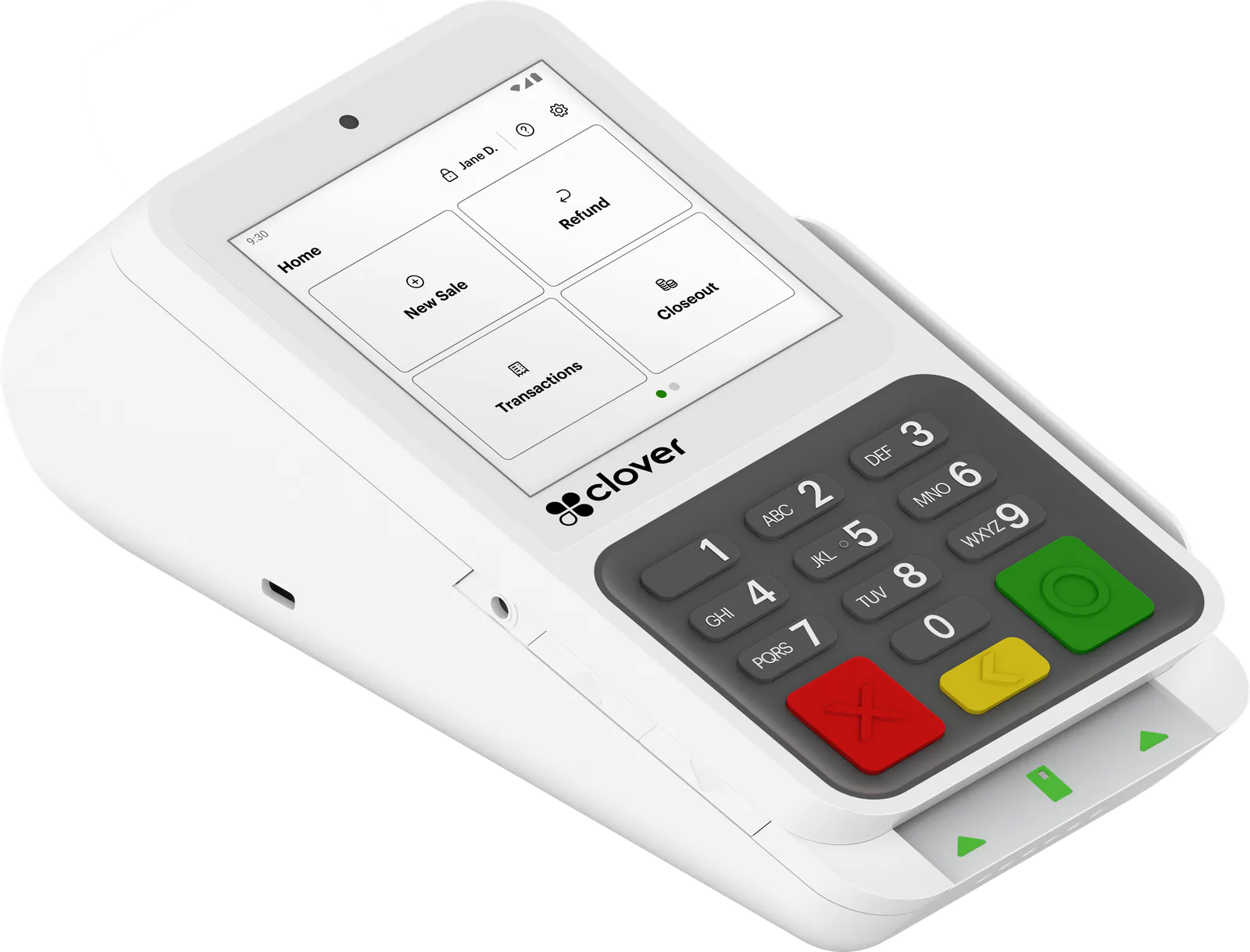 Counters that just take cards
Ready for the Clover Mini 3?
Tell us how you sell. We’ll quote the device and a processing plan, set them up, and stay a phone call away.