Skip to content
Get a quote

Retail POS

Clover for retail

Ring up sales, scan barcodes and keep count of every size, color and bottle on your shelves, in one shop or several. We match the Clover devices and plan to how you sell, set them up and stay a call or text away.

  • Size and color variants
  • Barcode scanning
  • Offline payments
  • No long-term contract
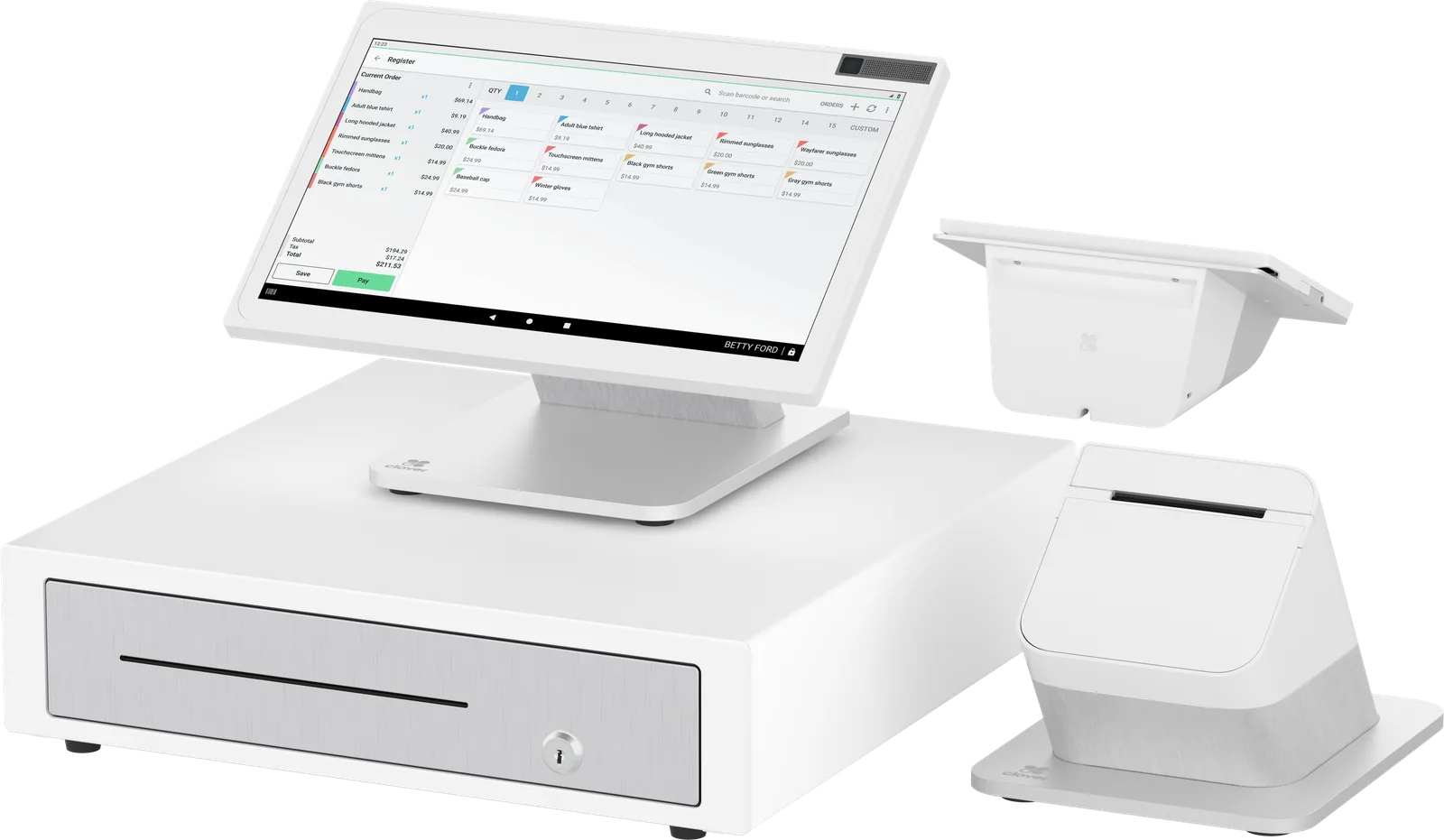
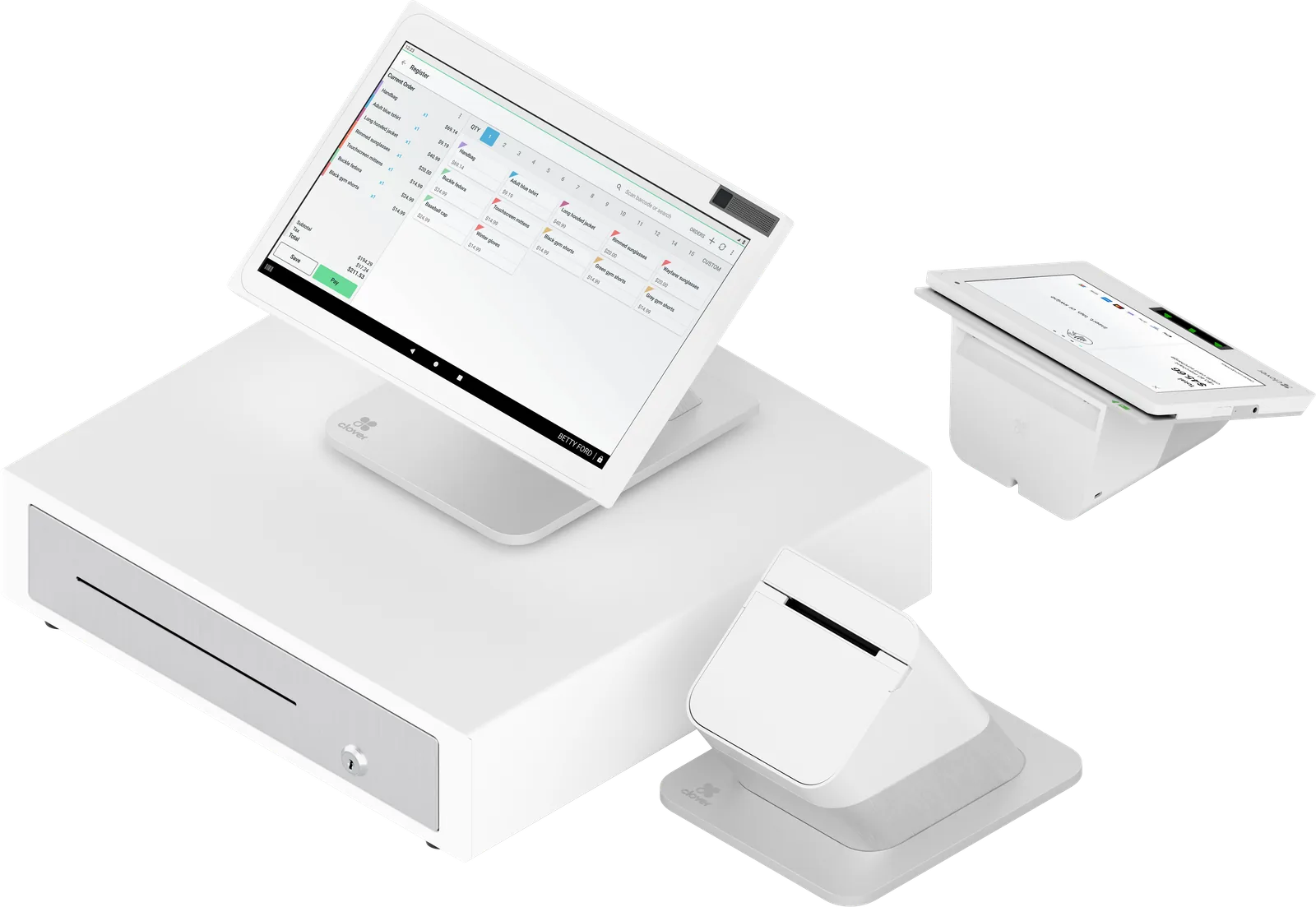
Clover Station Duo 2 on its cash drawer with the receipt printer and the customer-facing display, showing a sale of clothing and accessories such as a handbag, a jacket and sunglasses on the merchant screen

By business type

Find your setup

Pick the kind of store you run to see the Clover setup we’d usually quote for it.

Clothing and apparel stores

Most of what you sell comes in sizes and colors, and customers try things on, swap them and bring them back. Checkout happens at the counter, with a second device on the floor when it gets busy.

  • Every size and color set up as a variant of one item, each with its own SKU
  • Itemized returns and exchanges at the register
  • Low-stock alerts, so best sellers get reordered before they run out

CardConnect MSP

Clothing and apparel stores


Your setup

  1. CounterClover Station Duo 2

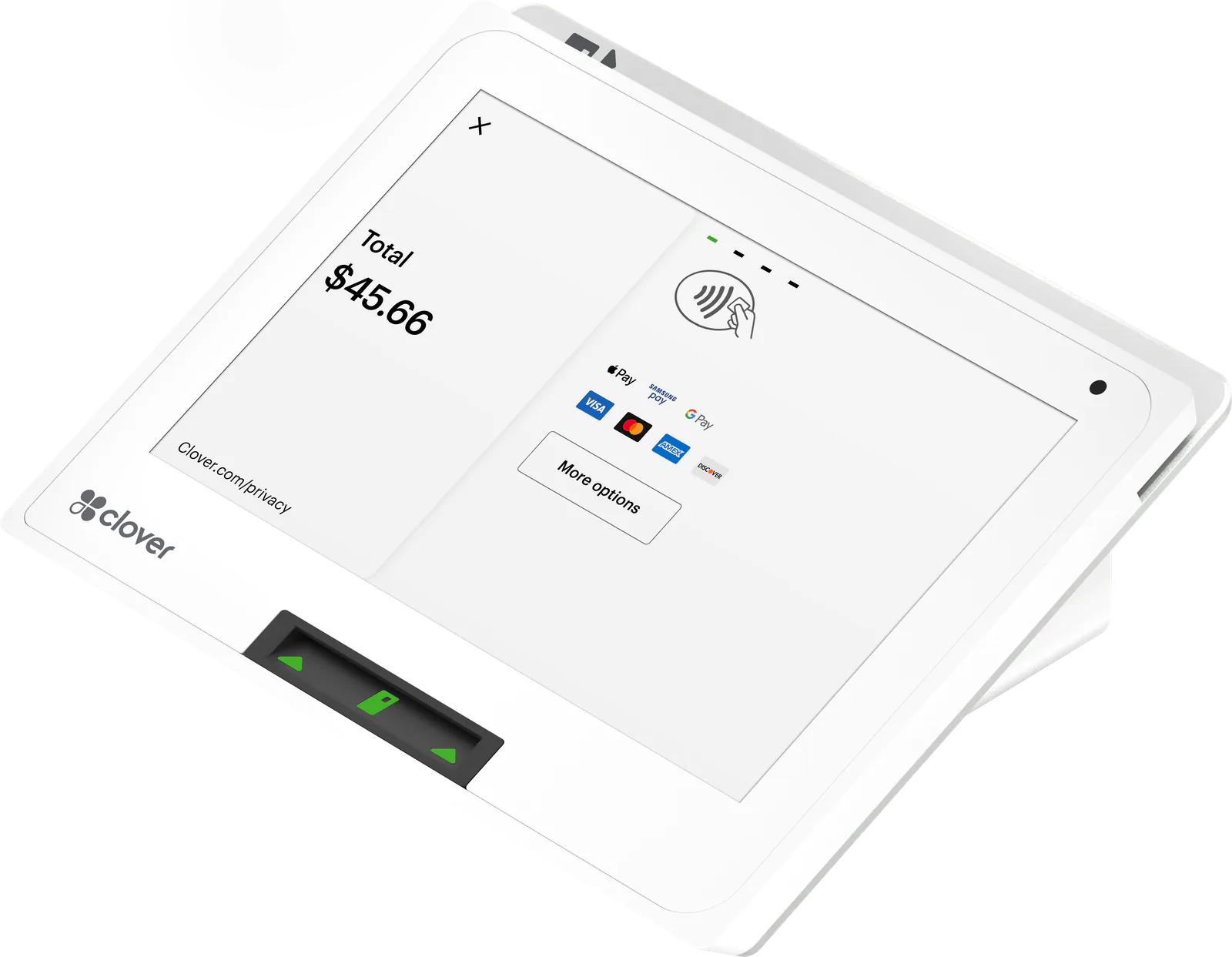
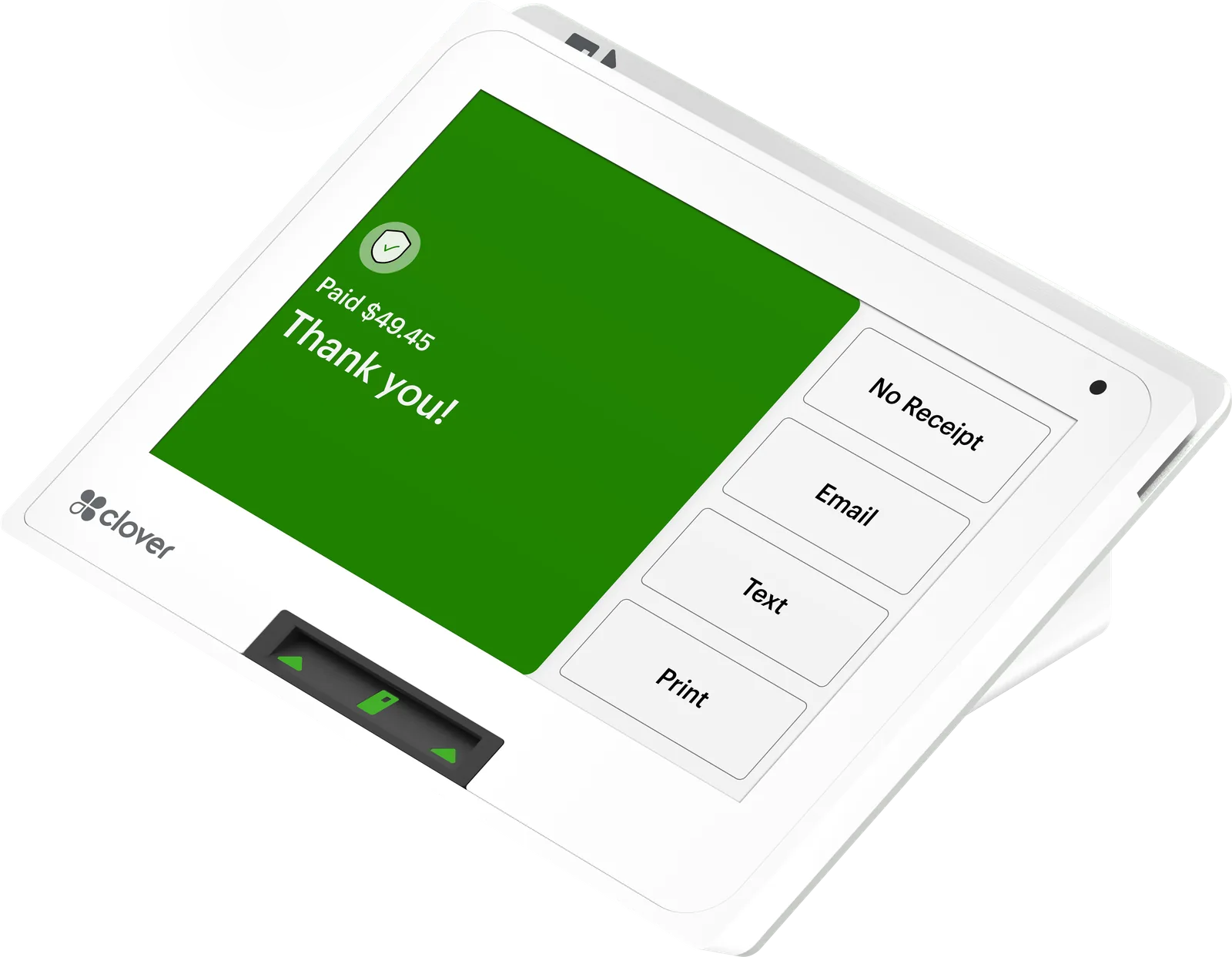
    Customers check each item and pay on their own screen.

  2. Sales floorClover Flex 4

    Scans tags and takes payment away from the counter.

  3. Tag scanningClover 2D handheld scanner

    Scans tags at the counter.

Long-term contractNone

Stock tracking, returns, gift cards and rewards come with Clover’s Essentials and Retail Growth plans; Retail Growth includes item variants, scale integration and the online store. Starter locations can’t join a multi-location group. We confirm the plan with your quote.

Features

What Clover does for retail stores

  • Every size and color, tracked

    Set up an item once, add attributes like size, color or material, and Clover lists each variation. Give each one its own SKU, and add or edit variants on a Clover Station, Mini or Flex, or on the web dashboard.

  • Stock counts that keep up

    Scan new items in with a barcode scanner to add them or update stock, and counts drop as you sell. Set a reorder point on your best sellers, and Clover alerts you when stock runs low.

  • Returns and exchanges at the register

    Refund a whole order or only the items coming back, or exchange one item for another. Orders paid more than one way can be refunded too.

  • See what sells

    Reports show your best- and worst-selling items, your busiest times and sales by employee, on the dashboard from a computer or phone. Hand them to your accountant, or sync them with QuickBooks or Xero.

  • Bring regulars back

    Clover builds customer profiles from card sales and keeps contact details current. Run a rewards program, send promotions by text or email, and hear feedback privately before it reaches review sites.

  • Sell online from the same stock

    Open a Clover online store that syncs with your POS, so inventory stays in step between the shop and the website. Customers choose shipping or in-store pickup.

Item variants and the online store come with Clover’s Retail Growth plan; stock tracking, returns, detailed reports and rewards come with Essentials and Retail Growth. Ask us which plan fits your store.

Pricing

Three ways to price card payments

Surcharging, cash discount or traditional pricing. We help you pick the one that fits how you sell, then set it up for you. Pricing is by quote, for your business.

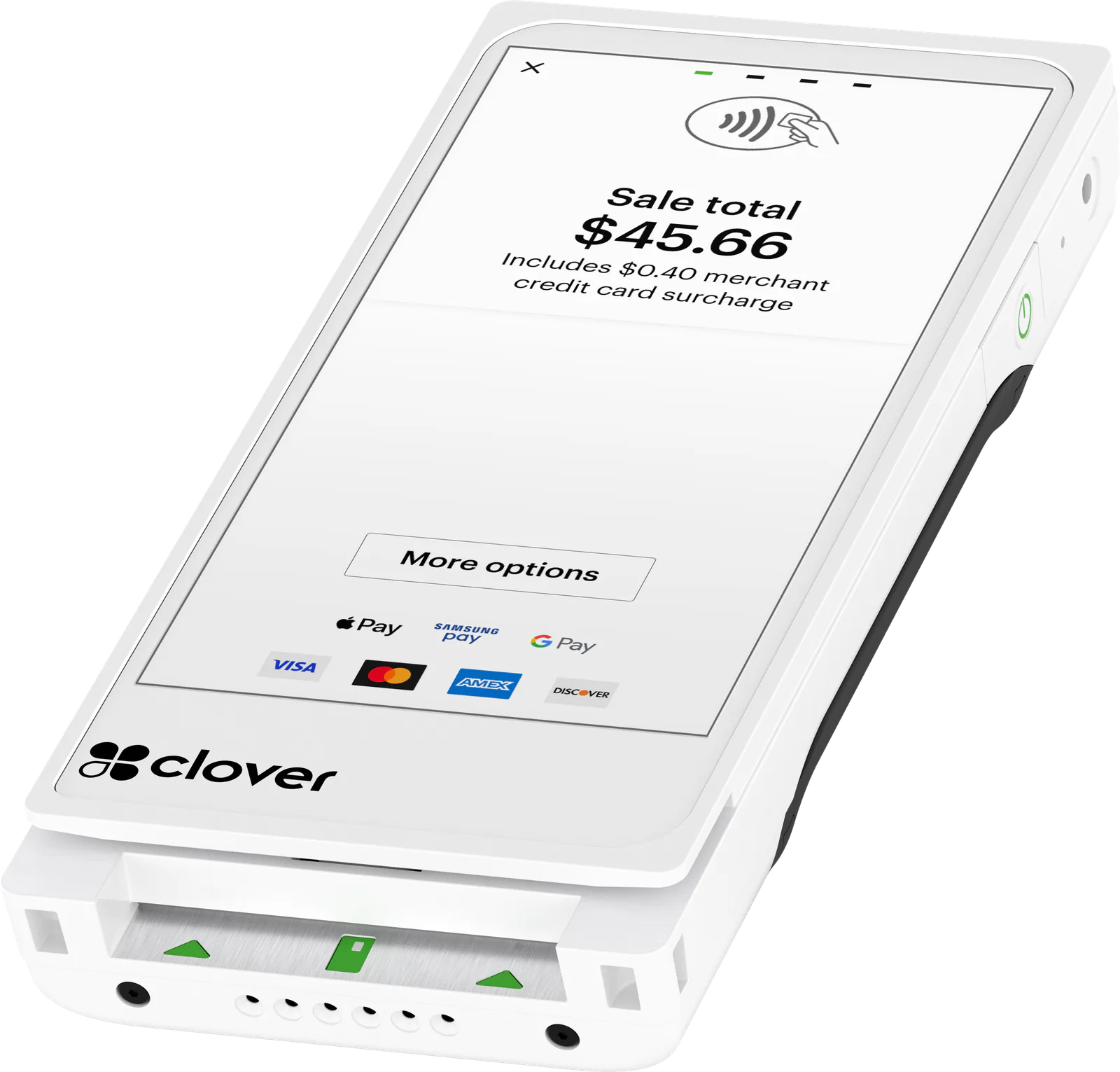
  • Surcharging

    Customers who pay with a credit card pay a surcharge on the sale. It can reduce what you pay to take cards; it doesn’t eliminate those costs.

    • Credit cards only. Debit cards are never surcharged.
    • Not allowed in Connecticut, Maine, Massachusetts, Oklahoma or Puerto Rico. Other states may have limits or disclosure rules; we confirm yours during onboarding.
    • Your surcharge is set with you at onboarding, and you can change it later.
    • Already signed up with us? Your rep can add it later.
    • Tap to Pay on iPhone, in the Clover Go app, isn’t available on a surcharging account.
  • Cash discount

    The price you ring up is the card price. Customers who pay cash get a discount at checkout.

    • The printed bill shows both the card price and the cash price.
    • You post signs at your counter that explain it to customers.
    • It works on any Clover device that takes cash.
  • Traditional pricing

    One price for every customer, however they pay. You cover the cost of taking cards, and we quote it for your business.

    • Nothing changes for your customers at checkout.

You run one of the three. We go through what applies to you before you choose, then set it up to fit your business and your state’s rules.

Ask about pricing

Devices

Clover devices for retail stores

Best fit first. We’ll help you pick the mix that fits how you sell.

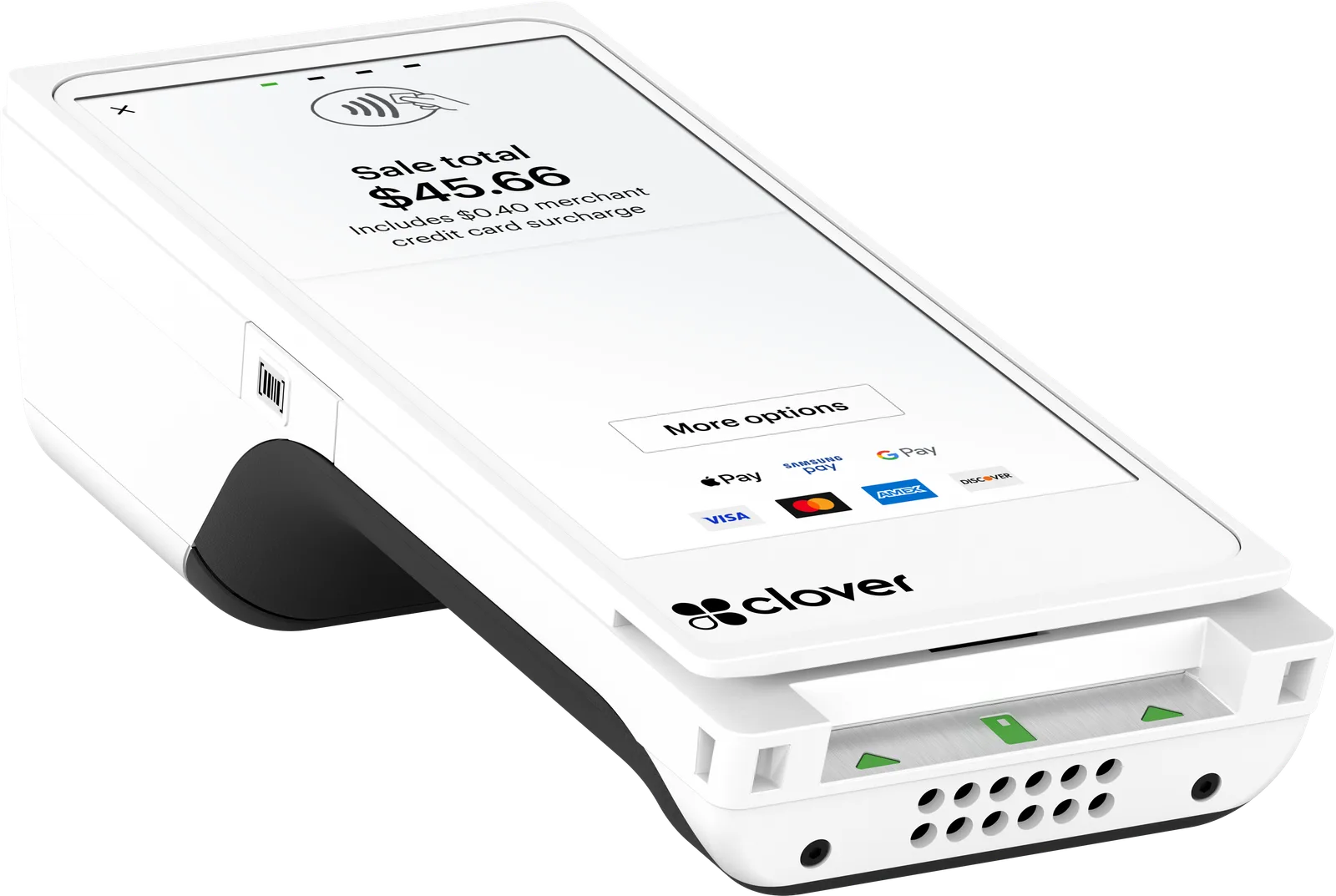
  • Clover Flex 4 handheldTableside and on the go

    Clover Flex 4

    • Wi-Fi + 4G LTE
    • Built-in printer
    • Barcode scanner

    See Clover Flex 4

  • Clover Flex Pocket handheldPayments that fit an apron pocket

    Clover Flex Pocket

    • LTE
    • All-day battery
    • Text or email receipts

    See Clover Flex Pocket

  • Clover Go 3 card readerFood trucks, markets and pop-ups

    Clover Go 3

    • Pairs with your phone
    • Tap and chip
    • Optional dock

    See Clover Go 3

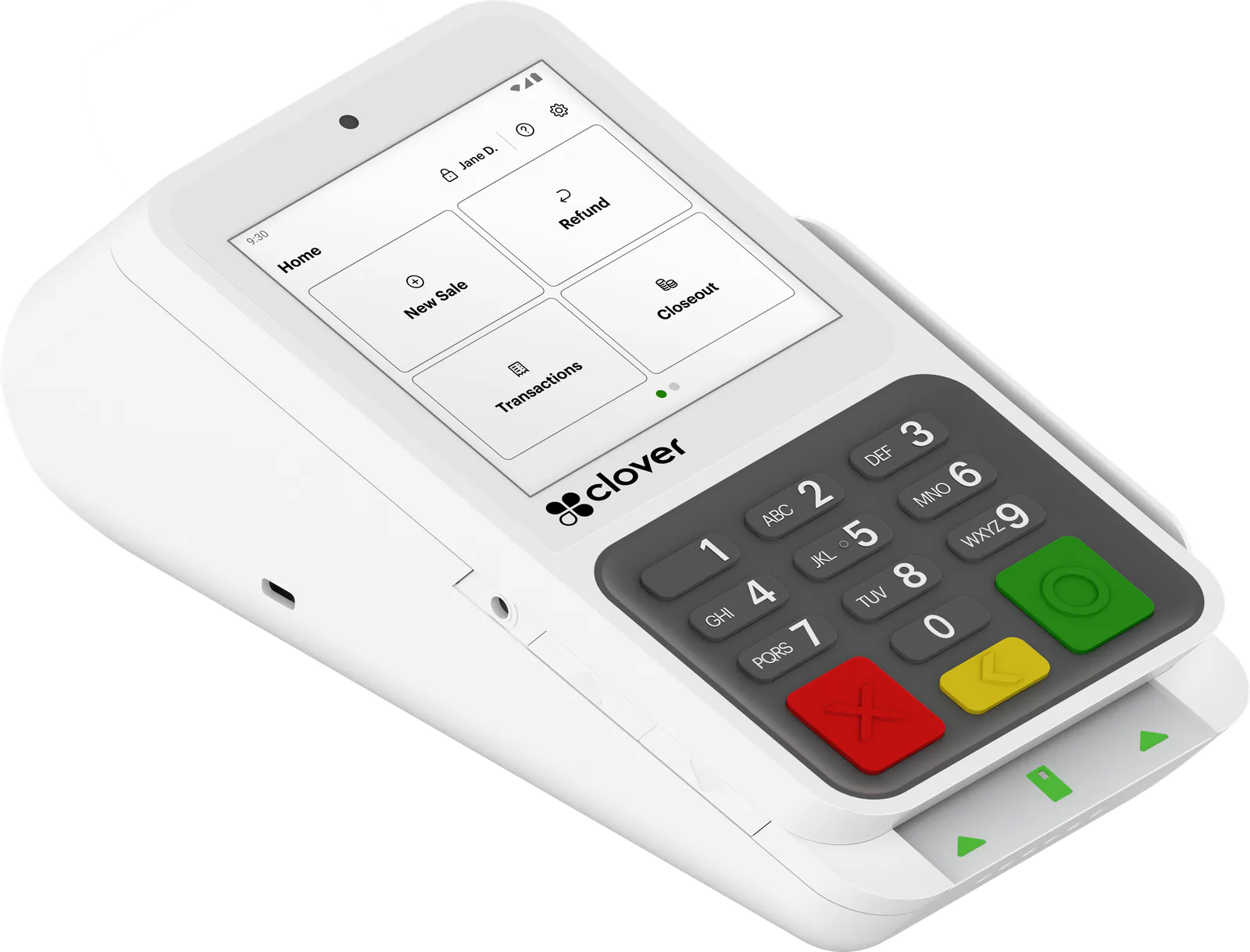
  • Clover Compact with touch screen and PIN padCounters that just take cards

    Clover Compact

    • Physical PIN pad
    • Touch screen
    • Swivel stand option

    See Clover Compact

Accessories

Ask about any of these when you get a quote.

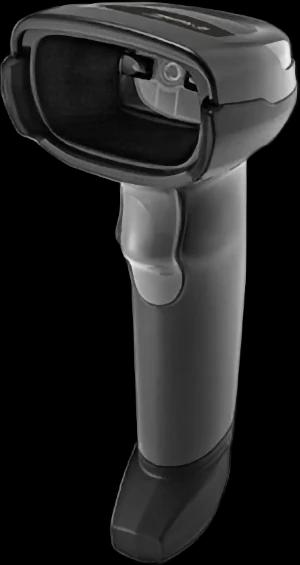
  • Barcode scannersThe hands-free Zebra DS9308 on its built-in stand, which reads 1D and 2D barcodes from paper labels and phone screens, or Clover’s 2D handheld scanner. Both connect to a Station or Mini.
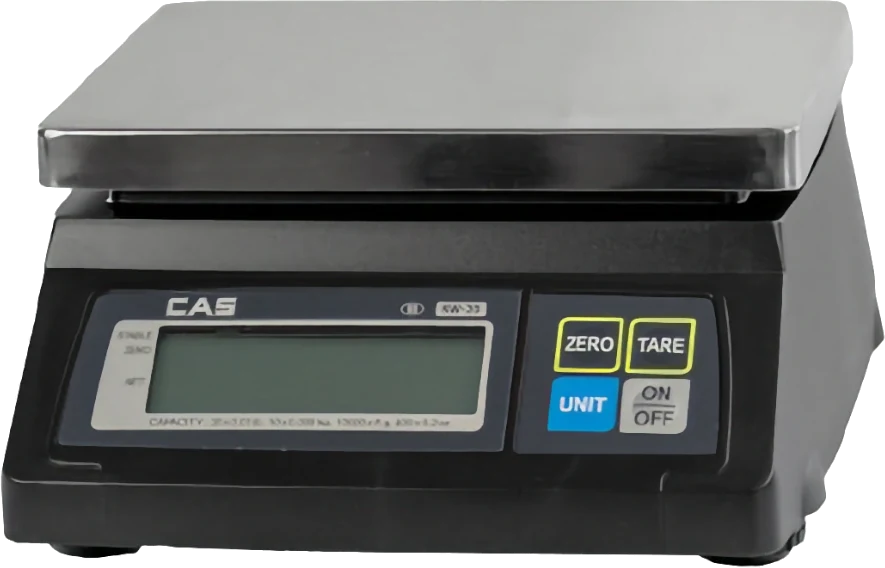
  • CAS weight scaleWeighs up to 20 lb, switches between grams and ounces, and sends the weight into the sale for anything you sell by weight. Connects to a Station or Mini.
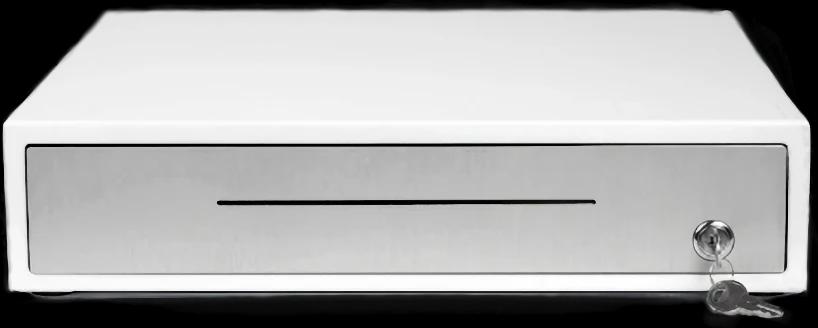
  • Clover cash drawerEvery Station comes with one, and it’s an add-on for the Mini. Steel, with a bill tray, coin tray, two keys and a security cable. Extra drawers cover a second till.

Why buy from us

Set up right. Supported after.

Clover is the system. We’re the team that matches it to your business, gets it running and picks up when you call.

  • Set up by our team

    We get your Clover ready to take payments and walk your staff through it.

  • A direct line to your rep

    You get a dedicated rep on a direct number, no extension. Call or text with questions or issues.

  • No long-term contract

    We don’t tie you to a long-term contract. We commit to serving you for the long term instead.

FAQ

Questions about Clover for retail

Have a question we didn’t cover? Ask us and we’ll answer by phone or email.

Ask a question
What does Clover do for a retail store?

It runs the checkout and the back office. Customers pay by card, phone wallet or cash, and once your store is approved for EBT, we can set that up too. Behind the register, Clover tracks your items and stock, including sizes and colors, scans barcodes, alerts you when stock runs low, handles returns and exchanges, keeps customer profiles and rewards, and reports sales by item and employee. Some of these tools depend on your Clover plan, so we match the plan to your store along with the devices.

Does Clover work for a grocery or convenience store?

Yes. A Clover Station Duo 2 at the lane, a Zebra barcode scanner and Clover’s CAS weight scale cover the checkout: the scale weighs up to 20 lb, handles tare for containers and sends the weight straight into the sale. We can set up EBT too, for SNAP food and cash benefits, once your store is approved for EBT; every Clover device we sell takes it except the Go 3. Clover tracks stock and sends low-stock alerts, and if your internet drops, every Clover device keeps taking cards offline and sends them for approval once you’re back online. A card declined later is your risk, and offline payments don’t cover EBT or gift cards. Scale integration comes with Clover’s Retail Growth plan, and stock tracking isn’t part of its Starter plan. Tell us how many lanes you run and what you sell by weight, and we’ll quote the setup.

Is Clover a good fit for a liquor store?

Yes. Scan each bottle with a Zebra barcode scanner or the cameras built into the Station Duo 2, track stock by item and get an alert when a bottle runs low. One item can have variants, such as bottle sizes, each with its own SKU. Clover also builds customer profiles from card sales, so you can reward your regulars. Stock tracking isn’t part of Clover’s Starter plan, and variants come with Retail Growth, so we’ll match the plan to your store.

How does Clover inventory work? Can I track sizes and colors?

Add items on the web dashboard, in the Inventory app on a Clover Station, Mini or Flex, by scanning a barcode or by importing a spreadsheet. An item can have variants, such as size and color, and each variation can have its own SKU. Turn on stock tracking and Clover updates counts as you sell; set a low-stock threshold and it alerts the owner by email or push notification. Staff can also scan and check prices on the floor with a Clover Flex 4. Stock tracking isn’t part of Clover’s Starter plan, and variants come with Retail Growth.

Can Clover manage inventory across multiple locations?

Yes. Clover’s Multi-location dashboard lets you manage shared items, inventory and categories for all your stores, keep stock quantities in sync and run sales, item and employee reports across locations. Each store still takes its own payments, and you can switch to any one of them. Locations on Clover’s Starter plan can’t join a multi-location group, and Clover recommends keeping all locations on the same plan, so we quote them together.

Which Clover plan does a retail store need?

It depends on what you sell and where. Clover’s Retail Growth plan is its plan for stores: item variants, stock and cost tracking by item, itemized returns and exchanges, scale integration for items sold by weight, gift cards, rewards, detailed sales reports and a Clover online store that syncs with your POS, so your website sells from the same items and stock, with shipping or in-store pickup. Essentials, Clover’s basic point‑of‑sale plan, covers items and stock tracking, itemized returns and exchanges, gift cards, rewards and detailed sales reports; the online store comes with Retail Growth. Starter is for taking and tracking payments, and Starter locations can’t join a multi-location group. We match the plan to your store as part of your quote.

Which Clover is best for a small retail store?

For one small counter, the Clover Mini 3: an all-in-one with an 8‑inch screen, the card reader and printer built in, and a hub for a cash drawer, barcode scanner or scale. If your counter gets a line, the Clover Station Duo 2 adds a 14‑inch staff screen, an 8‑inch screen where customers check each item and pay, and a cash drawer. A Clover Flex 4 on the floor scans items and takes payment away from the register. The Clover Station Solo has no tap reader, so where customers pay at the counter we usually suggest the Duo 2 or Mini 3.

How much does Clover cost for a retail store?

It depends on the devices, accessories, Clover plan and how you handle card fees (surcharging, cash discount or traditional pricing). Surcharging applies to credit cards only; debit cards are never surcharged. It isn’t allowed in Connecticut, Maine, Massachusetts, Oklahoma or Puerto Rico, and other states may have limits or disclosure rules; we confirm yours during onboarding. It can reduce card costs; it doesn’t eliminate them. We price the whole system as one quote, with no long-term contract. Ask for a quote or call (212) 804-7140, and we’ll follow up by phone or email.

Ready to set up Clover for your store?

Tell us how you sell. We’ll quote the devices and a processing plan, set them up, and stay a phone call away.