
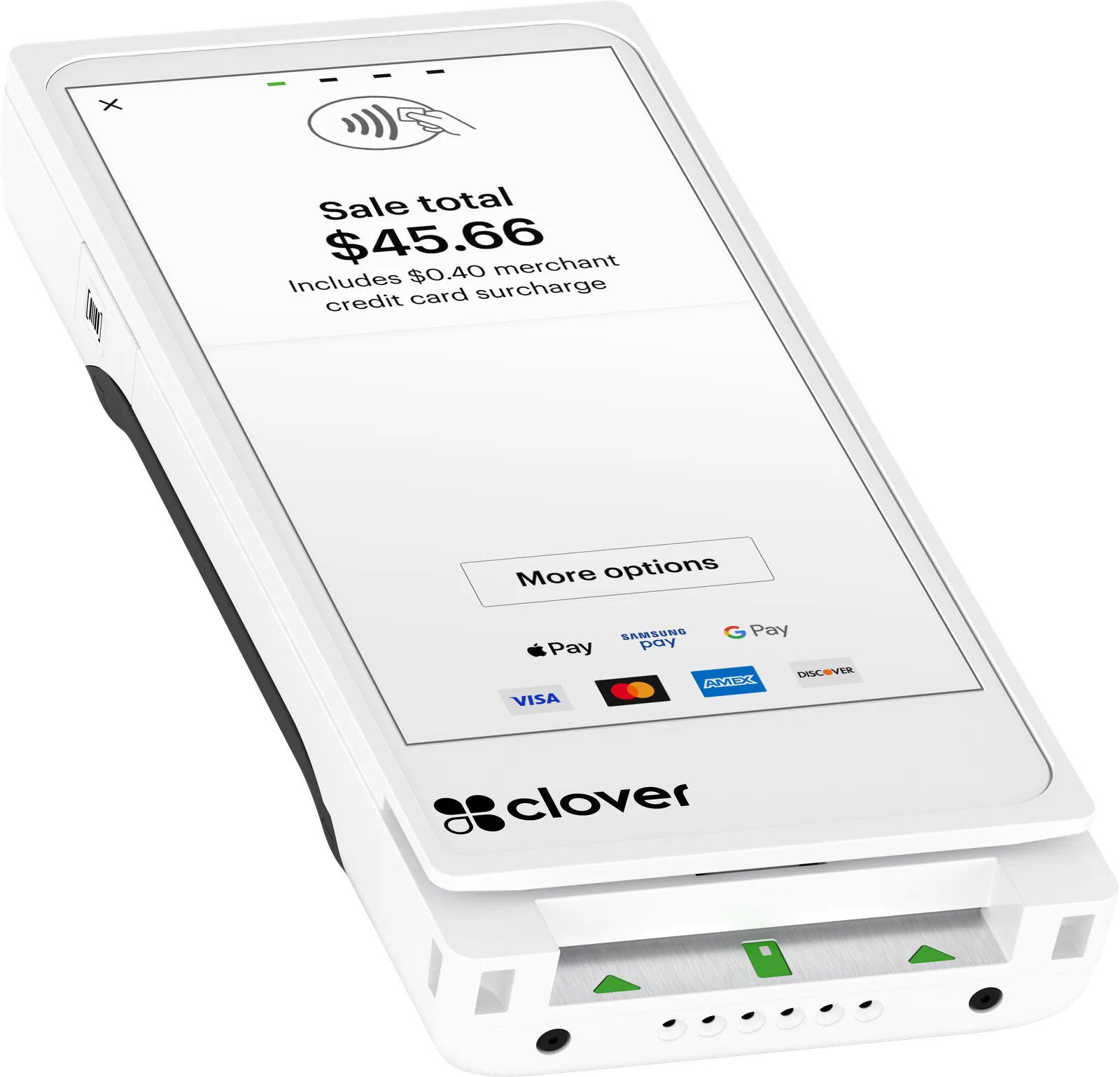

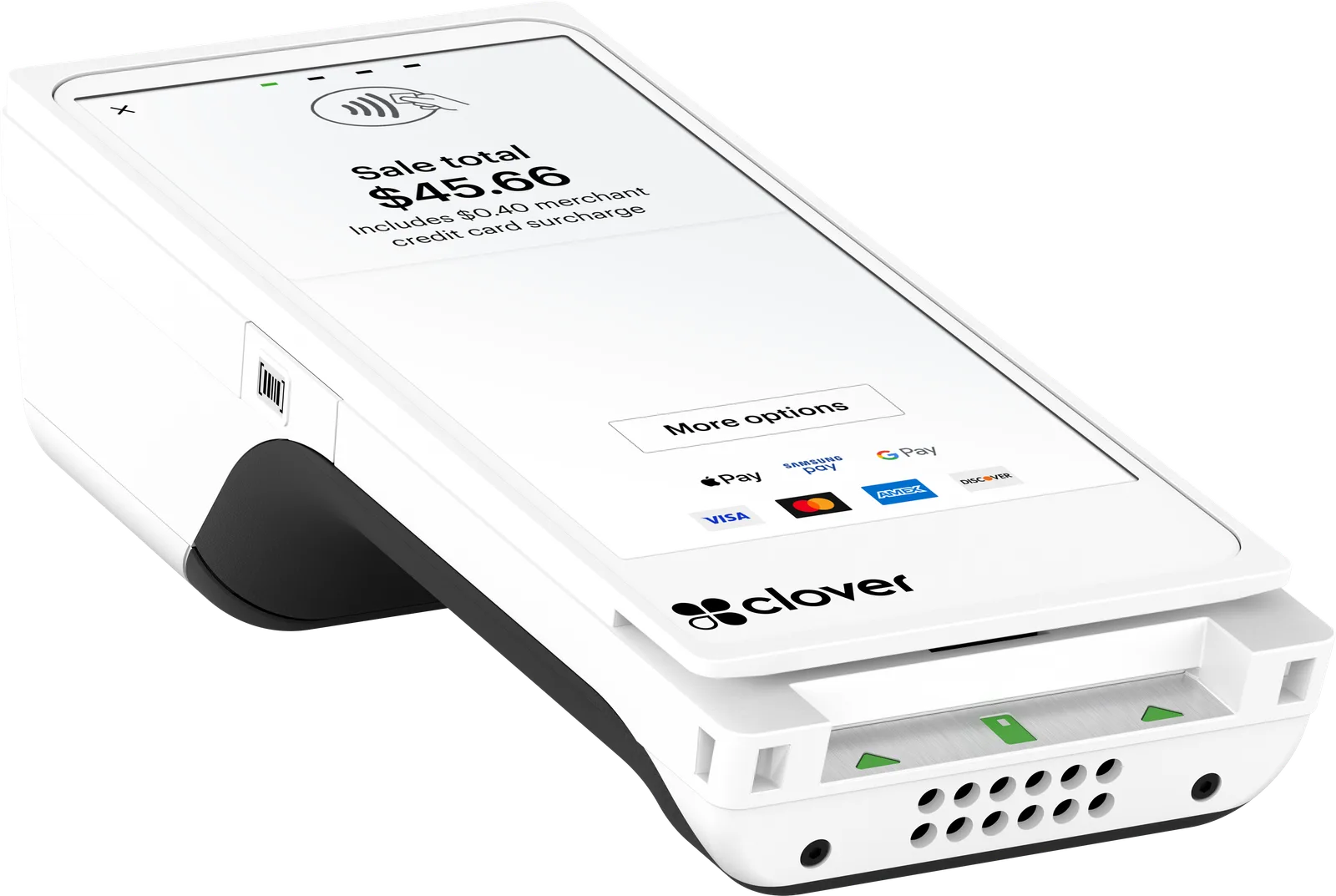
 Tableside and on the go
Lightweight handheld POS
Clover Flex Pocket
A full Clover POS that fits in a back pocket or an apron. Take orders and payments where your customers are, and send the receipt by text or email instead of paper.
- Just over 12 oz
- Wi-Fi + LTE
- Text or email receipts
- All-day battery
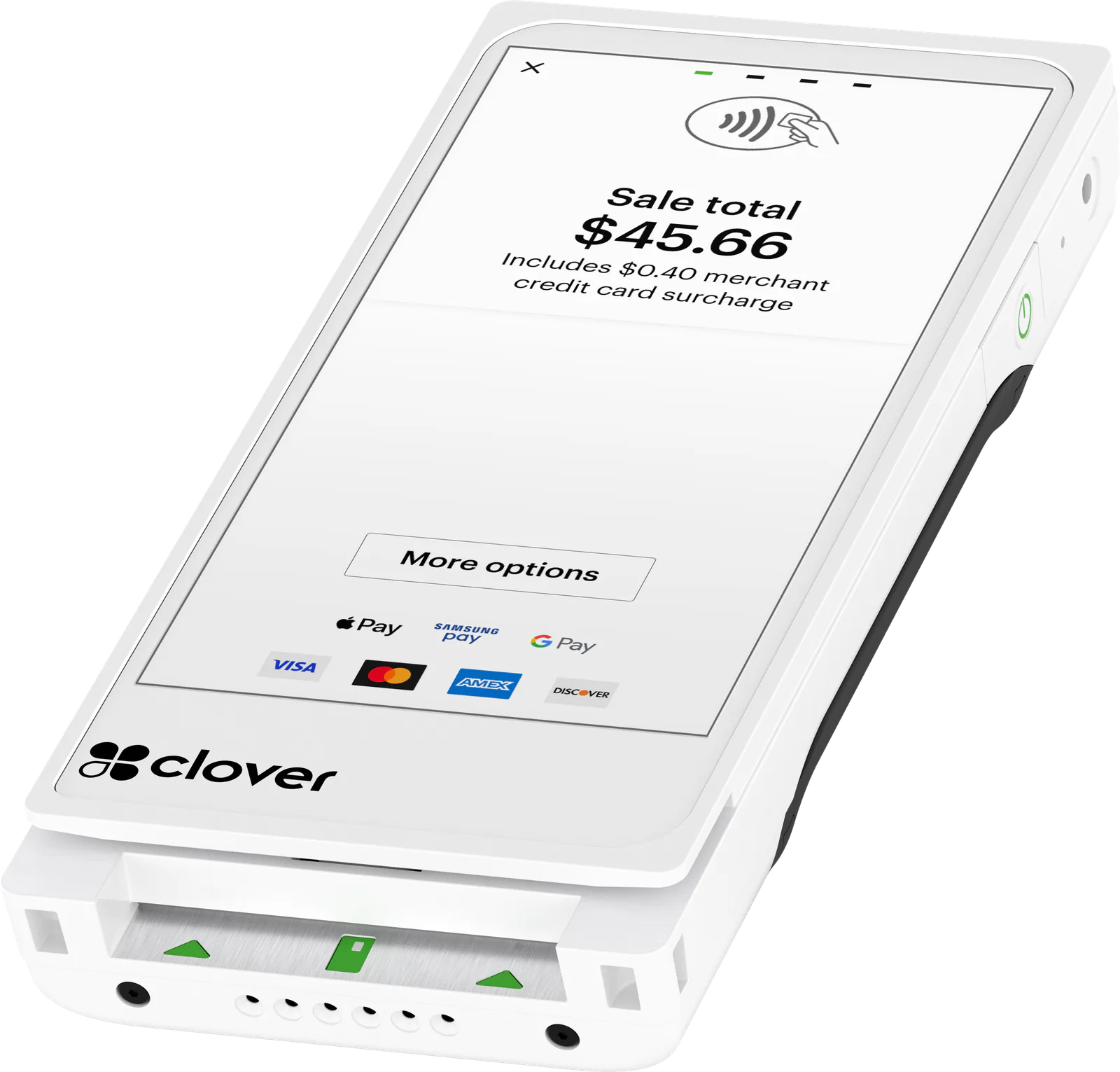
Features
What you get with the Flex Pocket
Light enough to carry all shift
At just over 12 ounces, the Flex Pocket slips into a back pocket or an apron. Clover rates it 25% lighter than the original Flex.
Receipts without paper
There’s no printer and no paper rolls to load or reorder. Customers get their receipt by email or text as soon as they pay.
Every common way to pay
Customers tap, insert or swipe a card, or pay with Apple Pay, Google Pay or Samsung Pay. Chip cards work with a PIN or a signature.
Scans on the floor
The built-in camera reads 1D and 2D barcodes and QR codes, so staff can look up prices and ring up items away from the counter.
All-day battery, any USB‑C charger
Clover rates it at least 8 hours of use on average. It charges with a standard USB‑C charger, and the battery can be replaced when it wears out.
Works with the rest of your Clover
Add it to an existing Clover system and it syncs with your other devices over Clover’s cloud. Open an order on one device and take payment for it on another.
Up close
A closer look at the Flex Pocket
Fit
Is the Flex Pocket right for you?
A good fit for
- Full-service restaurants and bars where servers carry the POS all shift
- Salons, spas and other personal services that check clients out in the chair or treatment room
- Boutiques that ring up customers anywhere on the floor
- Businesses whose customers already prefer a receipt by text or email
Specs
Clover Flex Pocket specs
Specs from Clover and our partner catalog. Check with us before you order.
| Screen | 5.99" IPS LCD touch screen, 1440 × 720 |
|---|---|
| Glass | Scratch-resistant, anti-fingerprint coating |
| Cards | Swipe, chip and tap (contactless) |
|---|---|
| Mobile wallets | Apple Pay, Google Pay, Samsung Pay |
| Chip cards | PIN entry or signature |
| EBT | EBT food (SNAP) and cash benefits, once your business is approved for EBT |
| Encryption | Clover Security encryption and tokenization |
| Printer | None |
|---|---|
| Digital receipts | Email or text |
| Camera | 5 MP color camera |
|---|---|
| Scanner | 1D and 2D barcodes, including QR codes |
| Network | Wi‑Fi, 4G LTE and Bluetooth |
|---|---|
| SIM card | Included |
| Data plan | Optional; we can turn it on or off at any time |
| Offline payments | Yes; sent for approval once you’re back online |
| Offline exceptions | EBT and gift cards need a connection |
| Battery life | At least 8 hours of use on average |
|---|---|
| Battery | Replaceable |
| Charging | USB‑C with a standard USB‑C charger; no cradle or wireless charging |
| Weight | Just over 12 oz |
|---|---|
| Compared with the Flex | 25% lighter than the original Flex |
| Operating system | Android 13 |
|---|---|
| Processor | Qualcomm 64-bit quad-core (Arm Cortex-A53) |
| Memory | 4 GB RAM, 64 GB storage |
| Audio | Speaker; 3.5 mm headset jack with mic input |
| Model number | C407 |
| Included | Flex Pocket, power adapter |
|---|---|
| PIN entry aid | Available on request from Clover support |
Accessories
Works with the Flex Pocket
Ask about any of these when you get a quote.
- Clover Kitchen DisplayWith no printer on the Flex Pocket, a 14‑inch or 24‑inch kitchen screen is the paper-free way to send orders to the line. Add a bump bar to clear them.
- Clover Kitchen PrinterFor kitchens that still want paper tickets: orders from the Flex Pocket print on the line in two colors, when a Station or Mini is in the same system.
- Star TSP143IV printerA quiet order printer for the bar or a cold kitchen. The Flex Pocket sends to it over your network, with a Station or Mini in the system.
- Sleeve with hand strapA protective sleeve with a hand strap, made for the Flex Pocket.
FAQ
Questions about the Flex Pocket
Have a question we didn’t cover? Ask us and we’ll answer by phone or email.
Ask a questionWhat’s the difference between the Clover Flex 4 and the Flex Pocket?
Both have a 5.99‑inch screen, take the same card and phone payments, scan barcodes, run on Wi‑Fi or LTE and sync with your other Clover devices. The Flex 4 has a built-in receipt printer and charges on a wireless cradle. The Flex Pocket has no printer, charges with USB‑C and is lighter, at just over 12 ounces.
Can the Clover Flex Pocket print receipts?
Not on the device. It sends receipts by email or text. If your kitchen needs paper tickets, Clover’s kitchen printers work with a Flex Pocket in a system that also includes a Station Solo, Station Duo 2 or Mini 3, or orders can go to a Clover Kitchen Display instead.
How long does the Flex Pocket battery last?
Clover calls it an all-day battery and rates it at least 8 hours of use on average. It charges with any standard USB‑C charger, and the battery can be replaced if it stops holding a charge.
Does the Flex Pocket need Wi‑Fi?
Not necessarily. It comes with a SIM card and connects over Wi‑Fi or 4G LTE, so with a data plan, which we can add to your quote and turn on or off at any time, it can keep working on a patio, at a sidewalk sale or anywhere your Wi‑Fi doesn’t reach. If both drop, it keeps taking payments offline and sends them for approval once it’s back online; EBT and gift cards need a connection. We set up whichever connection suits your location.
Does the Flex Pocket work with my other Clover devices?
Yes. It syncs with your other Clover devices over Clover’s cloud, so you can open an order at the counter and take payment for it on the Flex Pocket, or the other way around.
Can the Clover Flex Pocket take Apple Pay and tap to pay?
Yes. Customers can tap a card or phone, insert a chip card or swipe. Clover lists Apple Pay, Google Pay and Samsung Pay, and chip cards work with a PIN or a signature.
How much does a Clover Flex Pocket cost?
It depends on the setup: how many devices you need, your Clover software plan, any accessories and how you want to handle card fees (traditional pricing, cash discount or surcharging). We price the whole system as one quote, so you see everything before you decide. Ask for a quote and we’ll follow up by phone or email.
Other devices
Other Clover devices
- Tableside and on the go
 Food trucks, markets and pop-ups
 Small counters
Ready for the Clover Flex Pocket?
Tell us how you sell. We’ll quote the device and a processing plan, set them up, and stay a phone call away.