
 Counter service and retail
Self-service ordering
Clover Kiosk
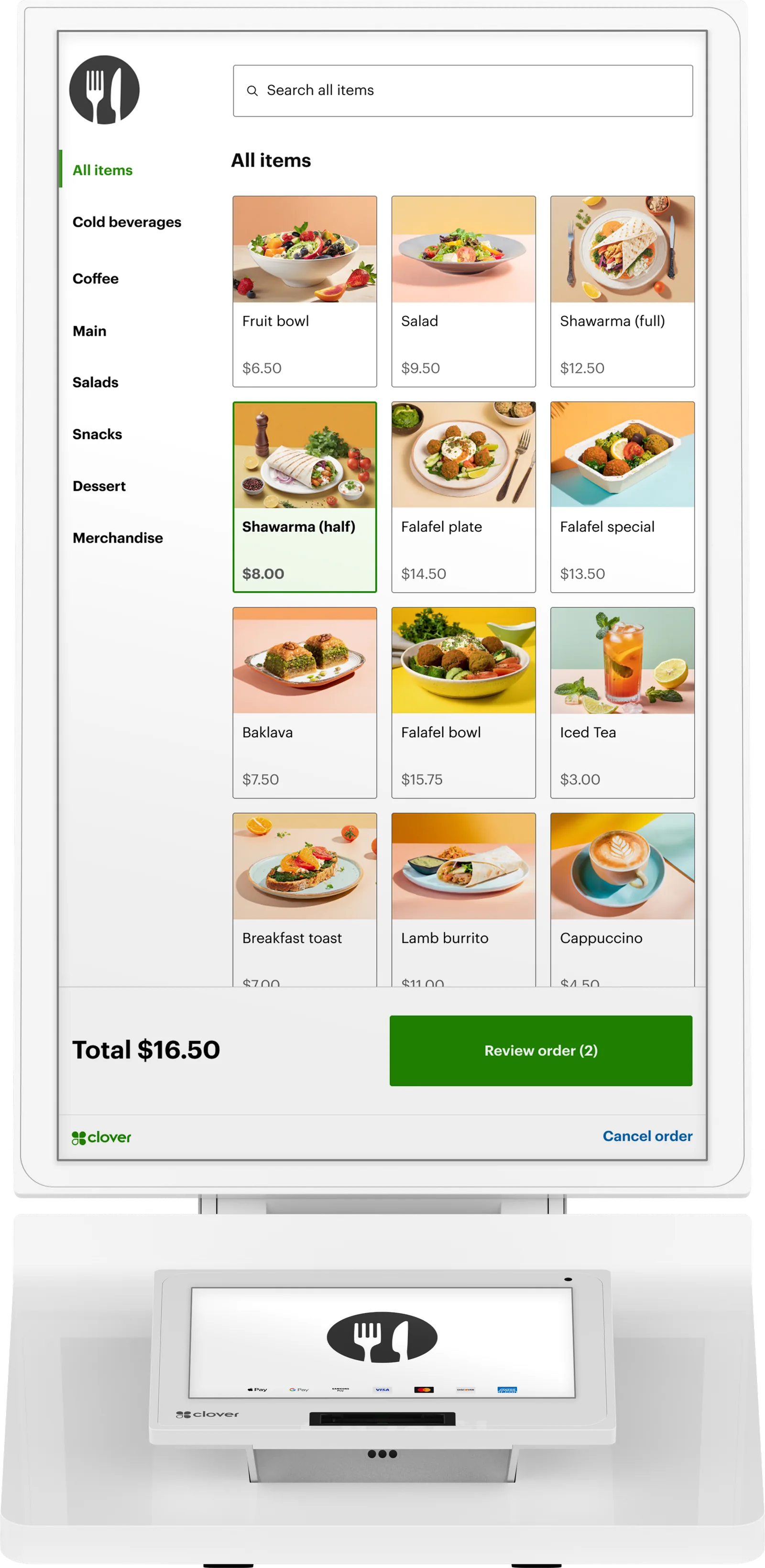
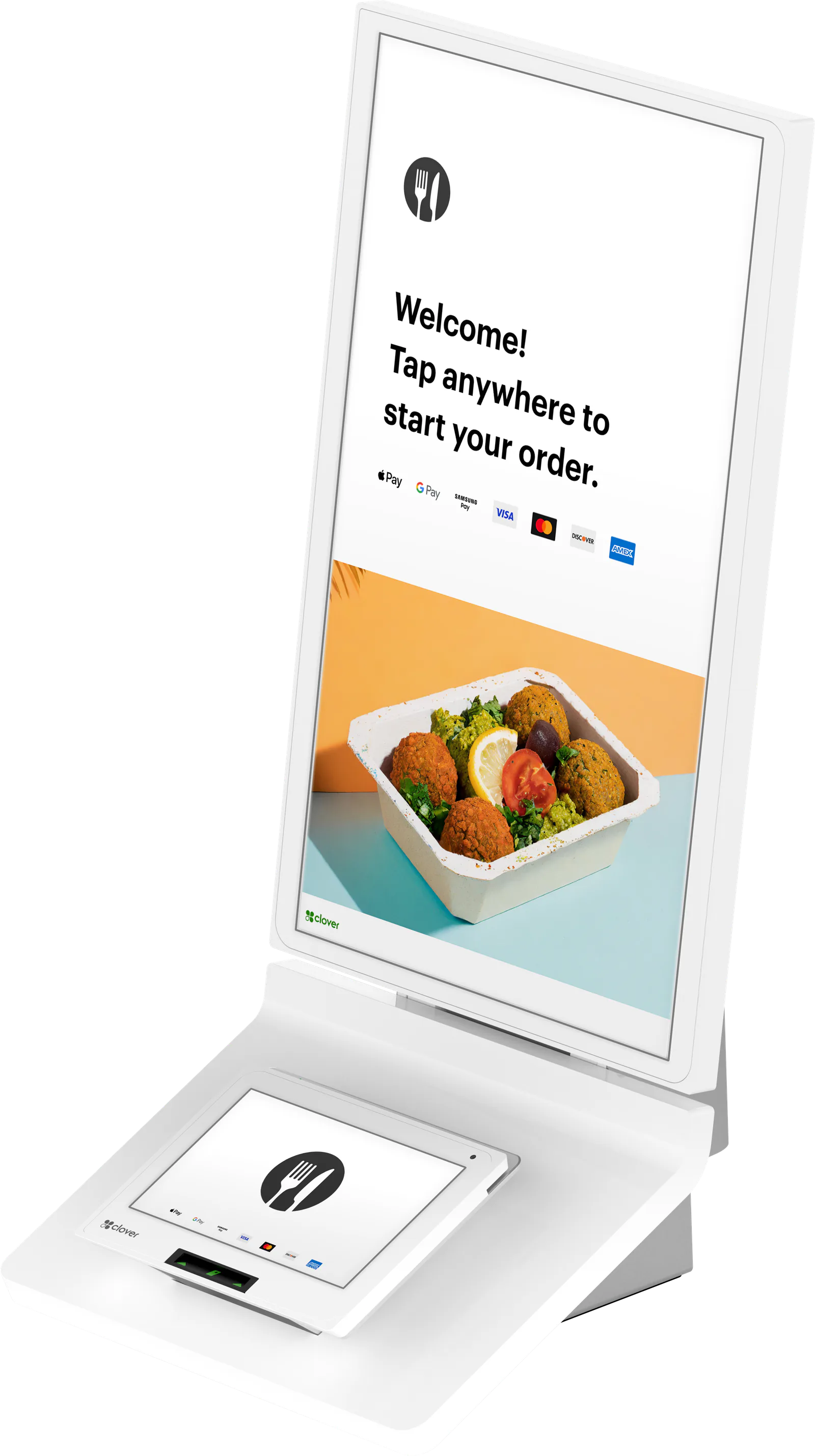
Let customers order and pay on their own. A 24‑inch touch screen shows your Clover menu, an 8‑inch screen takes payment, and the receipt prints right there.
- 24" order screen
- 8" payment screen
- Built-in printer
- Counter, wall or floor
Features
What you get with the Kiosk
Shorter lines, fewer order mistakes
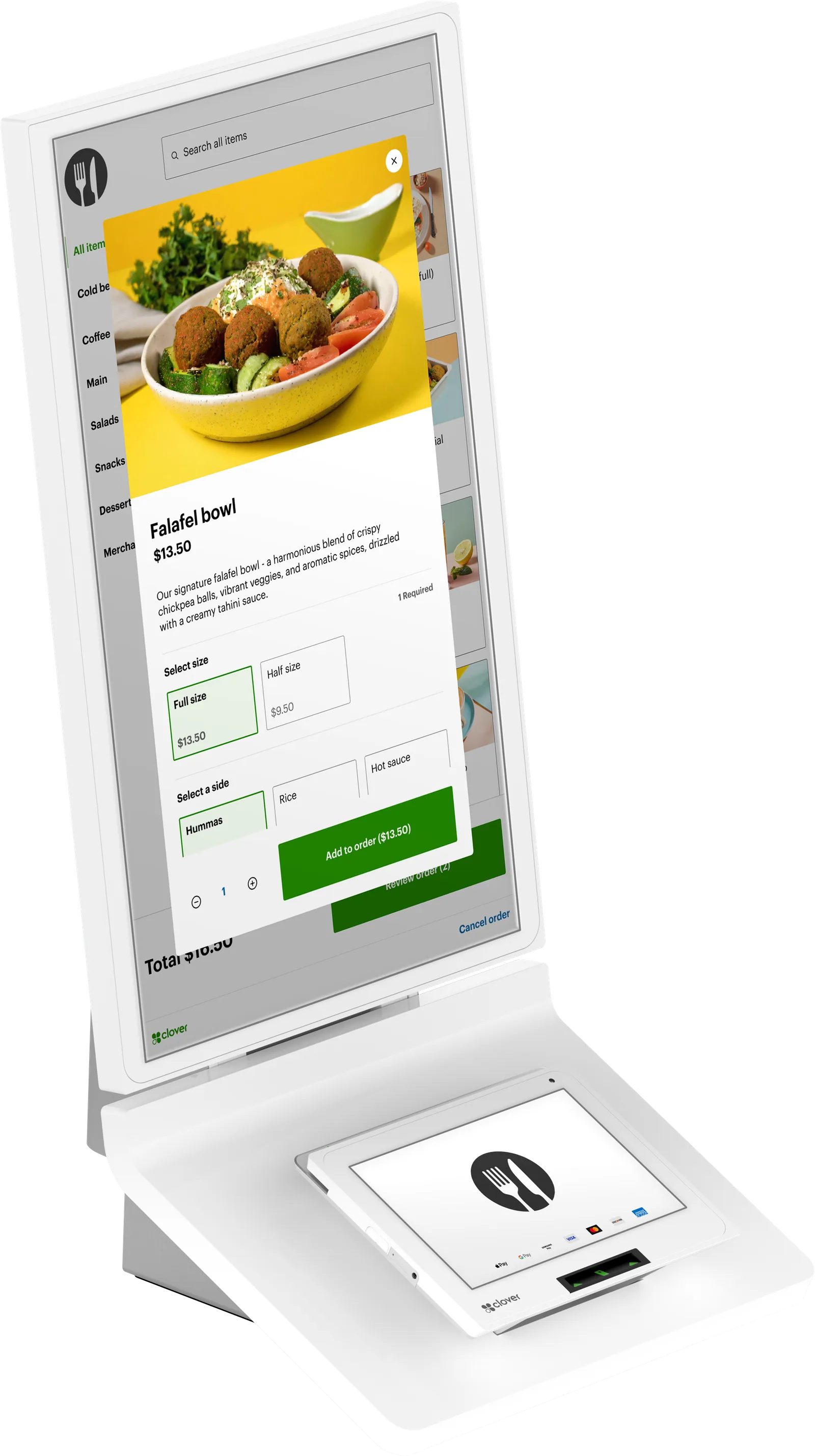
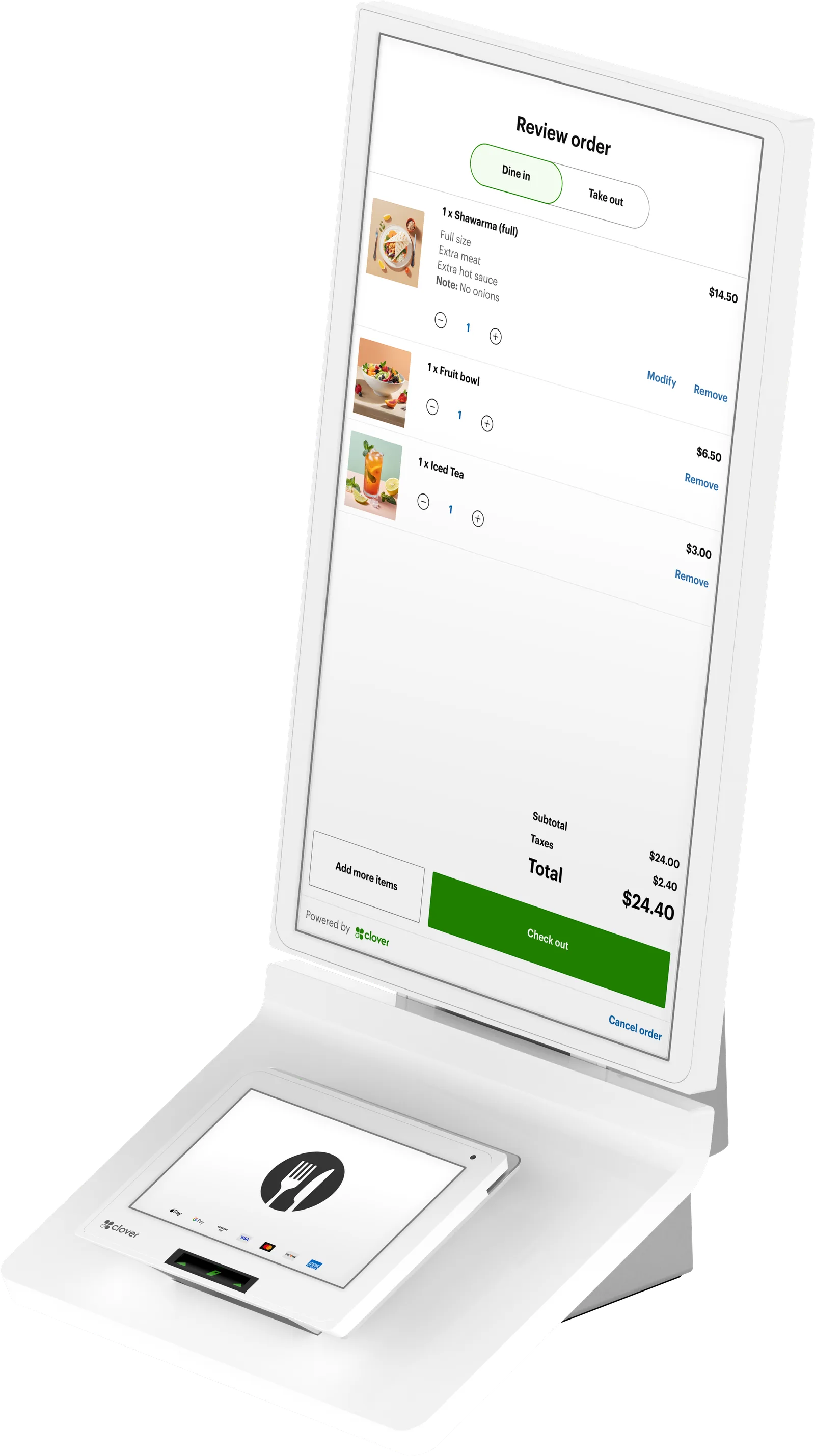
Guests browse the menu at their own pace, customize their order and pay without waiting for a cashier. They enter the order themselves, and your staff can focus on food and service.
Your menu, already loaded
The Kiosk pulls your menu straight from your Clover POS, so items and prices stay in sync with the counter. A guided setup covers item images, tipping and the printer.
Orders go straight to the kitchen
Kiosk orders show on your Clover Kitchen Display or print on your kitchen printer, the same way counter orders do.
Suggest the extras
The Kiosk can offer add-ons and upgrades on screen while guests build their order.
Payment and receipt in one unit
The 8‑inch payment screen takes tap, chip and swipe, plus debit with a PIN. A built-in thermal printer hands over the receipt.
Fits your floor plan
Set it on a counter, hang it on the wall with Clover’s bracket or any 100 mm VESA mount, or put it on Clover’s floor stand, which has high and low settings for guests who use wheelchairs.
Up close
A closer look at the Kiosk
Fit
Is the Kiosk right for you?
A good fit for
- Quick-service and counter-service restaurants with a regular line
- Cafés and fast-casual spots where guests like to browse and customize
- Restaurants that run, or are moving to, a Clover POS and kitchen display
- Owners who want staff making food rather than taking orders at the register
Specs
Clover Kiosk specs
Specs from Clover and our partner catalog. Check with us before you order.
| Order screen | 24" touch screen |
|---|---|
| Order screen layout | Portrait, full HD (1080 × 1920) |
| Payment screen | 8" touch screen |
| Accepts | Contactless, chip, swipe and debit PIN |
|---|---|
| EBT | EBT food (SNAP) and cash benefits, once your business is approved for EBT |
| Encryption | Clover Security encryption and tokenization |
| Receipt printer | Built-in thermal receipt printer |
|---|---|
| Printer paper | 3 1/8 in (80 mm) wide rolls, up to 3.25 in (83 mm) roll diameter |
| Ports | Four USB ports and an Ethernet port on the base |
| Network | Wi‑Fi, Ethernet and LTE |
|---|---|
| Data plan | Optional; we can turn it on or off at any time |
| Offline payments | Yes; sent for approval once you’re back online |
| Offline exceptions | EBT and gift cards need a connection |
| Countertop | Stands on the counter out of the box |
|---|---|
| Wall | Clover wall bracket or any 100 mm VESA mount |
| Floor stand | Optional; weighted base, height settings for wheelchair access, can be bolted down |
| Floor stand size | 17.29 in W × 17.71 in D × 39.37 in H; 46.29 lb |
| Bundles | Kiosk on its own, or with the wall mount or the floor stand |
Accessories
Works with the Kiosk
Ask about any of these when you get a quote.
- Kiosk floor standWeighted, corrosion-resistant stand with high and low settings for wheelchair access. Can be bolted to the floor. Comes on its own or in a bundle with the Kiosk.
- Kiosk wall mountClover’s wall bracket, on its own or in a bundle with the Kiosk. The Kiosk also fits any 100 mm VESA mount.
- Clover Kitchen DisplayA 14‑inch or 24‑inch screen in the kitchen where kiosk orders appear, with an optional bump bar. It shows orders; customers still pay on the Kiosk.
- Clover Kitchen PrinterTwo-color kitchen printer for kiosk and counter orders, built to handle heat and humidity.
FAQ
Questions about the Kiosk
Have a question we didn’t cover? Ask us and we’ll answer by phone or email.
Ask a questionDoes the Clover Kiosk work with my Clover POS?
Yes, it’s built to. The Kiosk pulls your menu and prices straight from your Clover POS, so there’s one menu to keep up to date, and kiosk orders show on your kitchen display or print on your kitchen printer like counter orders. If you don’t run Clover yet, we quote the Kiosk together with the counter and kitchen setup it works with.
How big is the Clover Kiosk, and how is it mounted?
The ordering screen is 24 inches, in portrait, above an 8‑inch payment screen. You can set it on a counter, mount it on a wall with Clover’s bracket or any 100 mm VESA mount, or put it on Clover’s floor stand, which measures 17.29 in wide, 17.71 in deep and 39.37 in tall. We’ll check the fit for your space before you order.
What payments does the Kiosk take?
Customers tap, insert or swipe a card on the 8‑inch payment screen, and debit cards can be paid with a PIN. The built-in printer prints the receipt. The Kiosk can also run on a surcharging account. Surcharging applies to credit cards only; debit cards are never surcharged. It isn’t allowed in Connecticut, Maine, Massachusetts, Oklahoma or Puerto Rico, and other states may have limits or disclosure rules; we confirm yours during onboarding. It can reduce card costs; it doesn’t eliminate them.
Is the Clover Kiosk only for restaurants?
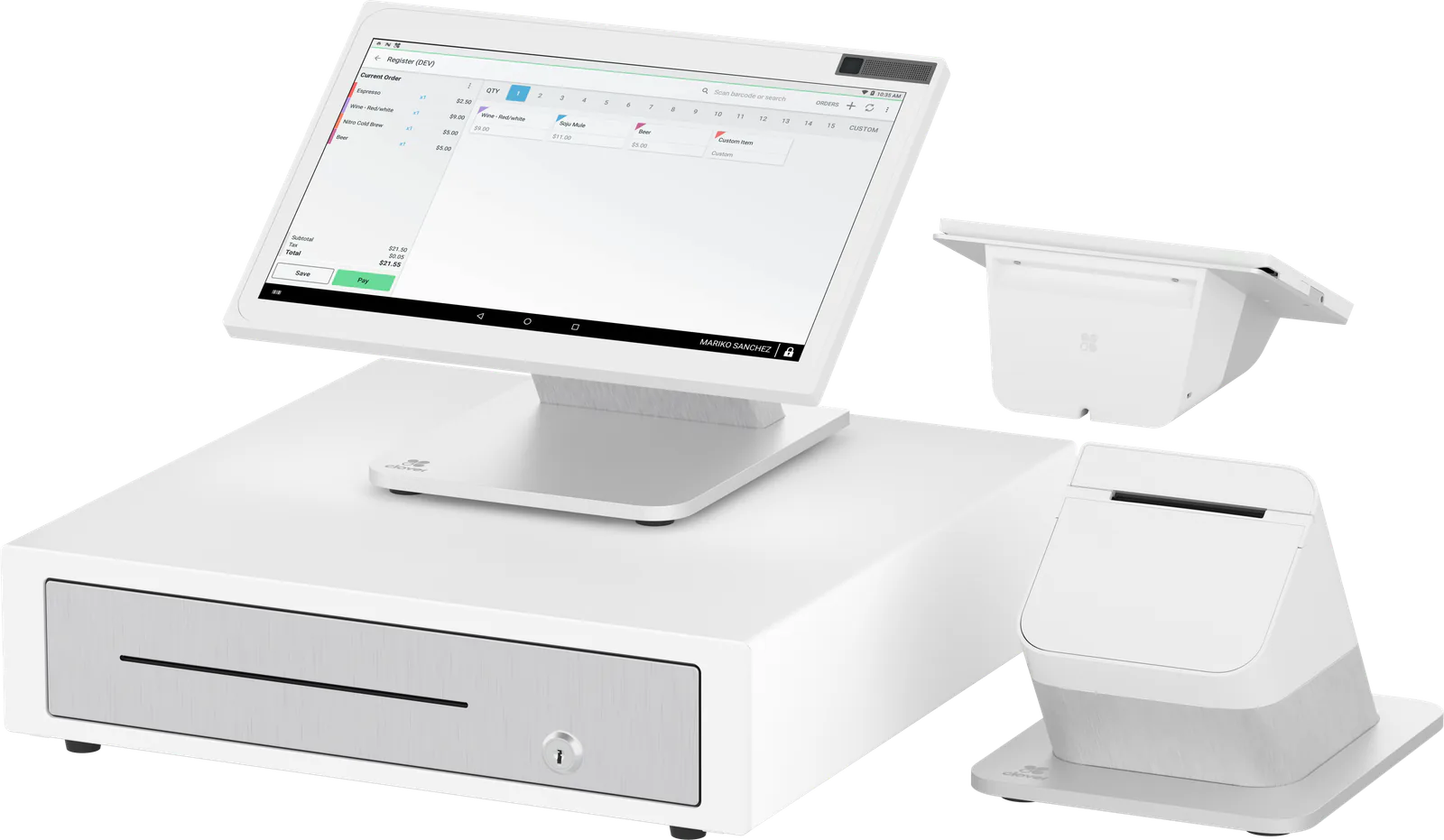
Clover built it for restaurant self-ordering, and it fits best in quick-service and counter-service spots with a steady line. For a shop or service counter, a Station Duo 2 or Mini 3 usually suits better. Tell us how you sell and we’ll suggest the right mix.
How do you set up a Clover Kiosk?
Clover’s guided setup walks through each step, from checking item images to tipping and printer settings, and the menu comes from your Clover POS. We handle the setup with you, so the Kiosk is ready before your first customer orders on it.
Can guests who use wheelchairs order on it?
Clover’s floor stand has high and low settings, so you can set the screens at a height that works for guests who use wheelchairs. On a counter or wall, the height depends on where you place it, and we’ll talk that through with you.
How much does a Clover Kiosk cost?
It depends on the setup: how many kiosks, which mount, the kitchen display or printer that receives the orders, your Clover software plan and how you want to handle card fees. We price the whole system as one quote, so you see everything before you decide. Ask for a quote and we’ll follow up by phone or email.
Other devices
Other Clover devices
- Counter service and retail
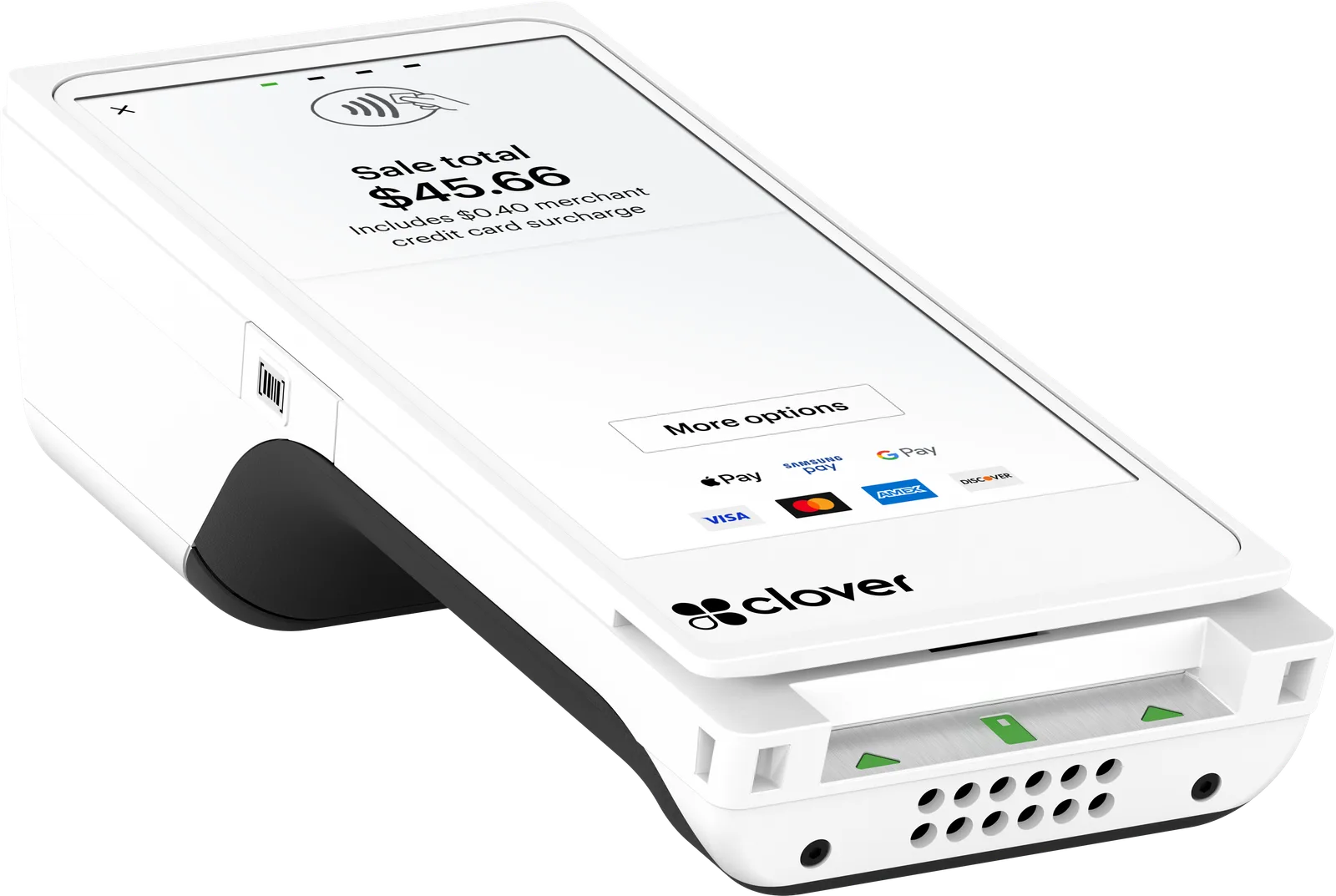 Tableside and on the go
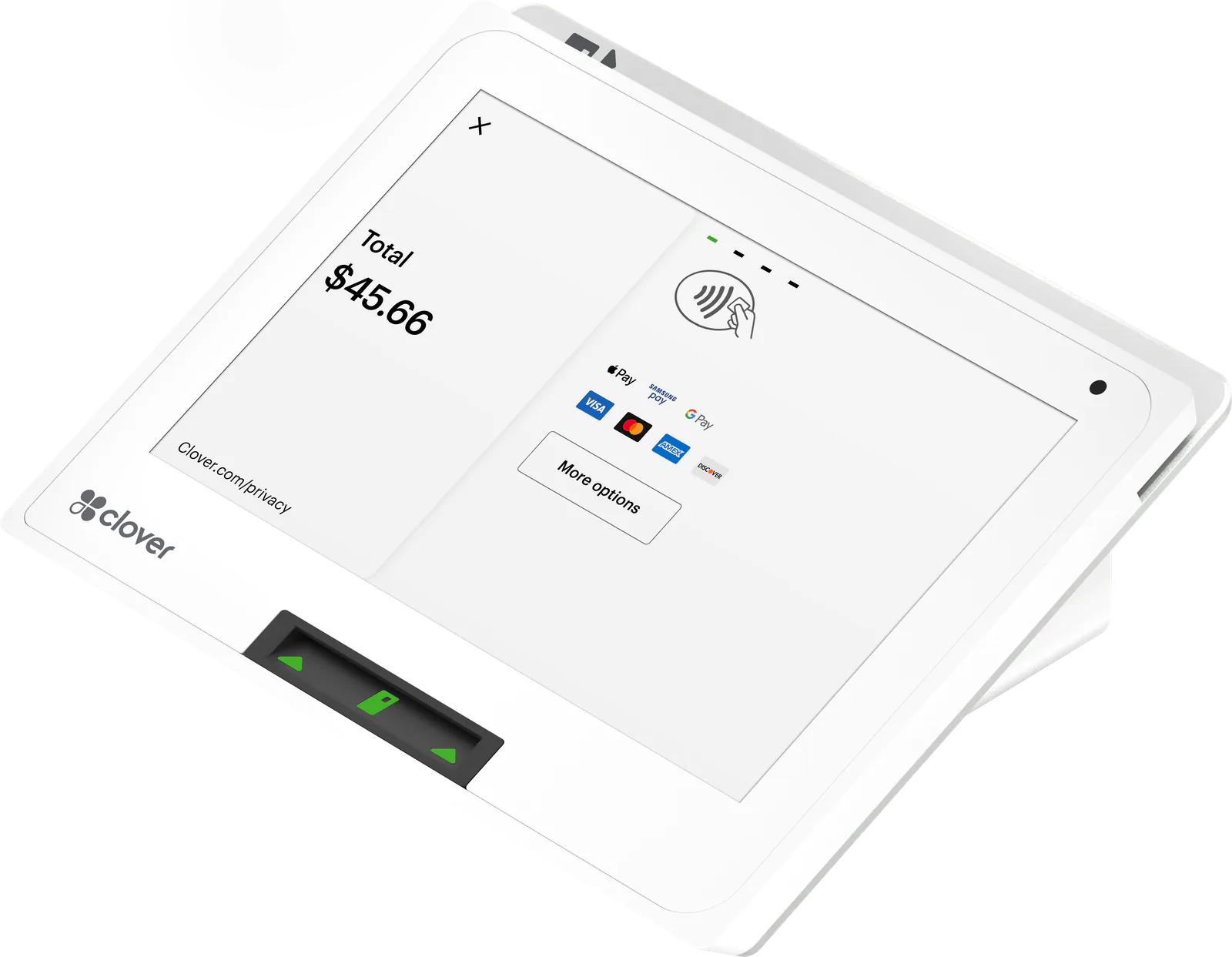 Small counters
Ready for the Clover Kiosk?
Tell us how you sell. We’ll quote the device and a processing plan, set them up, and stay a phone call away.