
What is Grubhub Clover integration?
This long-awaited Clover feature has finally arrived. Clover has teamed up with Grubhub to help local restaurants manage pickup and delivery orders directly through their Clover point of sale systems.
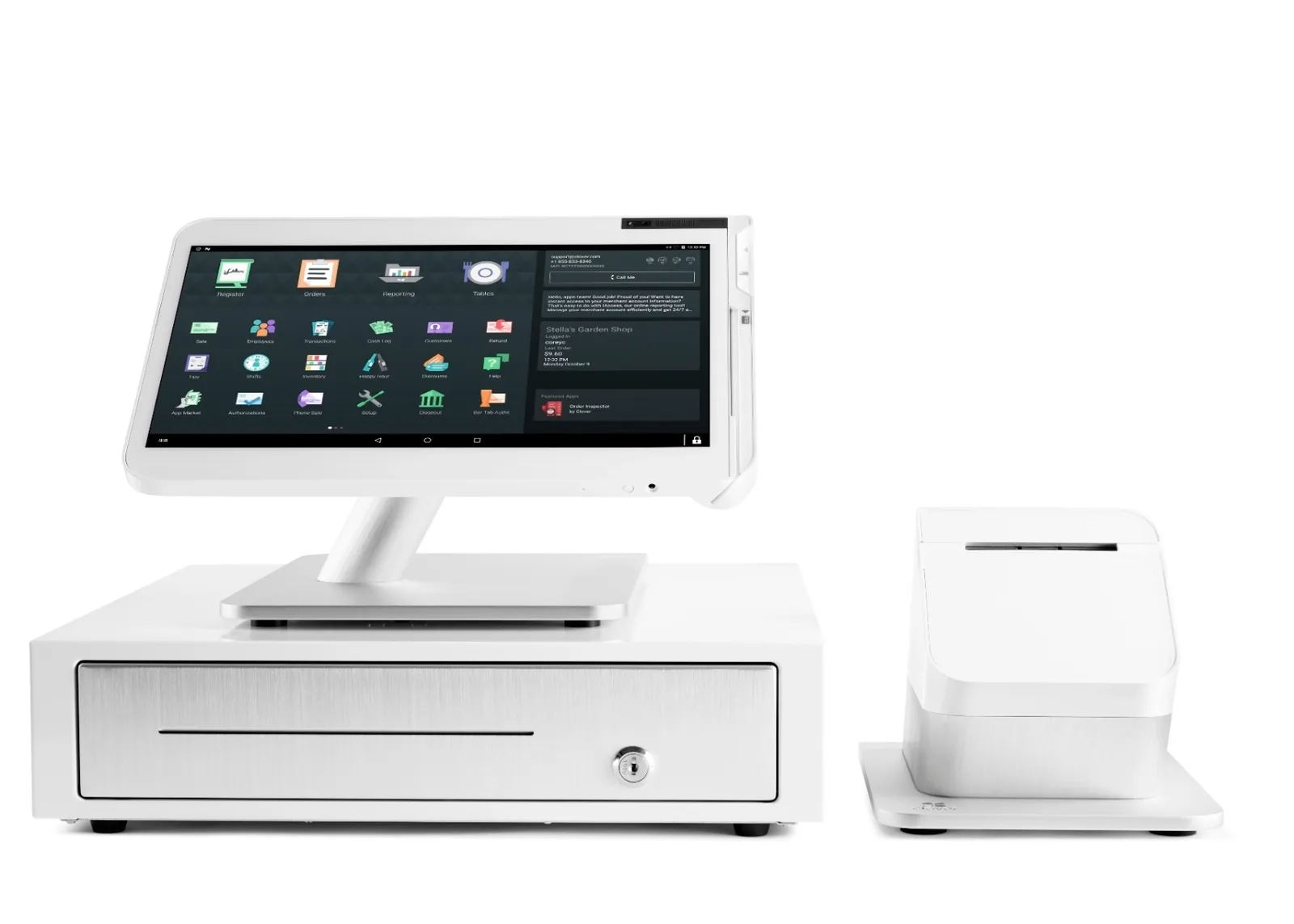
Through this integration, restaurants will now easily see their Grubhub online order history, food delivery status, and be able to update their menu right from their Clover POS system. This POS integration is available for the Clover Station, Clover Mini, and the Clover Flex.
How does this integration with Clover POS work?
- First, make sure you’re signed up for Grubhub. If not, you can enroll from your Clover Dashboard.
- Grubhub will contact you to verify the integration and then create a menu on their app based on your Clover inventory
- Grubhub customers find your restaurant in the Grubhub app, place their order and pay, all through Grubhub
- The order is fired to your kitchen and your staff get it ready for delivery
- A delivery person (either Grubhub’s or your own driver) takes the order to your guests
Benefits for your restaurant
There are many benefits to independent restaurants for signing up for Clover Online Ordering with Grubhub Delivery:
- Partnering with Grubhub may increase your online ordering volume and revenue from delivery orders from 30M+ Grubhub customers
- Your restaurant can offer online ordering for all dining options: takeout, curbside, dine-in, and delivery services
- Easy set-up and integration with Clover
- Easy delivery order processing with little or no additional marketing of online ordering required by your restaurant's staff
- Orders fired to the kitchen automatically for easy order management
- Streamlined processing of orders – you no longer have to manage multiple tablets
- Centralized business management platform in Clover for menu items, order processing, and real-time reporting
- Online app menus are automatically updated when you make changes to your Clover menu items
Benefits for your customers
Your restaurant's guests also benefit from Grubhub Clover integration:
- Customers can find your restaurant from the Grubhub ecosystem for online ordering and delivery services
- Give your customers multiple ordering options: delivery, takeout, curbside pick up, and dine in
- Accept orders from platforms where your customers like to shop, on your Clover Online Ordering website, and on the Grubhub app
Delivery and Pickup Options
When customers place orders on the Grubhub app, they can specify whether or not they want their order delivered. Your restaurant will have the option to use Grubhub's drivers or you can handle deliveries using in-house staff and vehicles.
If a restaurant is already using Grubhub, can they integrate their account with Clover?
Yes! If you are already using Grubhub you can login into your Clover Dashboard to request integration. Orders will then be fired directly to the kitchen and your restaurant’s menu will be updated automatically whenever you make changes to the menu in your Clover.
What are the advantages of integrating your existing Grubhub account into Clover?
The primary advantages of integrating your existing Grubhub service with Clover are streamlined order processing, centralized reporting, and time savings. You won’t have to manage orders manually on a Grubhub tablet.
Grubhub orders will be fired directly to your kitchen printers, thus streamlining order processing before passing the prepared food to Grubhub drivers for delivery.
All menus integrated into Clover, including Grubhub menus, are updated automatically when you make changes in your Clover inventory. Grubhub orders will also be included in your reports.
How does a restaurant sign up for Grubhub Clover integration?
If your restaurant already has an active Grubhub account, integrating it into your Clover system is as simple as clicking the “Get Started” button on the Online Ordering screen of your Clover dashboard.
You will be asked to provide your Grubhub URL which will start the integration process into Clover.
If your restaurant is new to Grubhub, you can sign up for an integrated account from your Clover Dashboard, by going to the Online Ordering screen and clicking the “Get Started” button. After entering your restaurant’s information, a Grubhub representative will reach out to you to confirm your listing.
You’ll benefit from streamlined order management of Grubhub orders through your Clover POS.
What to do if you don't have a Clover POS system?
This is where we can help. If your restaurant uses a simple credit card terminal or an outdated point of sale system that doesn't offer Grubhub integration, the Clover platform is a great choice.
With several devices to choose from, you'll be able to customize your restaurant with state-of-the-art equipment such as Clover Station, Clover Mini, Clover Flex, and the Clover Go.
Contact us right now, so that we can provide you with information on this restaurant technology, and Clover POS pricing. We can even take a look at your current processing statements.
We'll make integrating Clover with Grubhub simple.